Sashalxrd
Participating Frequently
December 30, 2021
Answered

Unable to find recently downloaded Illustrator plug-ins

  • December 30, 2021
  • 1 reply
  • 3561 views

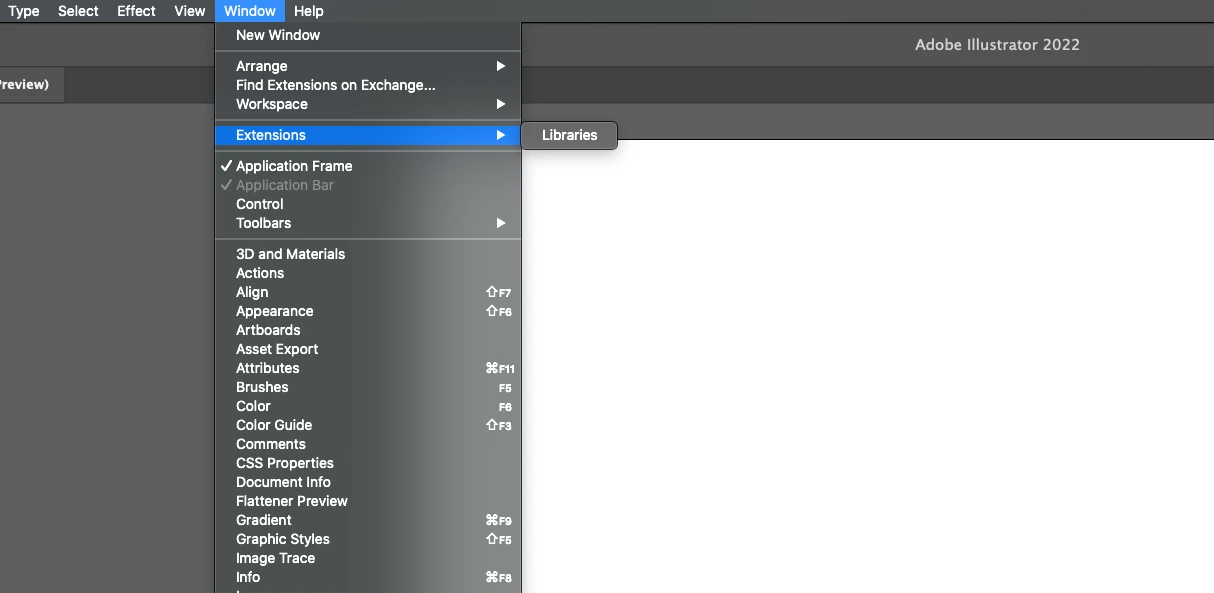
Hey, I've just downloaded three illustrator plug-ins through the adobe cloud application. I've relaunched illustrator as thats what you have to do to be able to see the new plug-ins/extensions but nothing is showing. Is there something else I can do for this to work please? I've attached an image below.

Correct answer CarlosCanto

@Sashalxrd Sure, try that to see if it works. Especially if you use a direct download. However, back when you first posted, I looked for the folder where the plug-in lives, but it's not in the Photoshop or Illustrator Plug-ins folder. I searched my entire drive and never found it. I was looking for the name "Icons8" and "adobe-icons8" so maybe it's named something else. Once you use an icon, a folder is automatically created that stores the .png files. Maybe this is a cloud-based plug-in and works through the CC desktop? You could also send an email to: support@icons8.com. I don't know why it's not showing up for you!


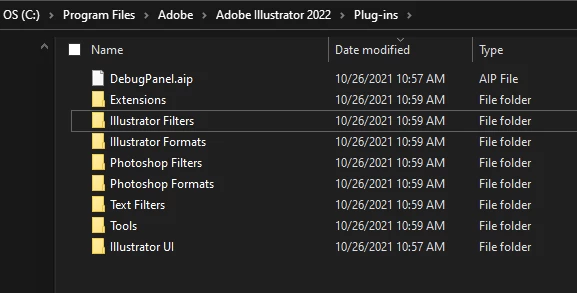
Here is where the plug-in folders are located:
Mac: /Applications/Adobe Photoshop (or Illustrator) CC [version]/Plug-ins
Windows: C:\Program Files\Adobe\Adobe Photoshop (or Illustrator) CC [version]\Plug-ins


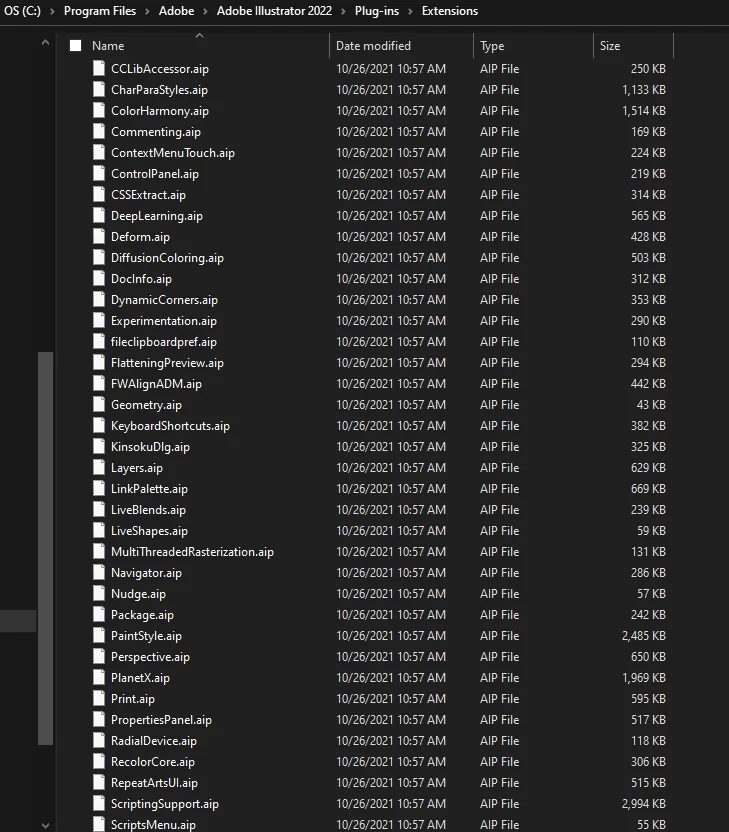
ETA: (not enough coffee) that was my InDesign plug-in folder! Here is Illustrator, and it's not in the Extensions folder either under anything named "icons."


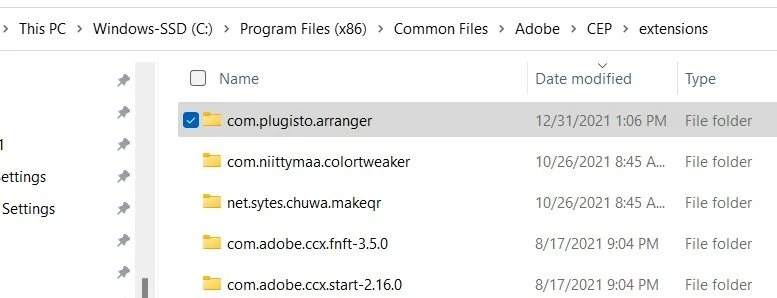
on Windows, the User Extensions folder is located here

C:\Program Files (x86)\Common Files\Adobe\CEP\extensions
 

1 reply

CarlosCanto
Community Expert
Community Expert
December 30, 2021

What plugins did you download? 


Extensions will show up in the menu shown in your screenshot if they have one, but plugins could have their own menu or no menu at all.

Sashalxrd
SashalxrdAuthor
Participating Frequently
December 30, 2021

 These are the 3 plug-ins I've installed. Do you know how I can find them within the software or any other menus?

J E L
Community Expert
Community Expert
January 3, 2022

Thank you, although I'm using an Imac. Would you know where that is located too?


@Sashalxrd It should be: /Users/[name]/Library/Application Support/Adobe/CEP/extensions.


I'm curious to know if you have a copy there or not after trying to install it with CC. These are the folders within the plug-in folder you should see: