
Participant
January 14, 2020
Question

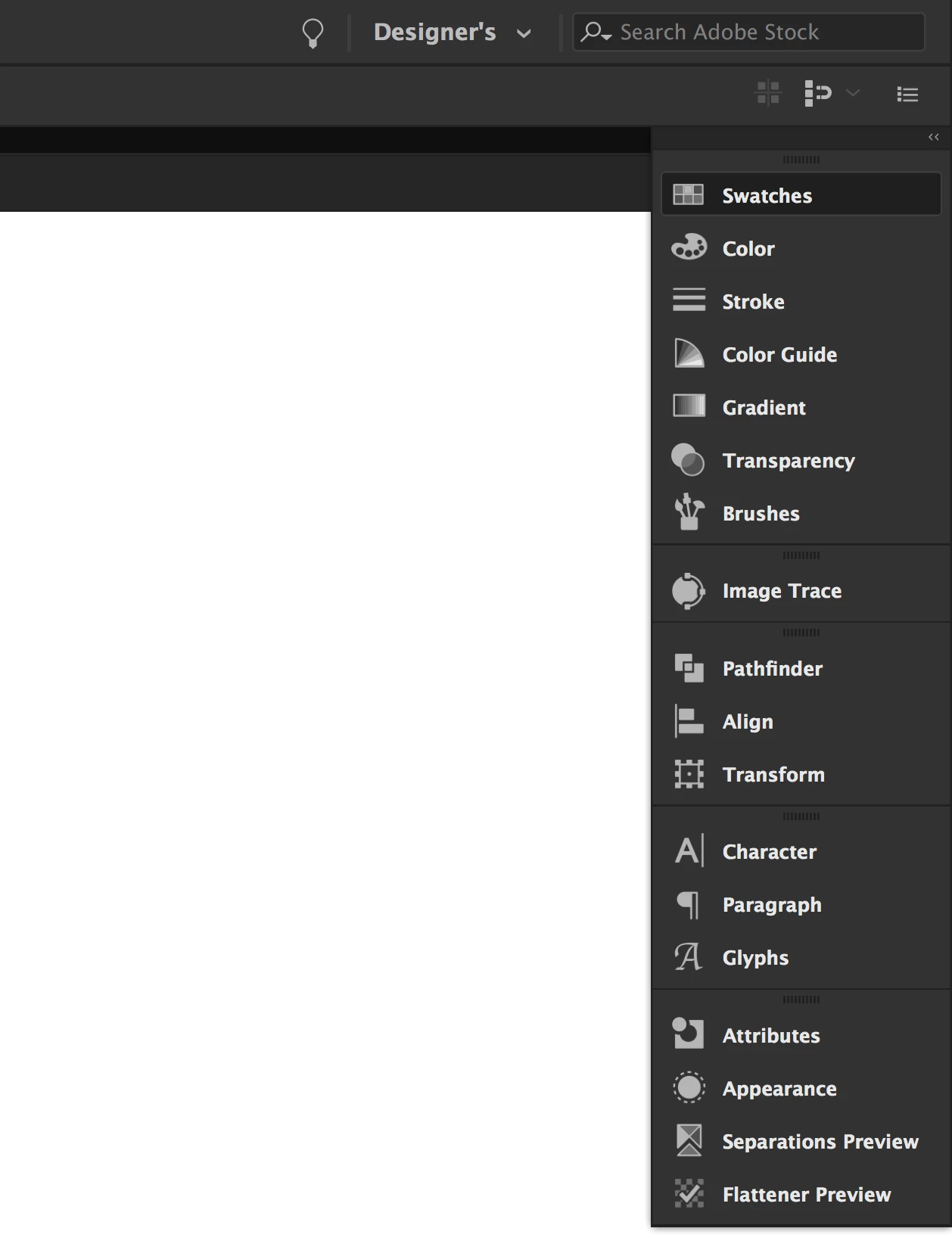
Unable to open Panels in Illustrator 2020
  • January 14, 2020
  • 1 reply
  • 277 views


Hello! I just downloaded Ai 2020. I created a new workspace, using the panels that I usually use. But, when I click on them they do not open. so I have to press the arrows "Expand panels" to open them. But that doesn't help. Does anyone have an answer? Thank you!


{Renamed by MOD}

This topic has been closed for replies.

1 reply

Srishti Bali
Legend
January 14, 2020

Hi there,


So sorry to hear about this issue. Could you please confirm which operating system you are working on? I would request if you can try resetting Illustrator preferences (https://helpx.adobe.com/illustrator/using/setting-preferences.html#setting_illustrator_preferences ) and let us know how it goes.


Please note that resetting preferences will remove all the custom settings and Illustrator will launch with default settings. You can also take a backup of the folders in case you want to. Location is mentioned in the article.  


Regards,

Srishti


Participant
January 15, 2020

Srishti many thanks, i reset the illustrator preferanxew and everything looks good now!