Answered
Unknown error when bringing Autocad file in
Hi community I have an Unknown error when bringing Autocad file in (please see photo). can anyone help me? 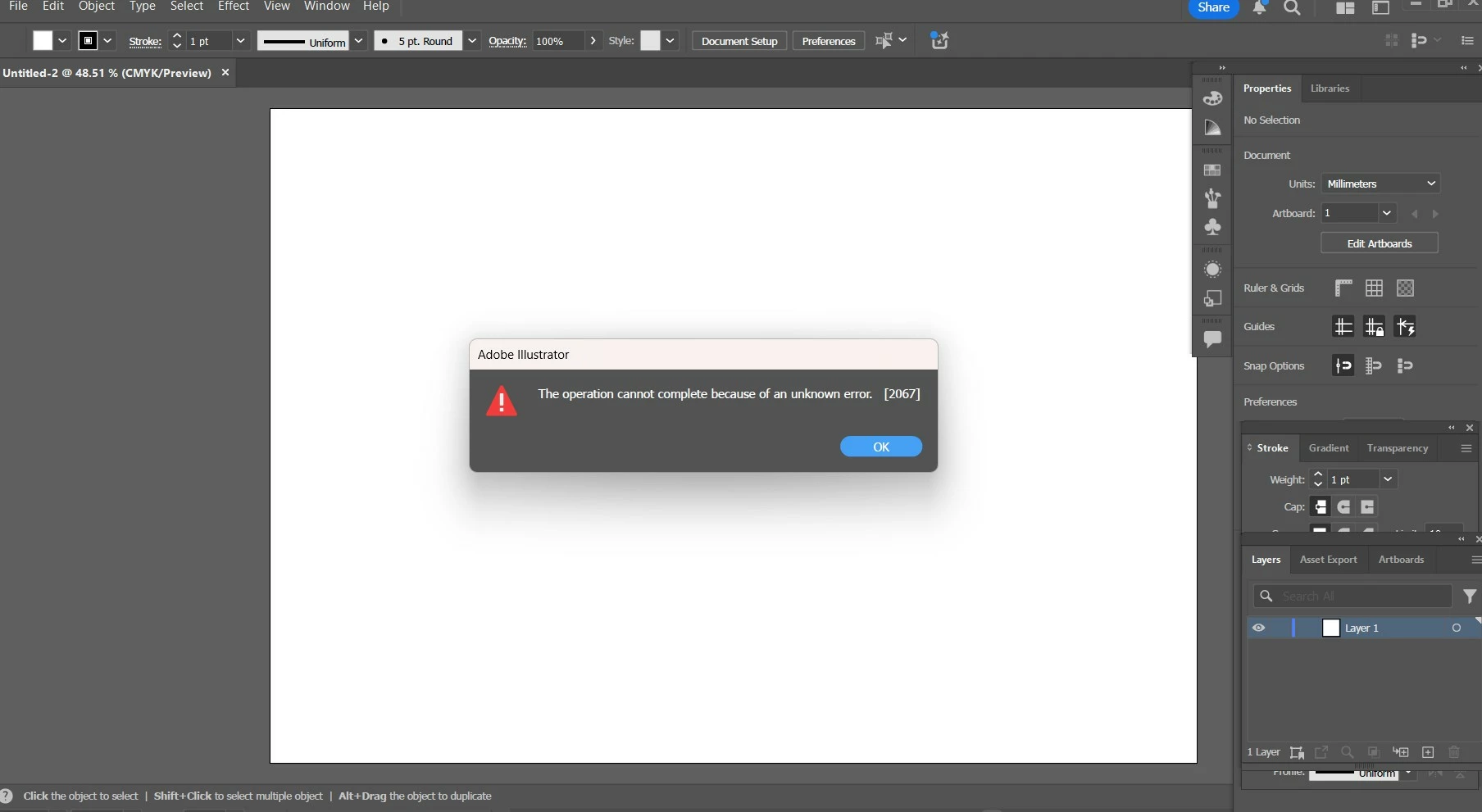

Hi community I have an Unknown error when bringing Autocad file in (please see photo). can anyone help me?
@ShellyB.Architect.Student This error typically occurs because the AutoCAD file contains unsupported or corrupt data, such as a missing font, a damaged block, or a complex element that Illustrator's import filter cannot process correctly. To fix this, you should go back to the original AutoCAD file and clean the file up. Try using the "AUDIT" command to check for errors, the "PURGE" command to remove unused or corrupt items, and simplifying any complex elements like splines or 3D objects. It can also be helpful to save the AutoCAD file as an older version (like a DXF or a prior DWG format) before attempting to open or place it in Illustrator again.
Already have an account? Login
Enter your E-mail address. We'll send you an e-mail with instructions to reset your password.
 AdChoices