
Participant
November 4, 2019
Frage

Unwanted black box appeared on Illustrator 2019
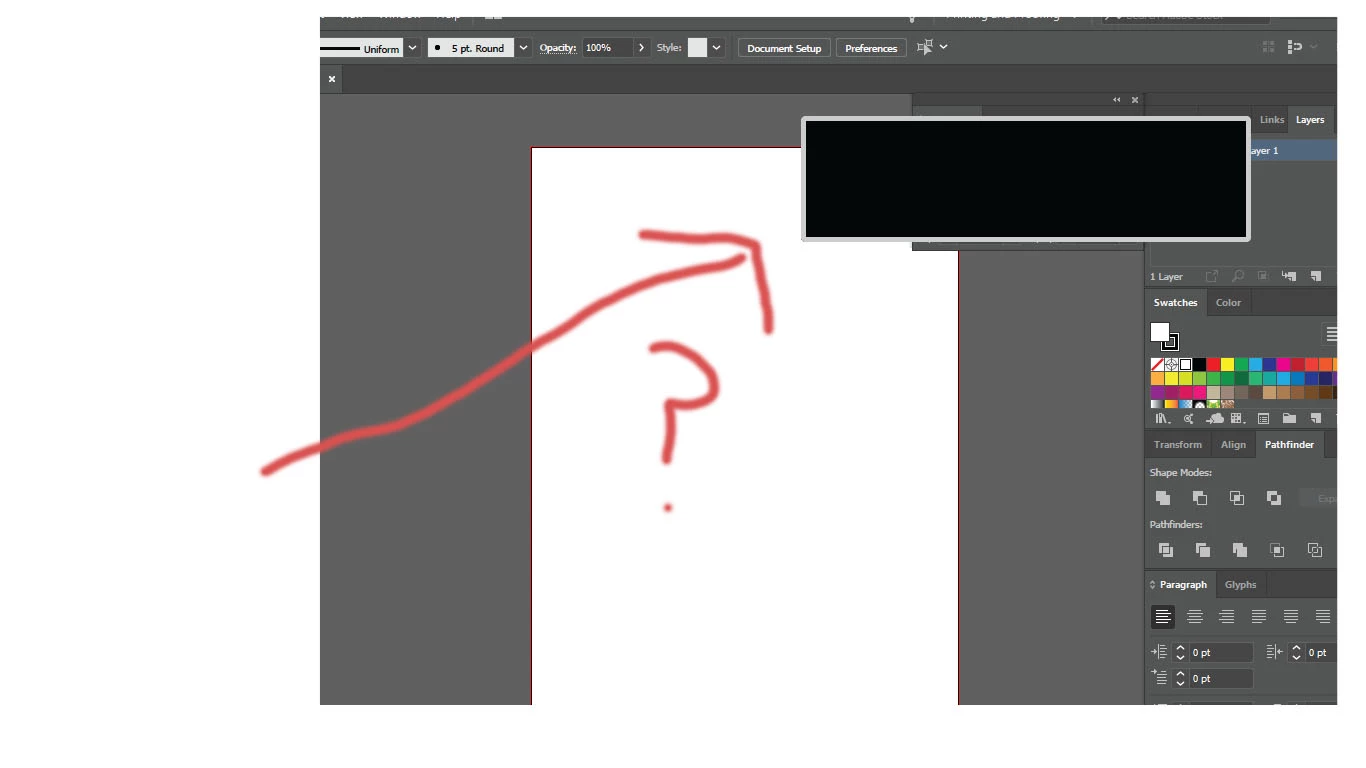
  • November 4, 2019
  • 1 Antwort
  • 6415 Ansichten

Hi!


I need help solving the problem of this unidentified black box that shows up whenever I am in Illustrator 2019. I have been using Illustrator 2018 for awhile until this last update, which now the 2018 version is disappeared off my computer. Can someone help me get rid of this black box.

I have tried escape key, rebooting, updating...I can't click on it (nothing happens when I do) or highlighting it.


Thanks for anyone's help.


{Renamed by MOD}


Dieses Thema wurde für Antworten geschlossen.

1 Antwort

Srishti Bali
Community Manager
Community Manager
November 4, 2019

Hi Tara,


Thanks for reaching out. This definitely looks like a Display issue. Please turn off GPU performance (Illustrator/ Edit > Preferences > Performance > Uncheck GPU Performance) from Illustrator preferences and let us know how it works. 


Regards,

Srishti

Participant
November 8, 2019

Hi,

I do not have the option of checking/unchecking GPU Performance.


Would you know why that is?


Thanks

Participant
November 8, 2019

Hi,

So I have discovered that this link is what is suppose to show up in the black box in Illustrator 2019


https://www.adobe.com/go/ai_NewFeature_CC2018


Could this be somehow disabled?


Thanks for any help