
Participant
January 17, 2023
Question

v27.1.2 Live trace is terrible

  • January 17, 2023
  • 3 replies
  • 1244 views

Updated Illustrator and Live trace still can't even handle simple line drawing.

I can't get it to give me satisfactory result, whatever settings i try. a free online converter was able to give me perfect result (although only an outline so i can't fill) so i don't believe its the original artwork/file.


Online coverter can give me this:
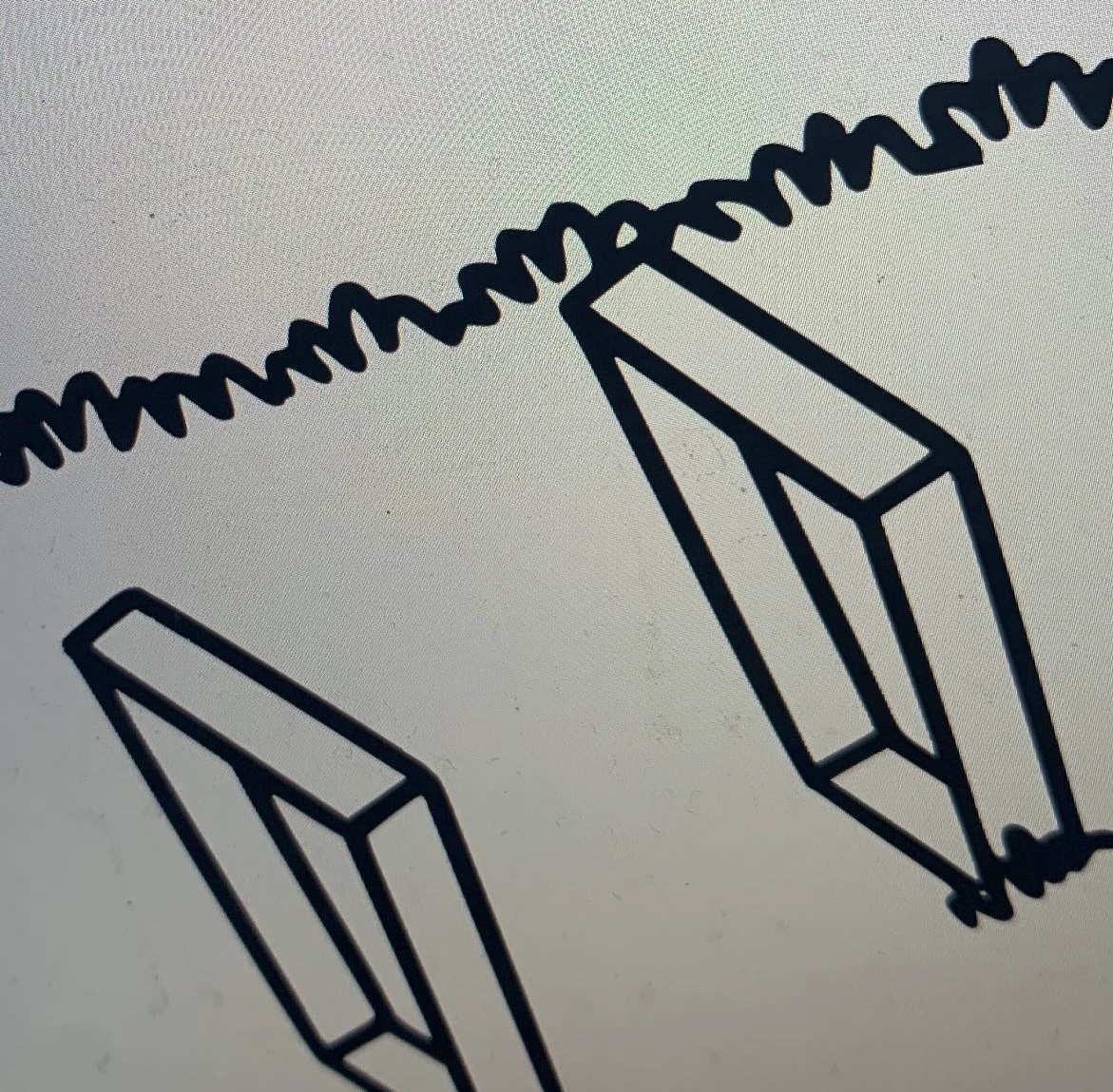
 

BEst i can get on Adobe:
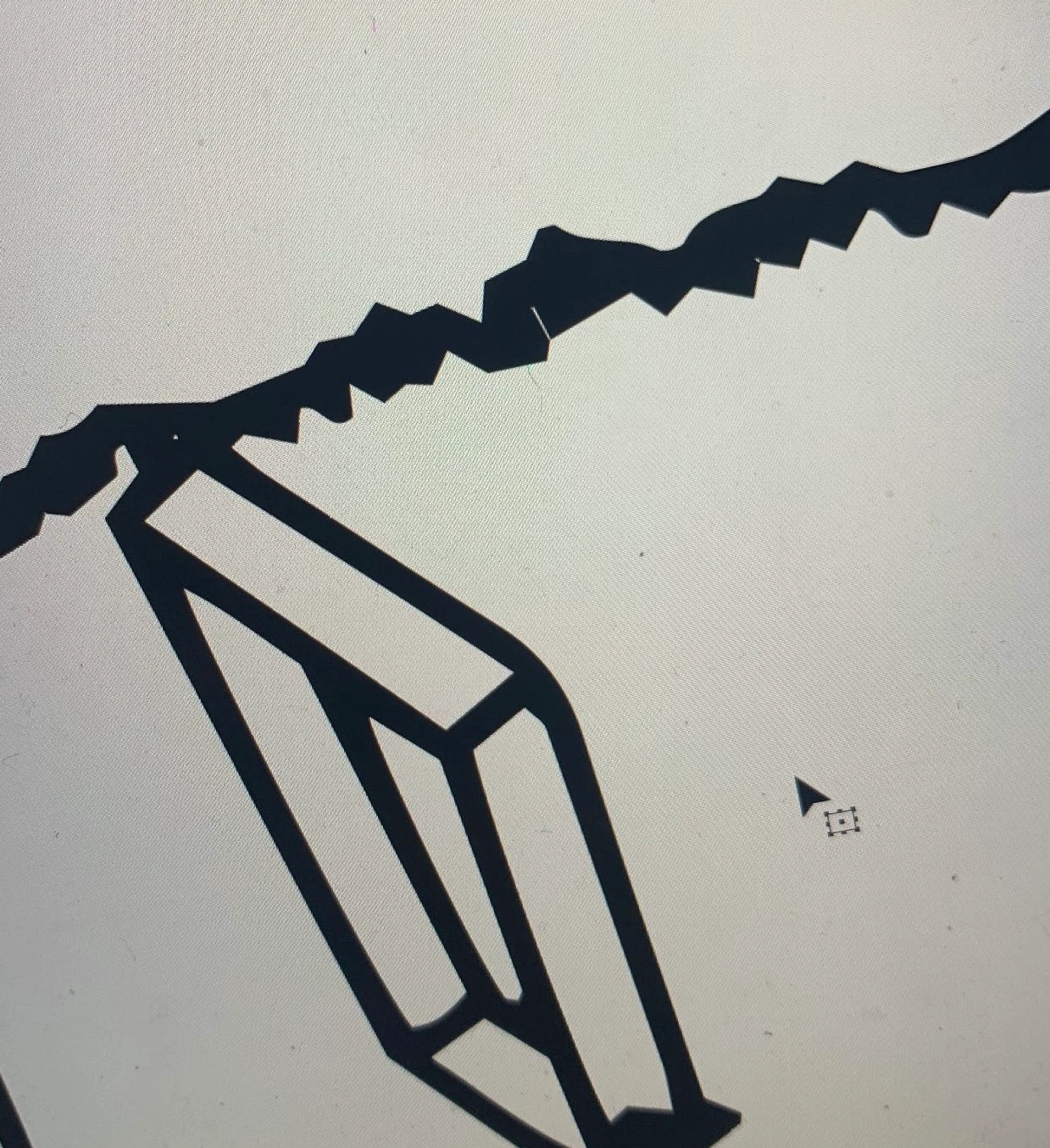
 

 Am i doing something wrong thats obvious? 

This topic has been closed for replies.

3 replies

Anubhav M
Community Manager
Community Manager
January 27, 2023

Hello @joannam8527,


Thanks for reaching out. I hope the suggestions shared by Monika and Ton helped answer your queries.

Feel free to reach out if you have more questions or need assistance. We'd be happy to help.


Thanks,

Anubhav

Participant
February 13, 2023

I have a large black and white tiff that I cannot live trace for some reason. When I go to trace, it doesnt detect any linework.  I have tried adjusting settings but its driving me nuts. Typically I do image trace from jpegs and they turn out well. Not sure what Im doing wrong.


Monika Gause
Community Expert
Community Expert
February 14, 2023

Please show.

Participant
January 18, 2023

What does your artwork look like as outlines?

https://helpx.adobe.com/illustrator/using/viewing-artwork.html

If the outlines are basically similar for both AI and your online source artwork then the problem could be your stroke settings. Especially check Cap and Corner and try the options in that Stroke panel.

Monika Gause
Community Expert
Community Expert
January 17, 2023

How large is the image?

Did you adjust the precision in the Advanced options?


Can you perhaps post the template image so one could take a look at it?

Participant
January 17, 2023

Yes i've tried the image at a bunch of different sizes and as .png, .jpeg and .tiff and tried everything as far as threshold, paths, corners etc. 

Here's a png of the image. Never had an issue like this before so wondering if there's some hidden setting that might have changed in the update?

Monika Gause
Community Expert
Community Expert
January 17, 2023

Illustrator produces different results with larger than with smaller images. 

And Black and white has always been somewhat troubling. 

that said: I don't know whether the upper two-thrids are intentionally blank, so I cropped that part and got a better result: