Inspiring
May 26, 2022
Answered

values automatically on top (outside) of column charts problem

  • May 26, 2022
  • 1 reply
  • 1013 views
Can someone tell me why this is not working like it is supposed to? I really don't want to start drinking so early in the morning!
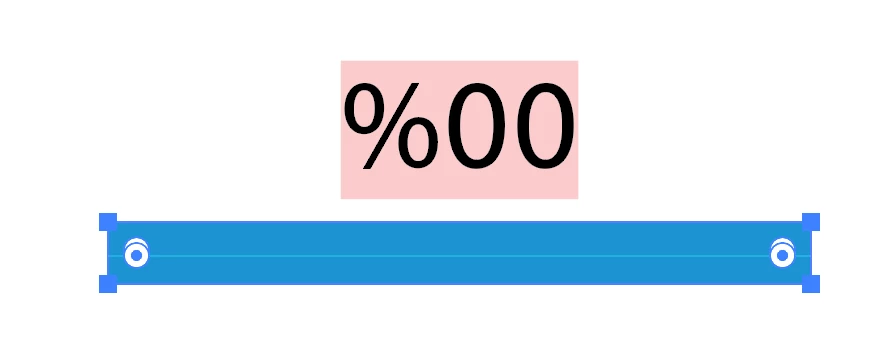
Unfilled/unstroked rectangle in back to cover the bar height (smallest bar) and the bounding box of the text. unlocked guide.
I am following the directions to a tee. I want the numbers on top AND the column heights to be correct... they are changing and they are not supposed to be changing. Notice the smaller bars are now underwater.
This is really driving me nuts! Why can't Adobe bring the chart module into the 21st century?
top is copy/paste from Word for reference
Thanks in advance
 
This topic has been closed for replies.
Correct answer Monika Gause

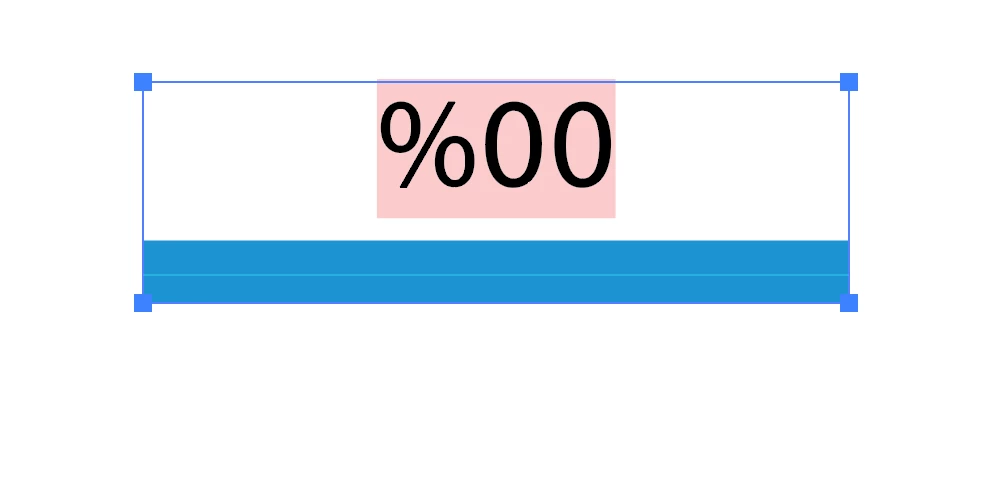
Your invisible rectangle was wrong. It needs to be just the same size as the blue bar. Also: there are so many groups.


Was like this:


Should be like this:


I've written about it ion CreativePro https://creativepro.com/applying-custom-designs-to-illustrator-graphs/

1 reply

Monika Gause
Community Expert
Community Expert
May 26, 2022

Can you please upload the file the Dropbox or the like?

rcoda1Author
Inspiring
May 26, 2022

WHY on God's Earth can't I upload an ADOBE Illustrator file to an Adobe support site?


https://drive.google.com/drive/folders/1bR0-j313I8obAvtroT-JteFvWfgCQm5z?usp=sharing

Monika Gause
Community Expert
Community Expert
May 27, 2022

Thank you very much Monika!


You're welcome!