
Question
Values revert back after changing with Transform tool
Hello,
We have recently moved from Illustrator CS6 to CC 2015.2.1 on OS X 10.11.6 and are having an issue with changing values using transform.
If we select a corner with the direct selection tool that has a X value of 89.999mm for example and round that number to 90mm after pressing enter and clicking on the corner again the value reverts back to 89.999mm. This only seems to happen when the value is a different of .001mm. This same happens when changing a value from the tool bar.
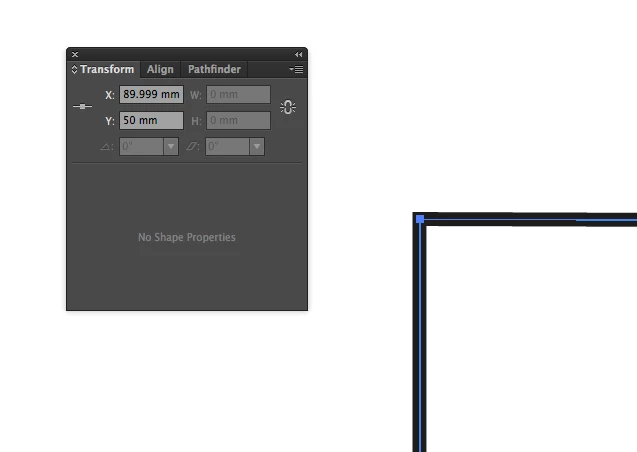
This issue didn't happen in CS6, we could change a value as just described and it would stay at that value even if the difference was only 0.001mm.
Does anybody know why this is happening and if the behaviour can be changed to how it was in CS6?
Regards,
Tom
 AdChoices