
scotth61807379
Participant
December 7, 2019
Answered

Vector File from Adobe Stock is Empty except for flat image?

  • December 7, 2019
  • 3 replies
  • 920 views

Hello, 

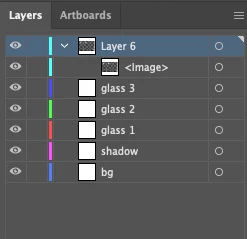
I recently downloaded my first stock image from Adobe Stock (this one), and the AI file appears to have layers for the flat image, and then the vector layors below it.  When I turn the flat iamge layer off, the document is empty.  The layers I assume are meant to contain the vector information that I donwloaded it for appear to be empty. 
 

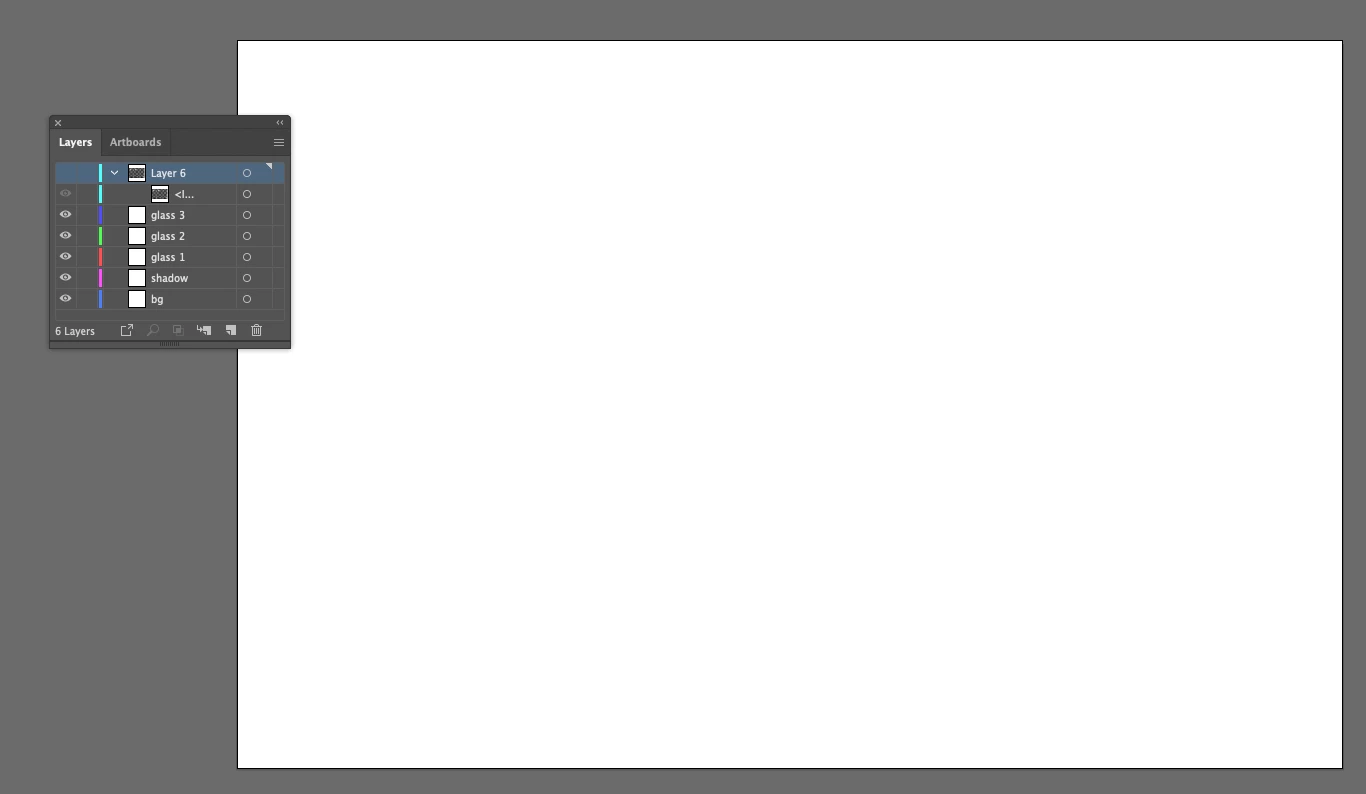
When the flat layer is turned off there's nothing on the canvas:
Based on the advice on another thread here, I tried adding the image to a different document by going to Libraries > Downloads and "Place Copy" on the image I downloaded.  This inserted different layers than before, but still only the flat image.
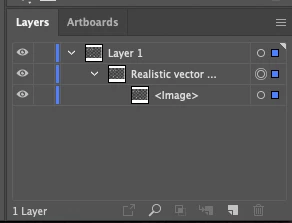
Is there something wrong here, or did I misunderstand what I was downloading?


This topic has been closed for replies.
Correct answer WendellaBee

Hi S.,

I misunderstood your request. I'll escalate this and have granted you a replacement license for the asset. Please choose another.

EBQ

3 replies

WendellaBee
Adobe Employee
WendellaBeeCorrect answer
Adobe Employee
December 9, 2019

Hi S.,

I misunderstood your request. I'll escalate this and have granted you a replacement license for the asset. Please choose another.

EBQ

Participant
March 28, 2022

I am having the same exact issue as the one listed above with asset # 311208703.

Ton Frederiks
Community Expert
Community Expert
December 9, 2019

No, I don't think you misunderstood what you were downloading.

This contans no vectors, just an image.

But it is advertised as an Illustrator file.

I will warn some Adobe staff about your problem.

WendellaBee
Adobe Employee
Adobe Employee
December 9, 2019

Moved to Illustrator forum for technical assistance.