

Visual glitches in Illustrator CC 2018
Hi,
I've just updated to Illustrator CC on a new laptop for work, and there are a number of visual glitches within it.
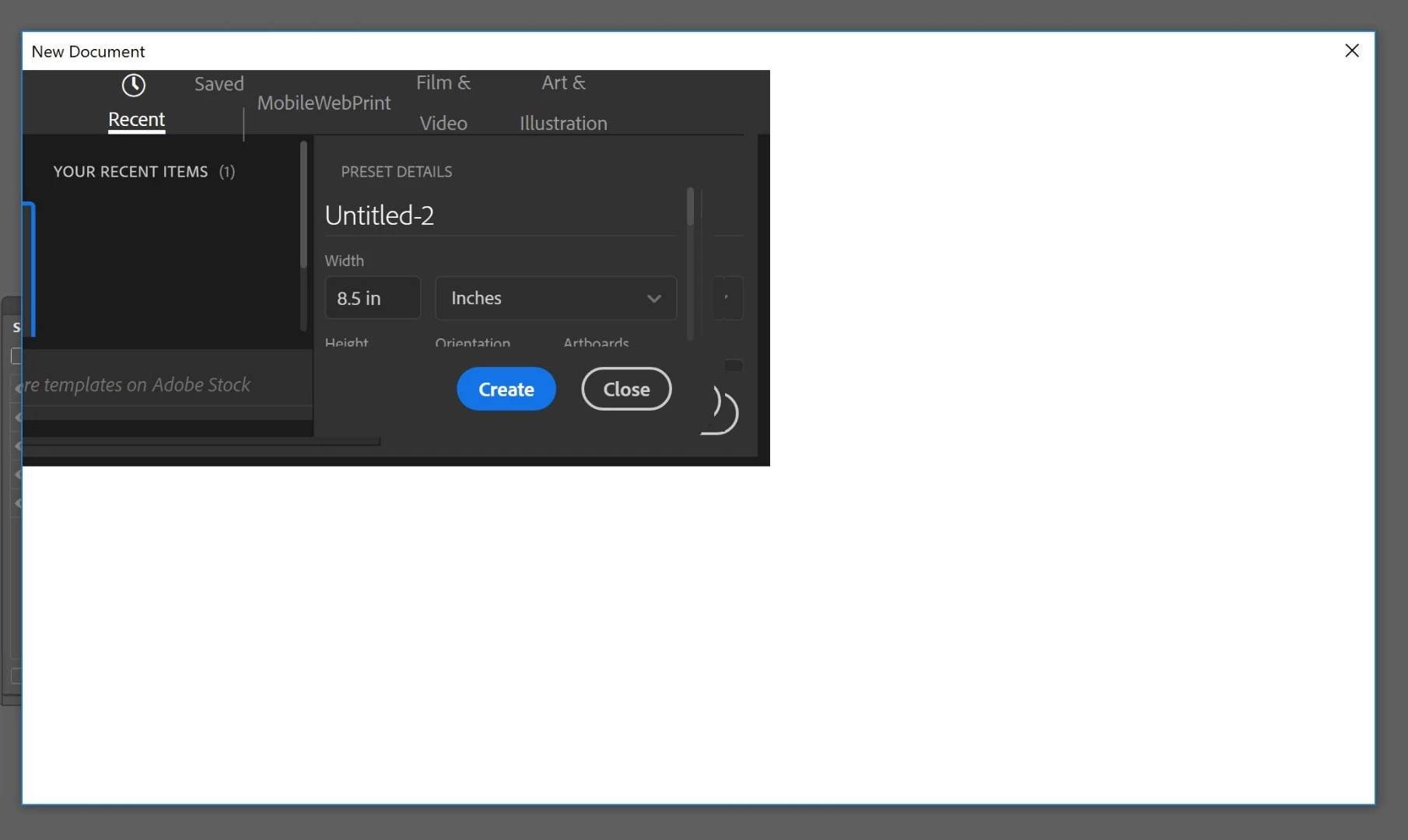
The first one being the "New document" dialog box is all messed up, and is pretty much blank unless I expand it to fill the entire screen, then I Can see a few buttons.
It opens blank by default, then if i resize the window of the dialog box, some buttons and elements show up, but completely messed up.
The workaround (which I shouldn't have to do) is to use the legacy create new dialog box.
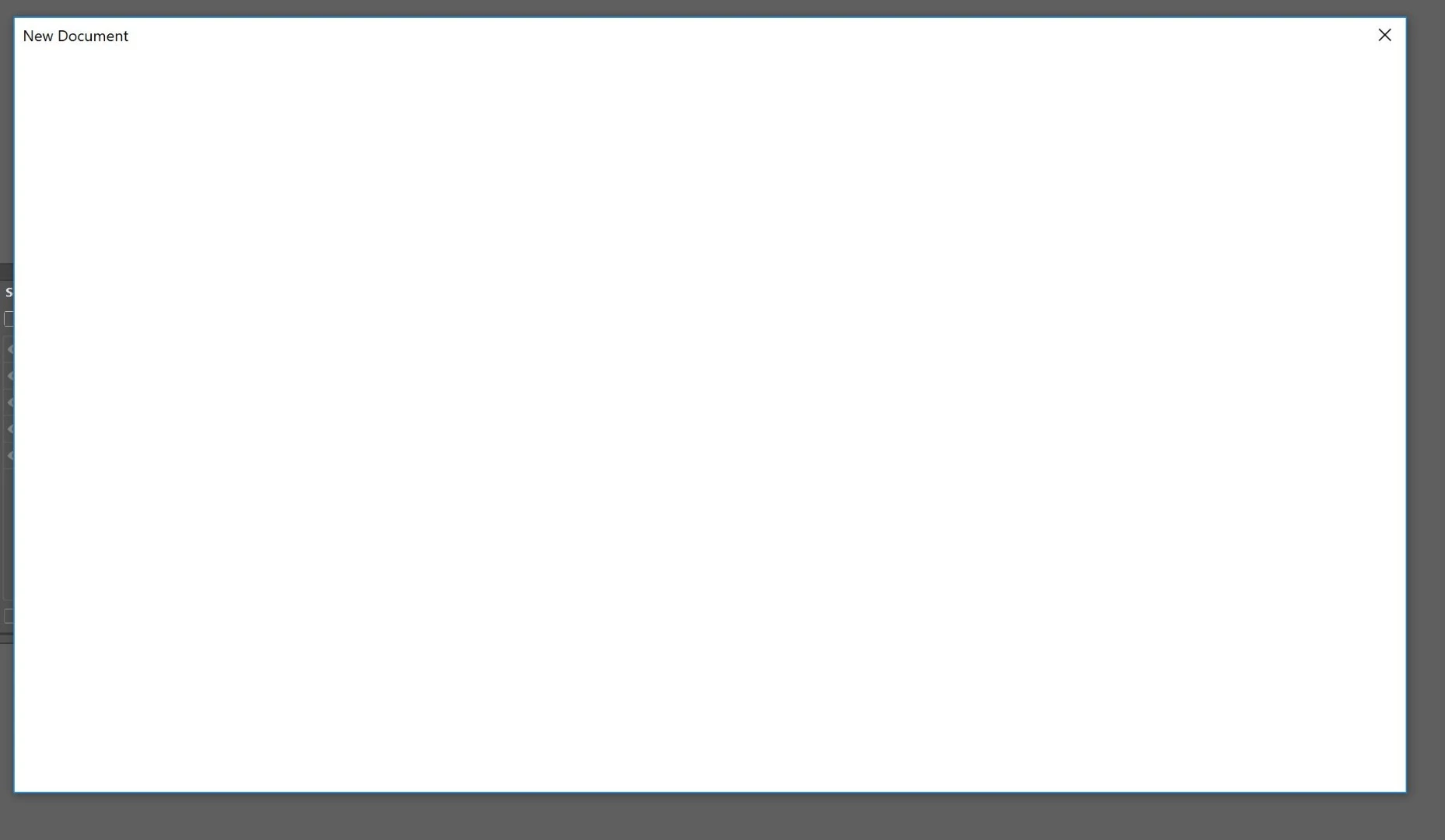
below is after "resizing" via the corner of the window
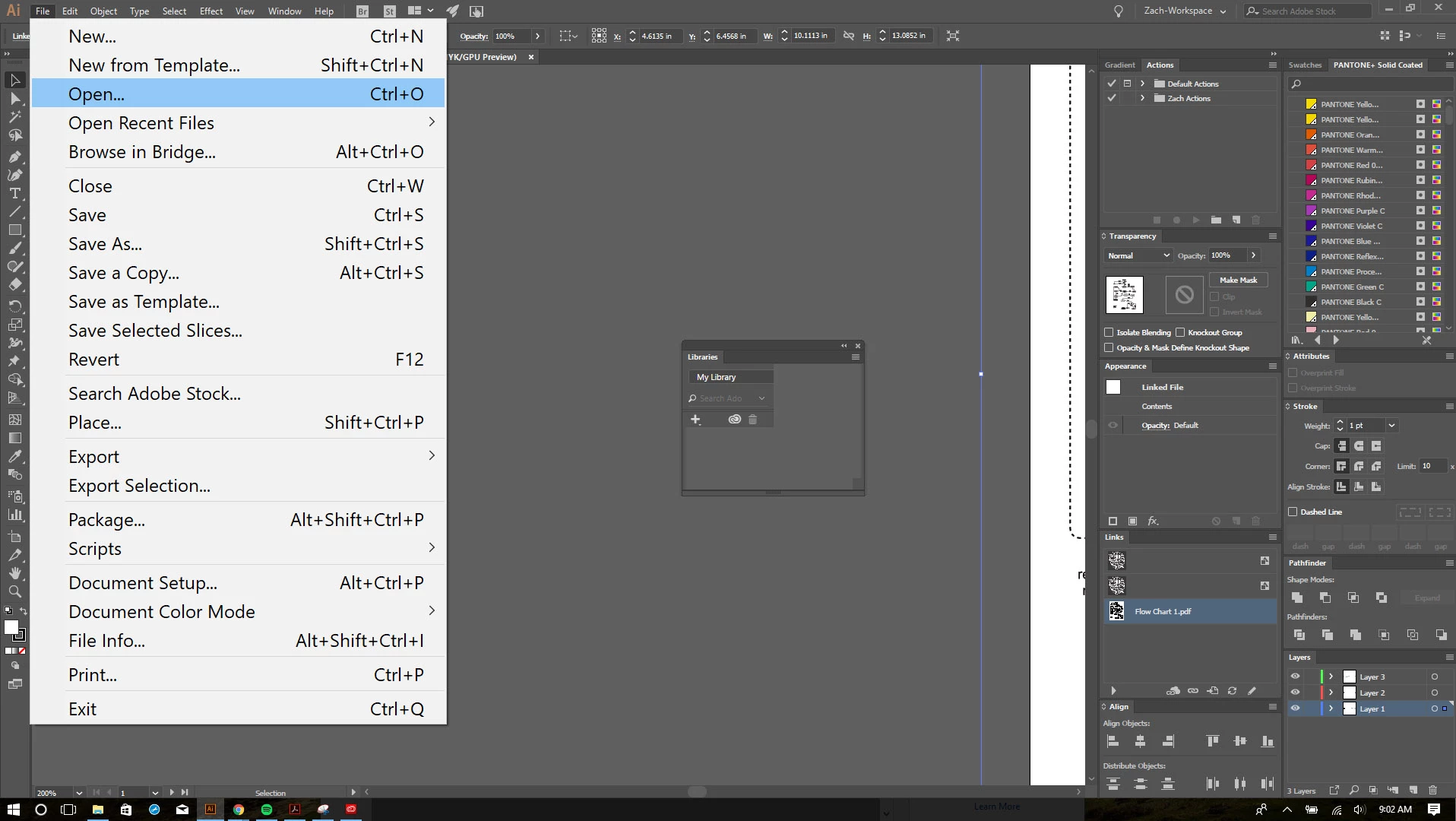
The second issue is GIGANTIC Menus in illustrator - I think this has something to do with the application/windows scaling and the adobe scaling. They look fine on the 4k Laptop screen, but I work with 2 monitors. The Illustrator application scales everything up and down between the different screen resolutions when moving the application from one screen to another perfectly, but the menus always seem to remain at the size for the 4 k screen
below is the 1080p monitor
below is the 4k laptop screen
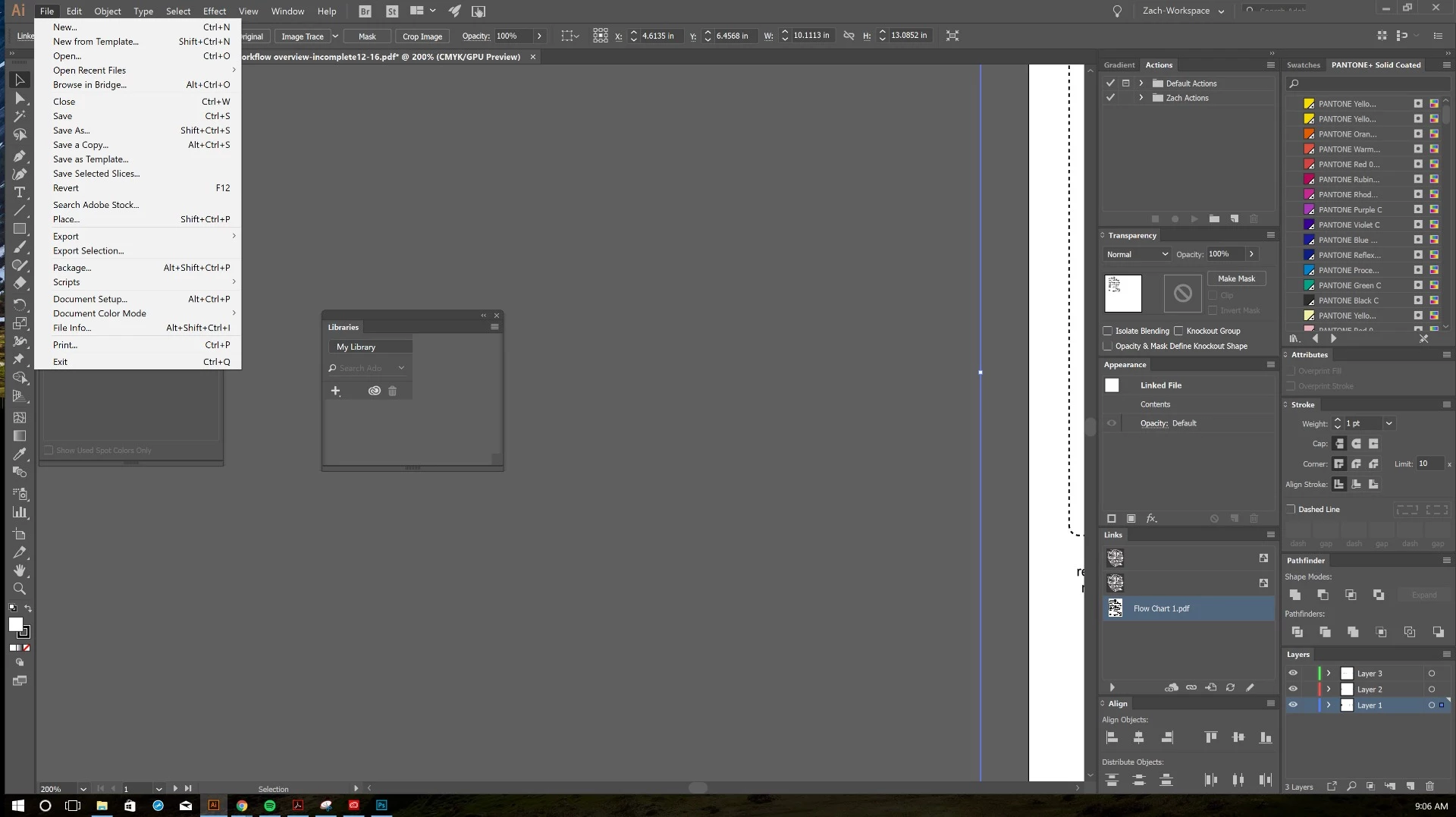
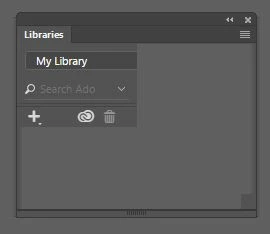
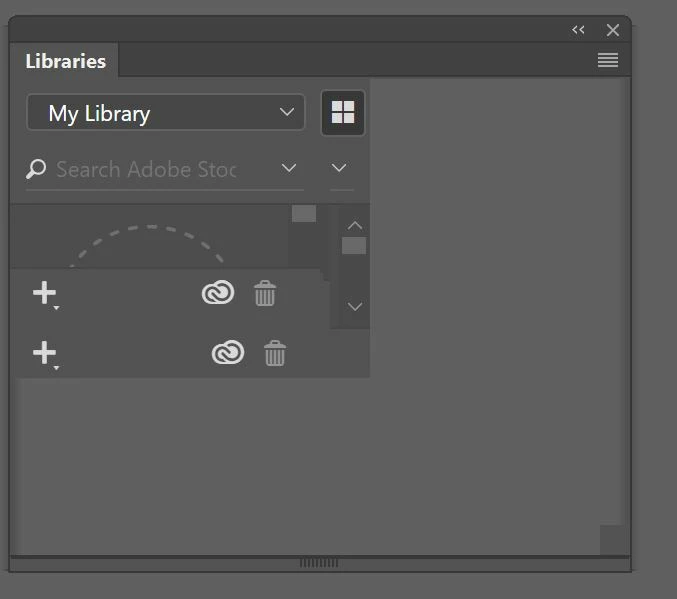
the third issue is the "Libraries" panel does not display correctly, it just looks like it's glitched out, on the 4k screen and the 1080 screen.
below is the libraries window after resizing the the panel via the corner
are there any solutions for these issues? Is adobe aware?
any hope is appreciated
 AdChoices