
Known Participant
September 13, 2019
Answered
Weird Icon Activated
- September 13, 2019
- 1 reply
- 996 views
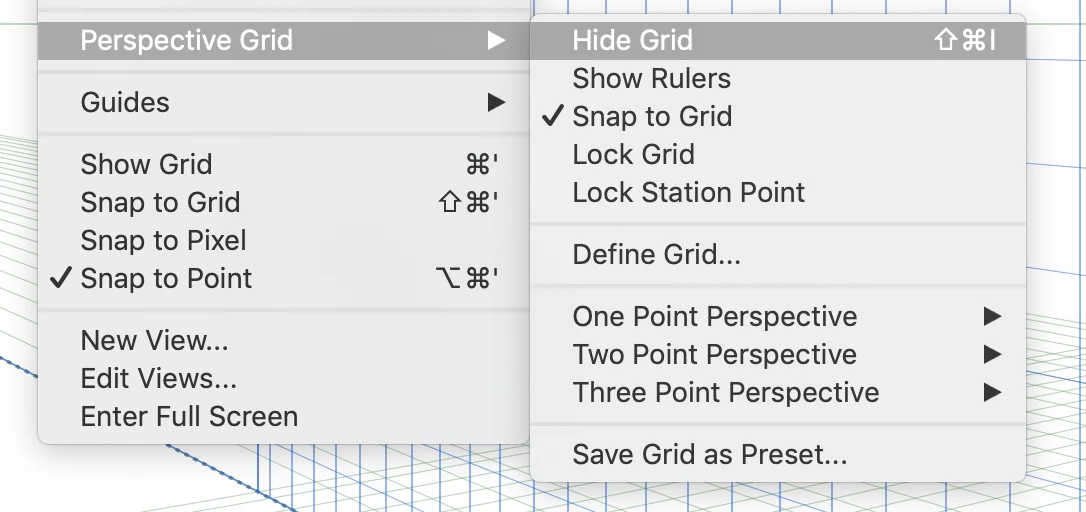
So I've accidentally turned on something in Illustrator or opened a window with a shortcut. There's an icon of a cube that's blue/gray/white. How do I get rid of it?
Interestingly, I could have found the answer here in the old forum https://forums.adobe.com/thread/794053, but that link in Google just redirects to the new forums page. : (
 AdChoices