
Participant
August 6, 2020
Answered

Weird problem with outlines

  • August 6, 2020
  • 3 replies
  • 892 views

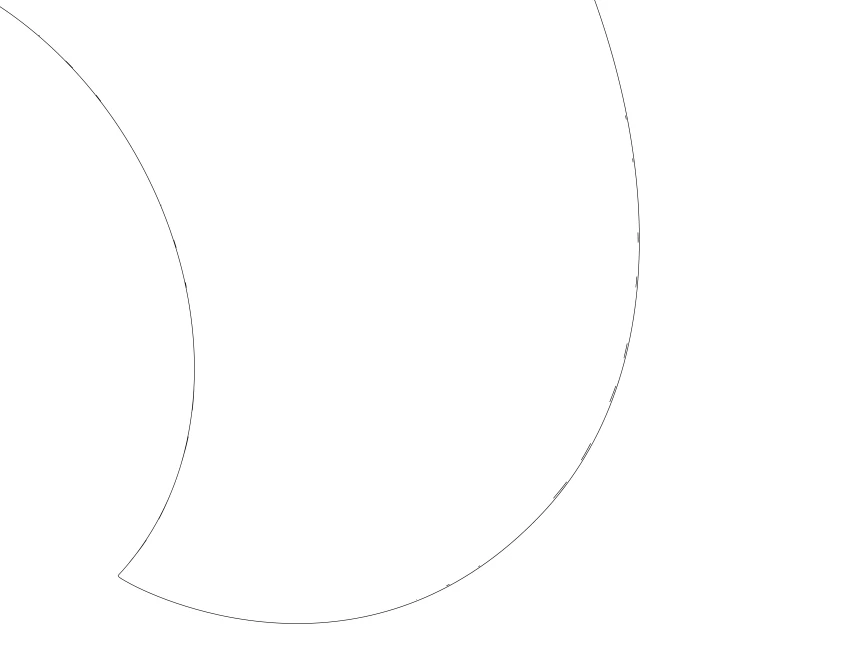
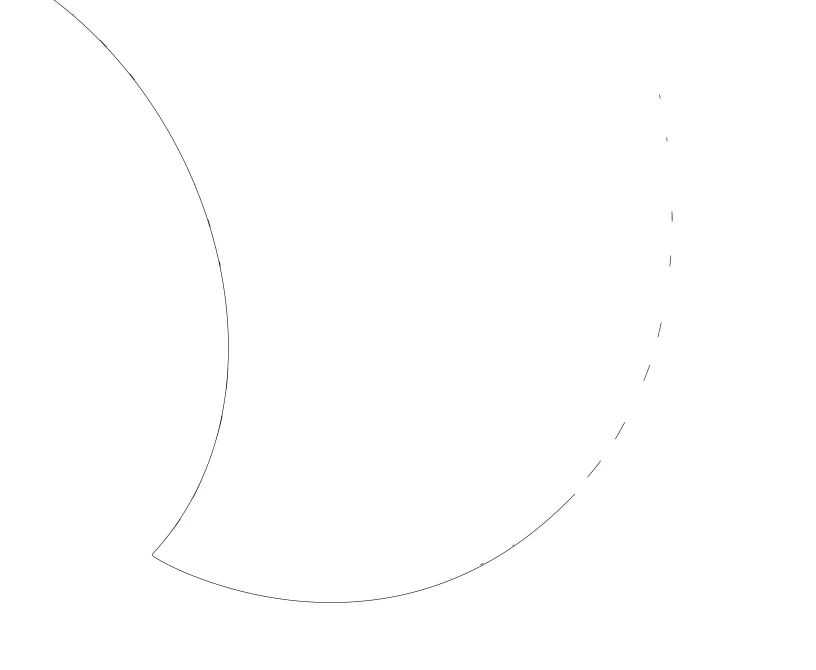
I'm having a weird issue with creating outlines. I'm trying to create an action to expand an object/text, then use Pathfinder>Unite to merge it all as one, then Pathfinder>Outline. This works for most objects, but a few random ones end up adding some small lines on top of the outine. This would be fine normally as you can't really see the extra lines, but I'm printing to a laser machine and this adds extra cuts that shouldn't be there causing my cut lines to be all wonky. The first image is how it looks before the action is run (3200% magnification), the second image is how it comes out, the third image I deleted a line segment to show the extra lines that appeared. I can't figure out why this is happening and it's driving me crazy!!

This topic has been closed for replies.
Correct answer Ton Frederiks

Try to increase the Precision in the Pathfinder options.

3 replies

Ton Frederiks
Community Expert
Community Expert
August 7, 2020

Good to hear that worked, yes unfortunately precision settings are not sticky between sessions.

Ton Frederiks
Community Expert
Ton FrederiksCommunity ExpertCorrect answer
Community Expert
August 7, 2020

Try to increase the Precision in the Pathfinder options.

SuperDuckAuthor
Participant
August 7, 2020

That worked! But it doesn't save my precision settings when I close and reopen the file....

Monika Gause
Community Expert
Community Expert
August 6, 2020

Please upload the file somewhere.

SuperDuckAuthor
Participant
August 7, 2020

It's a company file, it's not mine to share 😞 I'm just working on this in my spare time.