Chris  P.  Bacon
Inspiring
October 23, 2022
Répondu

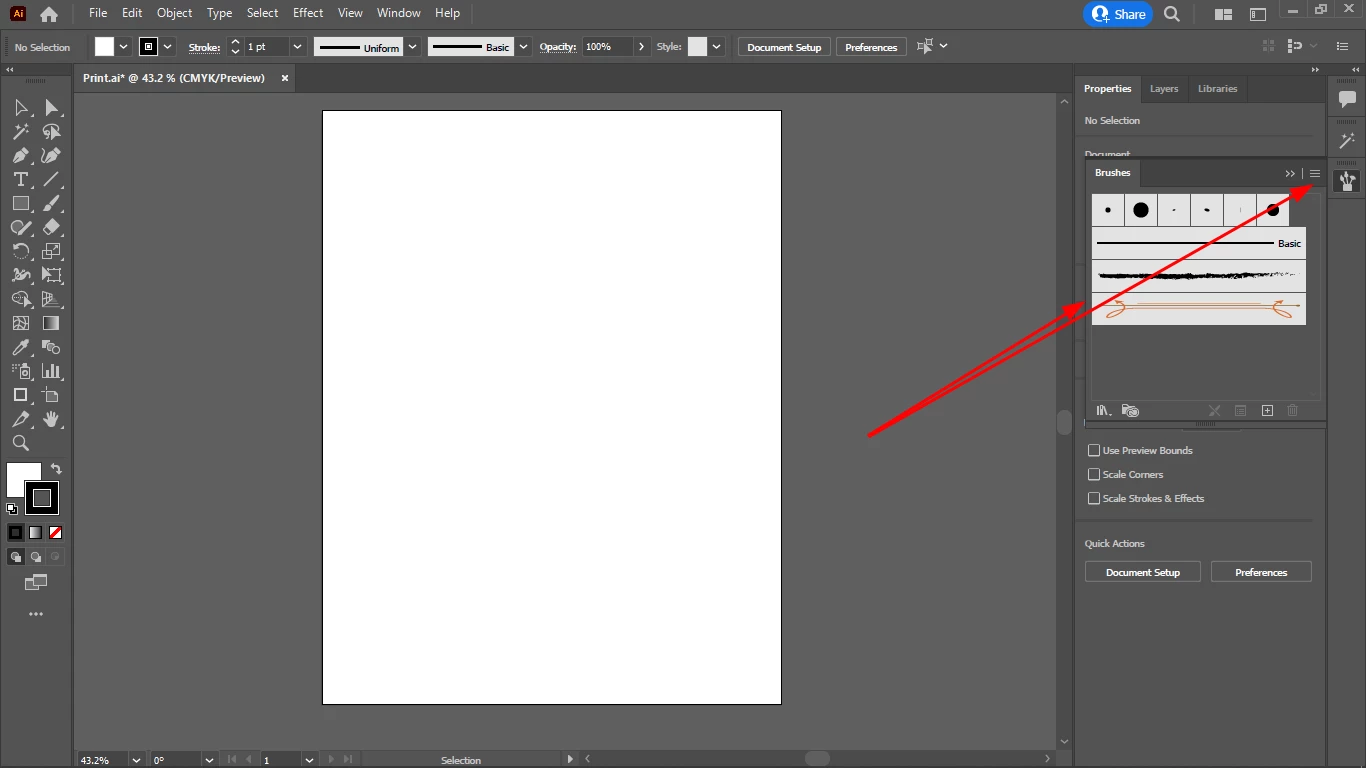
What is the best way to delete all default brushes from Illustrator?

Where is the folder that contains all the default brushes that come installed with Illustrator?

If I delete them from the folder, is that the best way?

Ce sujet a été fermé aux réponses.
Meilleure réponse par Ton Frederiks

I opened Print.ai.

Do I need to open all brush subcategories from the menu and delete all the brushes from the subsets one by one to get rid of all default brushes?


Just delete all unused and save Print.ai in the same folder to replace it.

3 commentaires

Ton Frederiks
Community Expert
Community Expert
October 23, 2022

See: https://helpx.adobe.com/illustrator/kb/create-custom-new-document-profile.html

You may want to save it on the desktop first and move it to the right folder later.

Chris  P.  Bacon
Inspiring
October 23, 2022

For me that folder is for my custom brushes, not for my default brushes:

Ton Frederiks
Community Expert
Community Expert
October 23, 2022

That is the brushes folder, not your New Document Profiles folder which contains the documents you need to change.

Monika Gause
Community Expert
Community Expert
October 23, 2022

Are you referring to the ones in the new document or all the libraries?

Chris  P.  Bacon
Inspiring
October 23, 2022

All default brushes, no matter where they are.

Monika Gause
Community Expert
Community Expert
October 23, 2022

As Ton already said, you will have to edit the Nes document profiles.

And then this is where all the presets and settings reside https://www.vektorgarten.de/illustrator-settings.html

Ton Frederiks
Community Expert
Community Expert
October 23, 2022

The default brushes are part of the New Document Profiles.

If you want to change them you need to change the document profile you use to create your new documents.

Chris  P.  Bacon
Inspiring
November 20, 2022

I have to warn that many brushes and other assets in Print.ai disables Trim View:

I tested it, before I load my brushes in a new document based on my Print.ai, the Trim View still works, once I open my brushes tab (which is loading for a few seconds, so many brushes I loaded in Print.ai, my Print.ai was about 300 MB) , the Trim Wiew will be disabled.

This is maybe a memory issue.

But I have 32 GB of ram.


Monika Gause
Community Expert
Community Expert
November 20, 2022
quote

I have to warn that many brushes and other assets in Print.ai disables Trim View:


By @Chris P. Bacon


You still don't understand it.


There are just very few "defaults" in Print.ai.


Everything you can load from that library menu is in separate AI documents on your harddisk. Unless you use it in your document, it won't get into your brushes panel and thus into your document. And it surely won't be loaded into memory as long as it is just on your harddisk. Deleting all those presets might be a useful idea for whatever reasons, but a disabled Trim view is none of them.


Nearly everything you can access in Illustrator is stored document based. there are very few application based presets. Whatever causes your trim view to be disabled, it's not the default brushes. It might be the brushes you have used in that document or it might be something completely different. Since you don't provide your actual AI documents, nobody will be able to tell.


I have created a 150 MB document that just contained transparently overlayed brushes on the artboard. It lagged severely, but Trim view was available. So with yours, it may be something else.