
What's the best way to create an adjustable curly bracket?
Hi there,
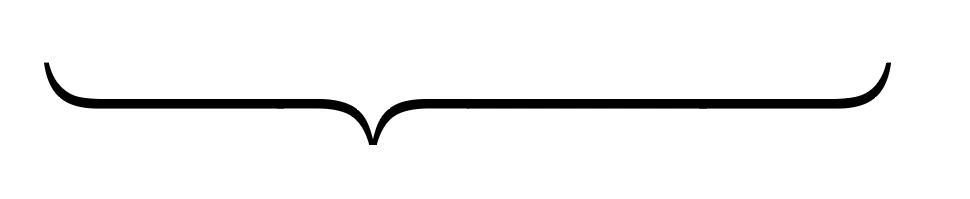
I need the ability to draw curly brackets but also able to change the length of it and move the tip freely. Initially, I thought about making a pattern brush or something, but I came across this post (Solved: Multi line bracket - Adobe Community - 11023642), which provides an interesting solution.
Basically, the symbols font already have each component of the curly braces, so to adjust the position of the tip by using different number of straight lines.
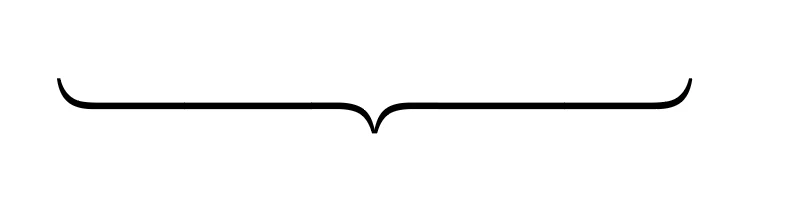
If i want to change the length of the curly bracket, I can simply add a new bar potion of the text.
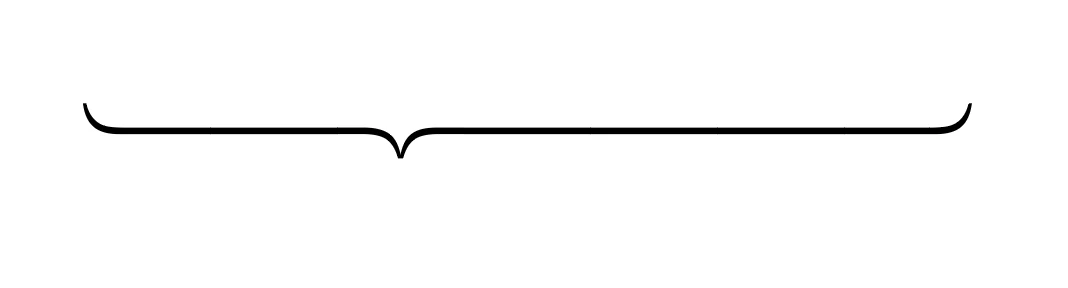
So far, it's working great. However, in my scenario, I need to be able to control the length of the bracket so my initial thought was to change the size of one of the bars.
Let's say, I want the side to be just slightly longer than the left side, so I tried to change the font size of the new bar I just created.
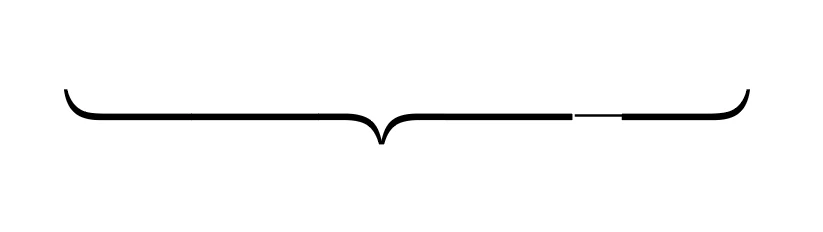
As you can see, the right side now is longer than the left side but shorter the last one, so it's doing what I want it to do except the weight of the text is now also changed so the bar is a lot skinnier now.
So I would like to ask the experts here:
1. Is this the best way to do it. If not, could you please show me the better way.
2. If it is, then is there a way to change the height of text without changing the width of it?
If you have better suggestings, please let me know.
Thank you in advance.
 AdChoices