


Participant
October 20, 2018
Answered

Where are my custom Illustrator Workspaces?

  • October 20, 2018
  • 2 replies
  • 16690 views

I created a brand new workspace in Illustrator CC 2019 and I cannot find said workspace on my drive (I'd like to transfer the workspace to another computer).

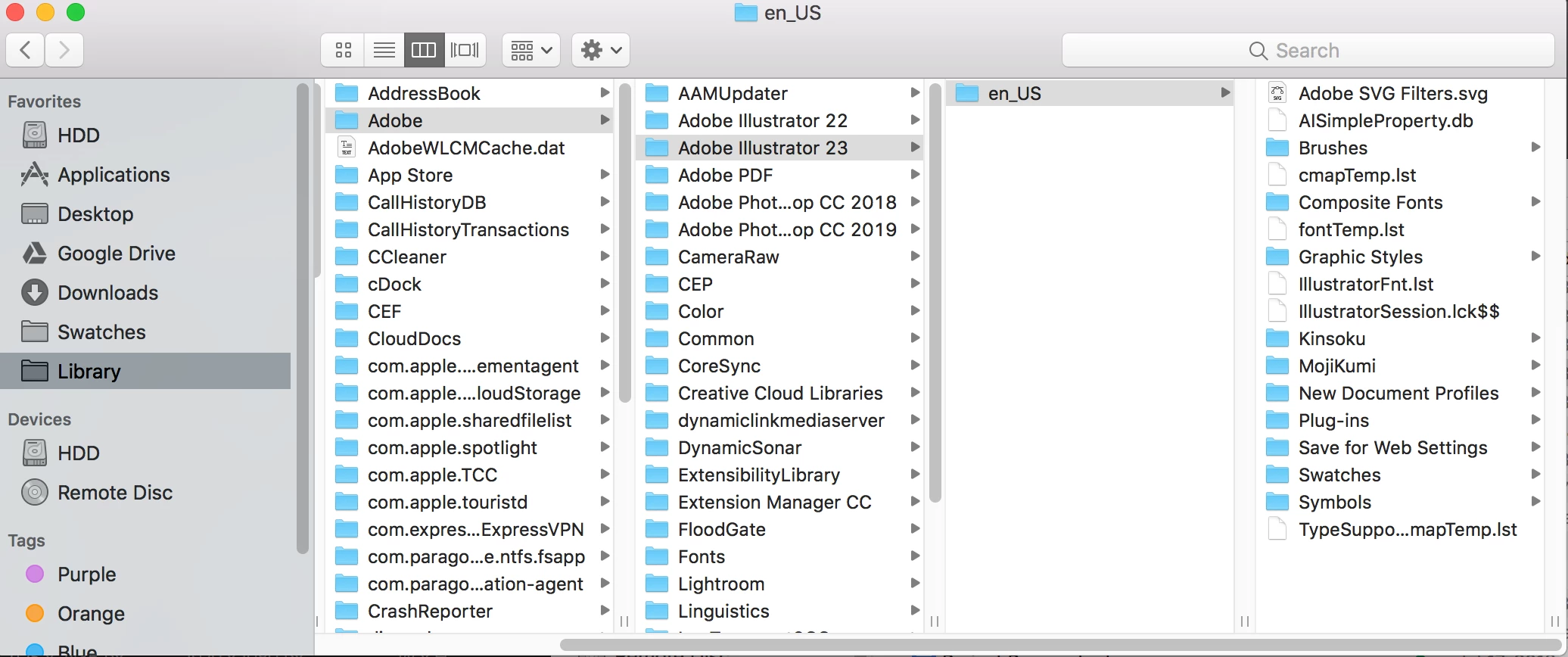
According to Google, there should be a Workspaces folder here (see image below), but there is nothing. I have no idea where the workspace is being saved and it's driving me crazy. The workspaces folder under Applications > Illustrator > Presets > Workspaces only contains the default workspaces, so it's not there either. Any advice?

    This topic has been closed for replies.
    Correct answer Doug A Roberts

    They're in User/Library/Preferences/Adobe Illustrator 23 Settings

    2 replies

    Doug A Roberts
    Community Expert
    Doug A RobertsCommunity ExpertCorrect answer
    Community Expert
    October 20, 2018

    They're in User/Library/Preferences/Adobe Illustrator 23 Settings

    Participant
    November 1, 2023

    thank you

    cinziamarotta
    Participating Frequently
    October 20, 2018

    Hi,

    in Illustrator application folder: