
Answered
White Background on converted jpg file
Hi All,
Doing t-shirt designs in Illustrator CC (latest version) and while exporting to jpg I cannot seem to get rid of the white background.
I've tried to expand and delete
I've also done control Y to attempt to find hidden elements.
I exported with the "artboard" checked
None seem to work. the .ai file looks fine when showing transparency grid but I cannot seem to get rid of the white background. I have only 3 layers. Any suggestions? Thanks
Thanks so much for your time. Attached is the screenshot!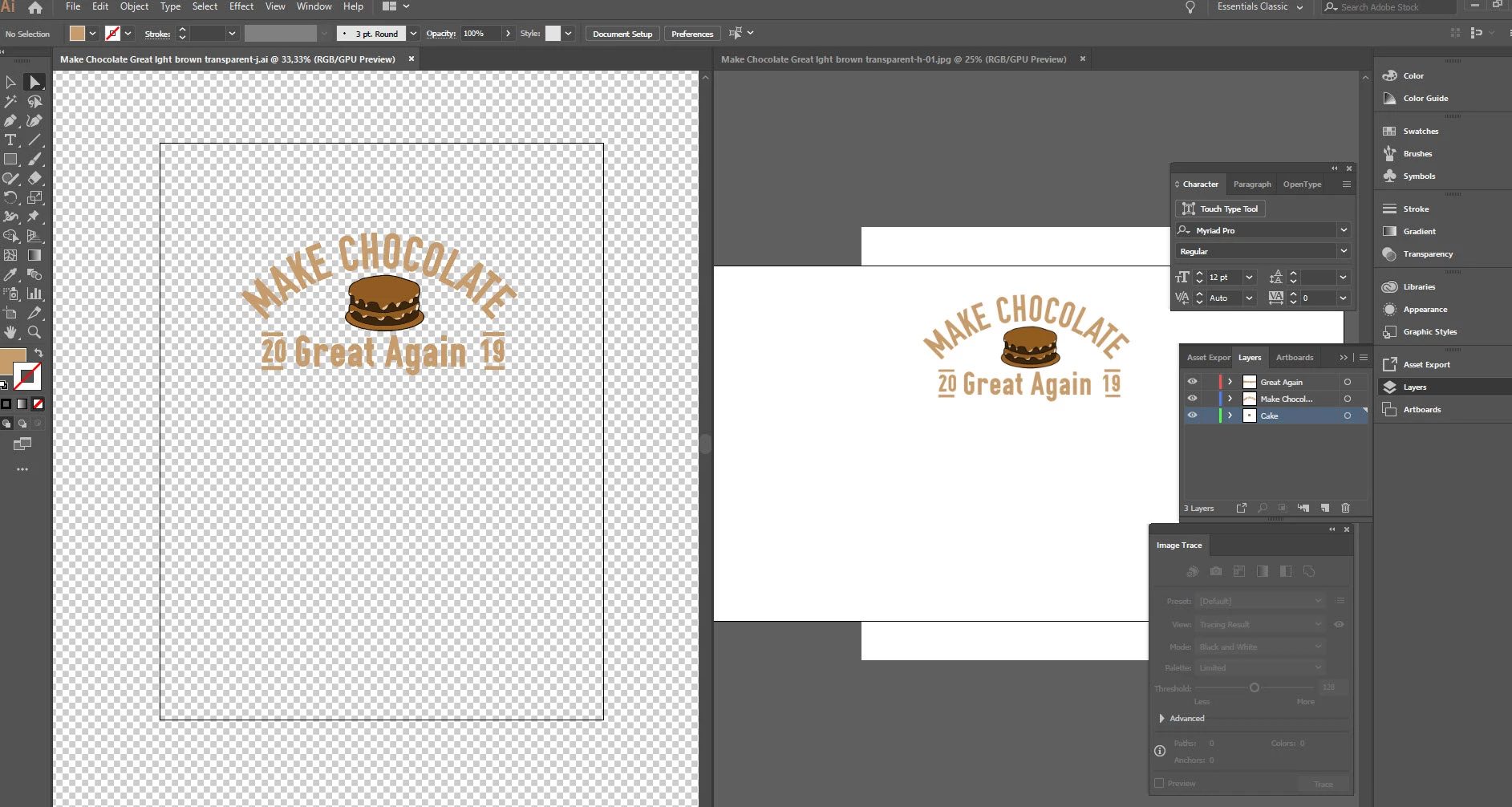
 AdChoices