tokesdigital
Participating Frequently
November 15, 2022
Answered

White Line Problems Creating patterns in Adobe Capture (read all threads, no solution!)

  • November 15, 2022
  • 2 replies
  • 1416 views

I have tried toggling the anti aliasing option and the lines will not dissapear. Plus I have tried to export with the setting on Art Optimized. 


My only workaround is that I can place a bitmap pattern tile and that is the only way I can avoid the white lines but that then limits me to whatever image the bitmap pattern decides to be in terms of sizing. With the original pattern placed correctly in Illustrator I can scale and rotate as needed. But with the bitmap I can only do so much. 


Is there any way to change the bitmap pattern tile sizing. I have tried pattern options and nothing works. Would honestly like to fix the original problem of the pattern showing white lines in the program and upon export. 


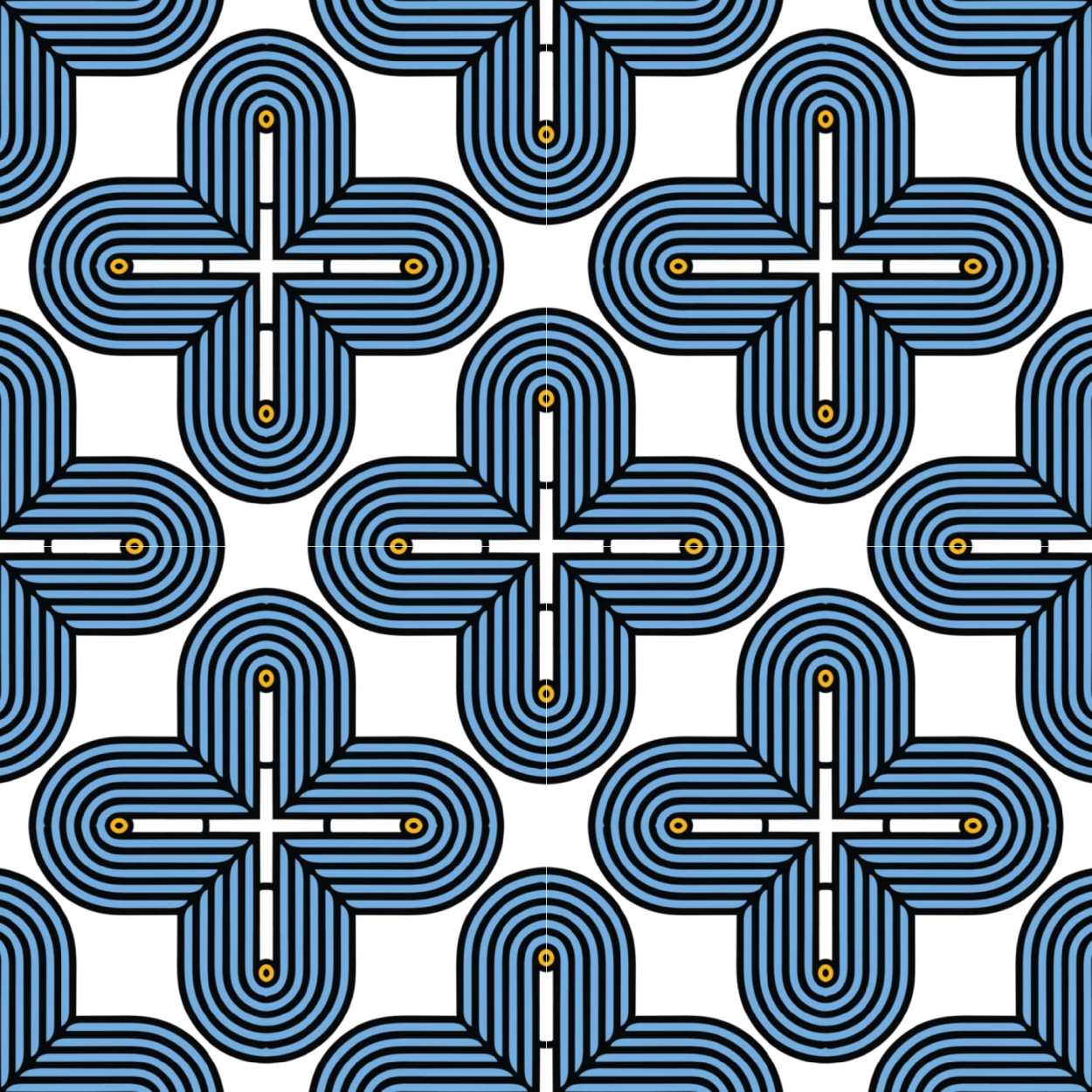
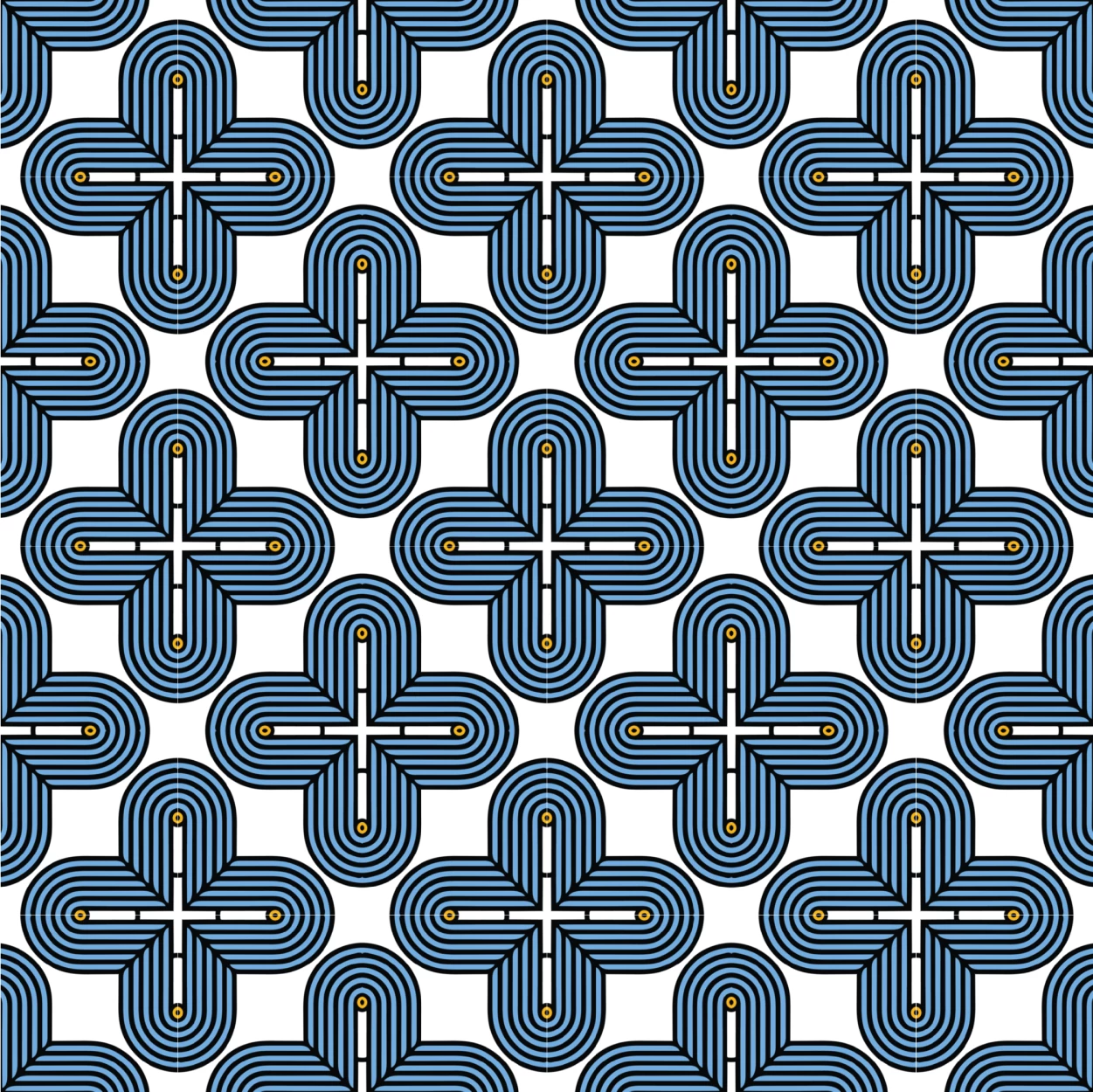
First 3 images are of the pattern correctly placed (not bitmap), the last image is of the bitmap showing no lines. 

 

This topic has been closed for replies.
Correct answer Monika Gause

Ok I have changed the pattern width and height to an even 50 on both. It has now cleared the line but made the pattern no longer seamless. 


Just exported art optimized and the lines are gone but once again the pattern is now unaligned.  


What happens if you don't just change the pattern width and height, but scale the pattern so that it matches?

2 replies

Monika Gause
Community Expert
November 16, 2022

So can you open the pattern in Illustrator's pattern editor and check if it is clean?

tokesdigital
Participating Frequently
November 16, 2022

The patterns I create in Capture will not allow for me to toggle any options to change the pattern (shown in picture below). I can also not add to swatches, as I guess it is already in my library via capture. 


However, if I place a bitmap pattern tile down. I can toggle options in the pattern options. The artwork looks placed correctly to me, have a look (second picture)

Monika Gause
Community Expert
November 16, 2022

In order to inspect that I would zoom into it, go into outline view and check it out really close.

tokesdigital
Participating Frequently
November 15, 2022

This was all created in illustrator by the way. Patterns created in Adobe Capture, and am trying to work/export them in illustrator