
Why are the strokes from my Illustrator brushes so huge?
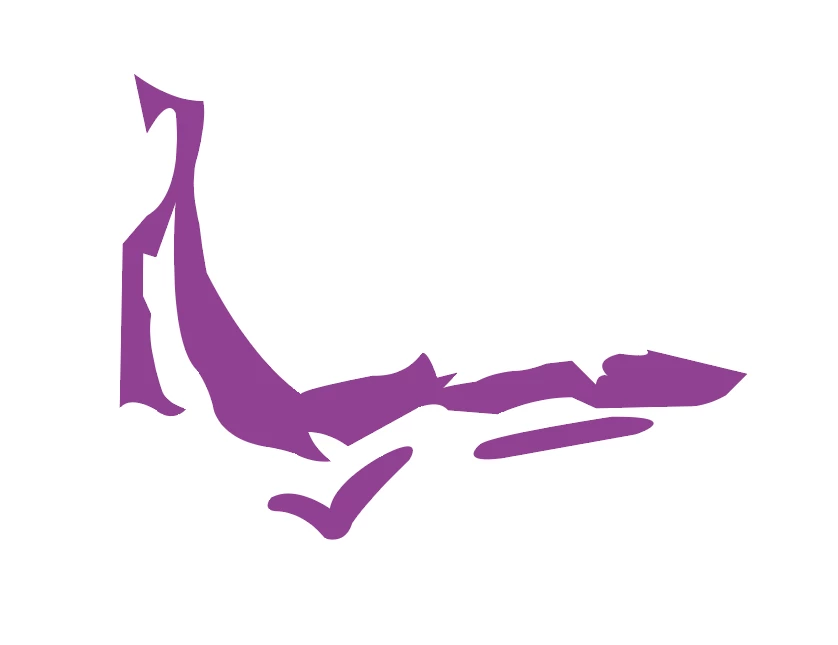
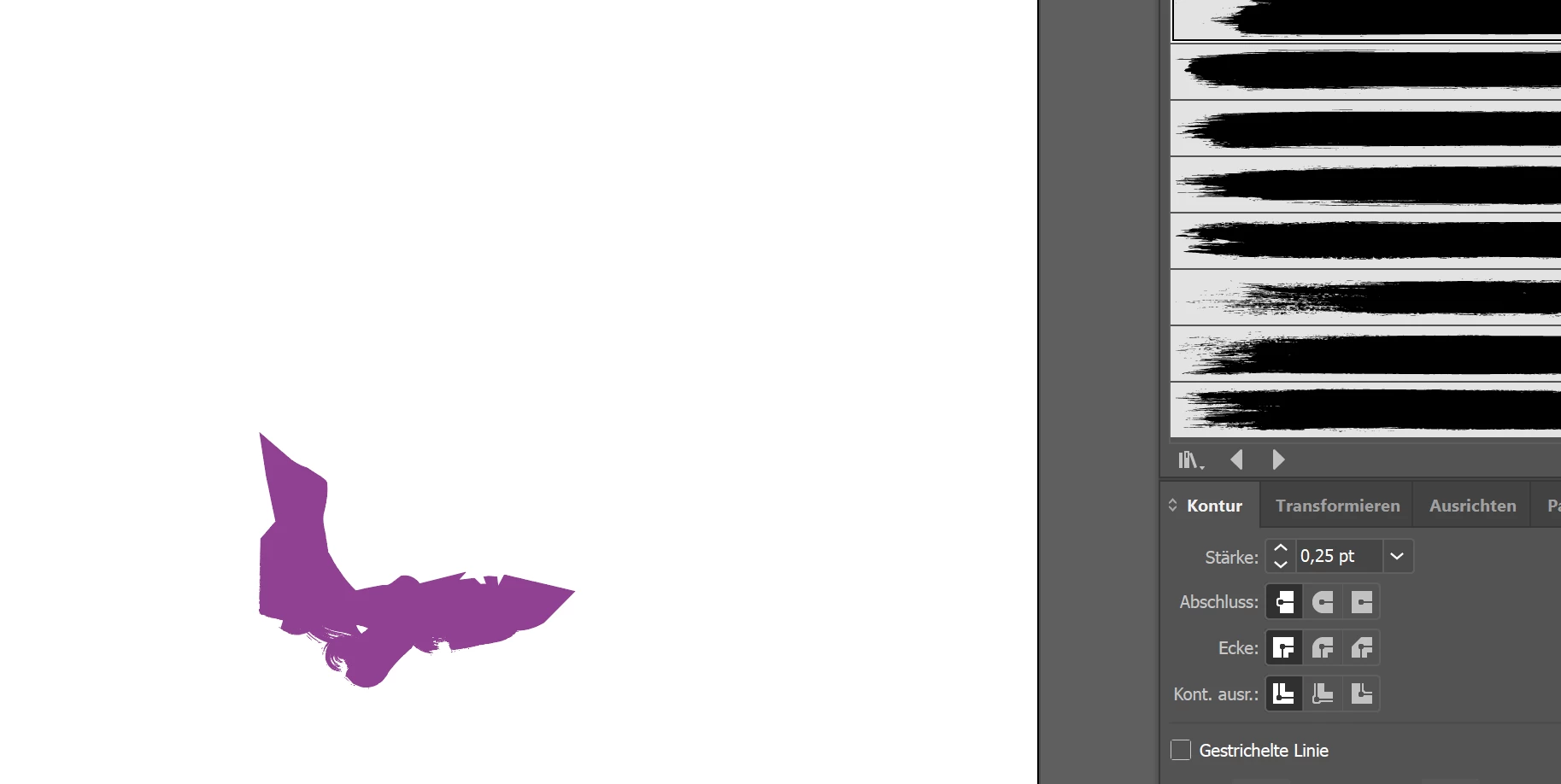
Hello, I am attaching two pictures to show what I am talking about - they are fairly nondescript but just imagine that they are sections of a bigger picture. I originally drew a sketch and I am now wanting make a vector of my drawing for use in a logo. I still want the sketchy feel to it though, so I will need to add some kind of brush to the stroke at the end to make it feel rougher and more naturally artistic. My issue is that I am working at a normal size - a normal piece of paper and resolution should not be an issue in illustrator anyway, seeing as I am working with vectors. And yet, when I go to stroke my path at a very small size - the smallest size .25 pt or whatever, the strokes are so huge, that my original forms are completely destroyed.... But this must be possible??? I just don't understand what is going on. I have always had a lot of issues with illustrator brushes for this reason and while attempting freehand drawing for similar reasons. The strokes are all too large and they look wild. Please help me fix this. Thanks!!!
Sincerely, April
 AdChoices