
Why color changes after saving a document as pdf file in adobe illustrator?
Hi There!
I wonder if anyone has this problem before? Here it is:
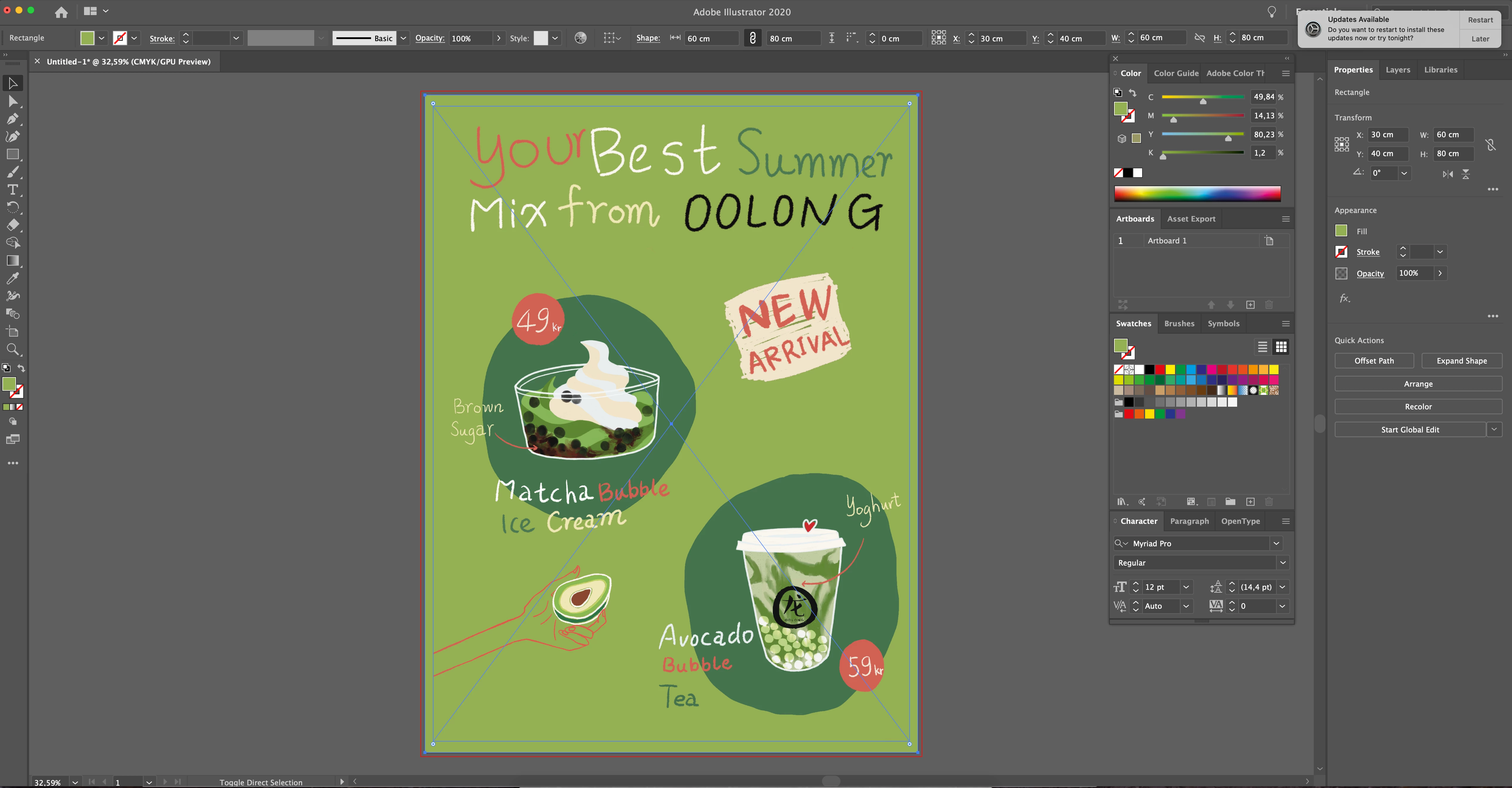
I use Adobe Illustrator 24.1.2 in a mac. I created a new document with CMYK mode and placed a pdf file. The image size is the same as the canvas size. Then I reduced the image size a bit and added a rectangle in same size as canvas. I putted it as background and filled in same green background color as the image. see screen print 1.
Then I saved it as pdf file and it poped up below screen print 2,3 as below.
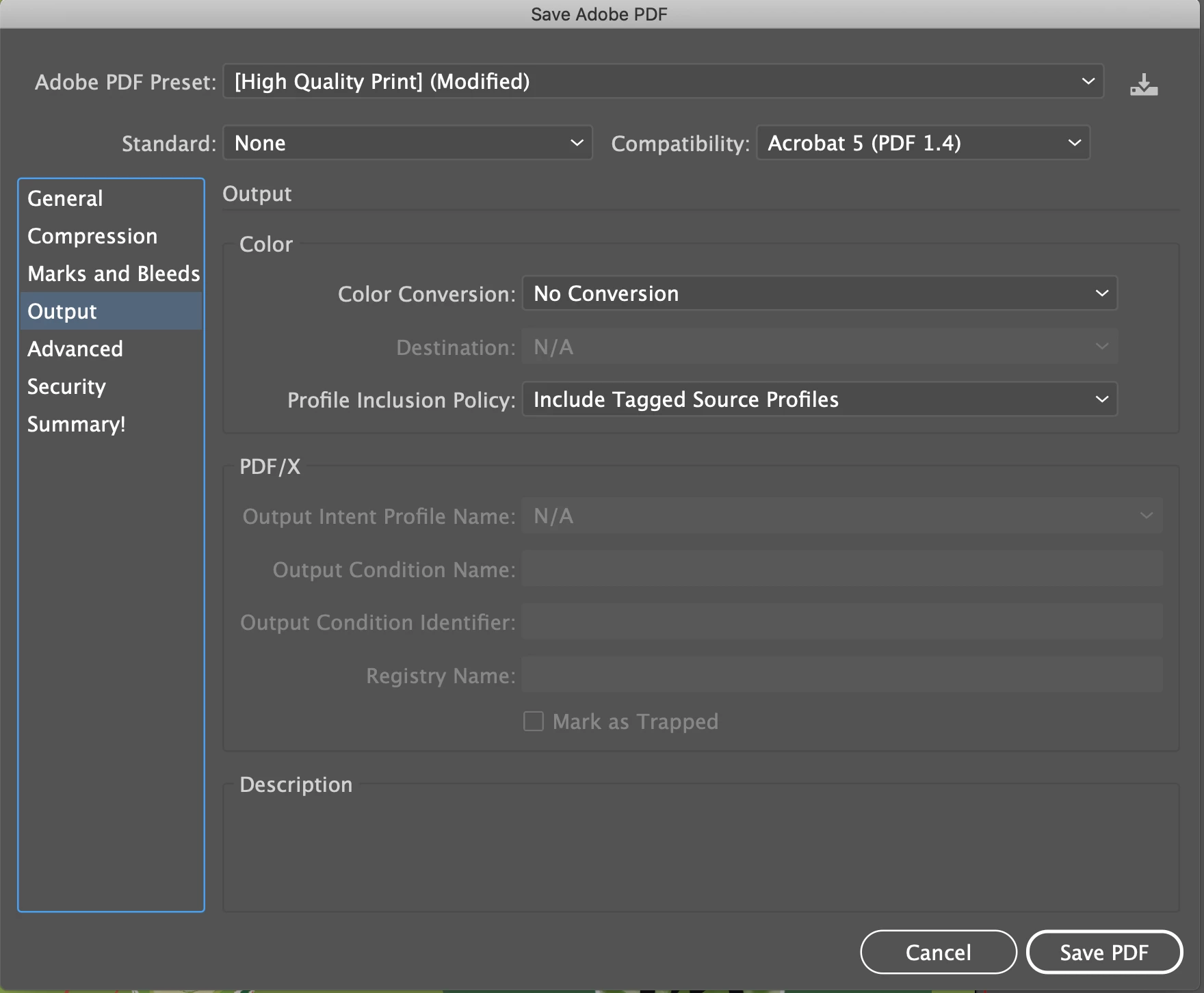
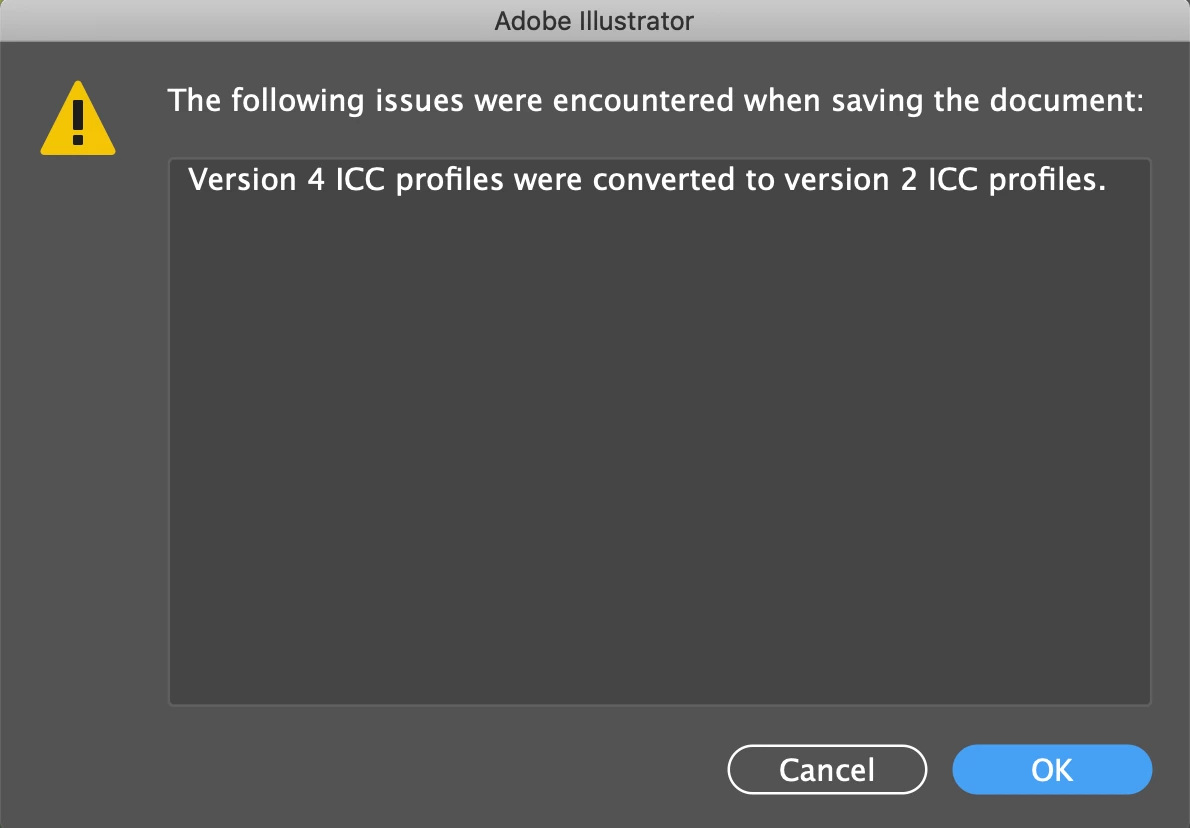
I clicked ok and proceed. Then I opened it in Adobe Acrobat, and the background color around the edge (where I have used rectangle tool in the initial design) looks different comparing with the image green background! (I have used the same green color as color picker picks) See below screen print 4.

Why and how should I solve the problem? Thank you!
Jiashen H
 AdChoices