Participating Frequently
April 18, 2023
Question

Why does every document shows as CMYK

  • April 18, 2023
  • 4 replies
  • 6528 views

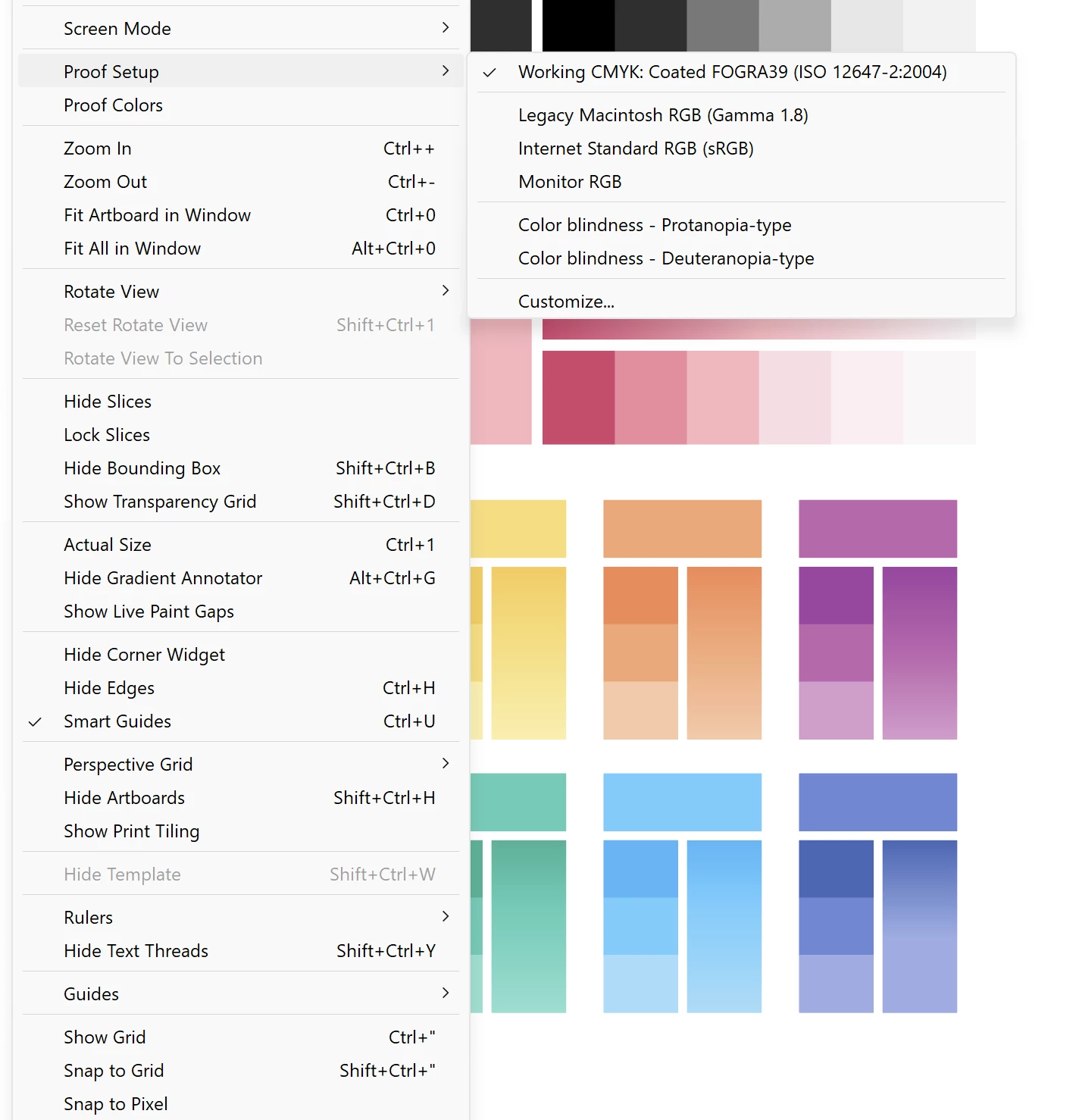
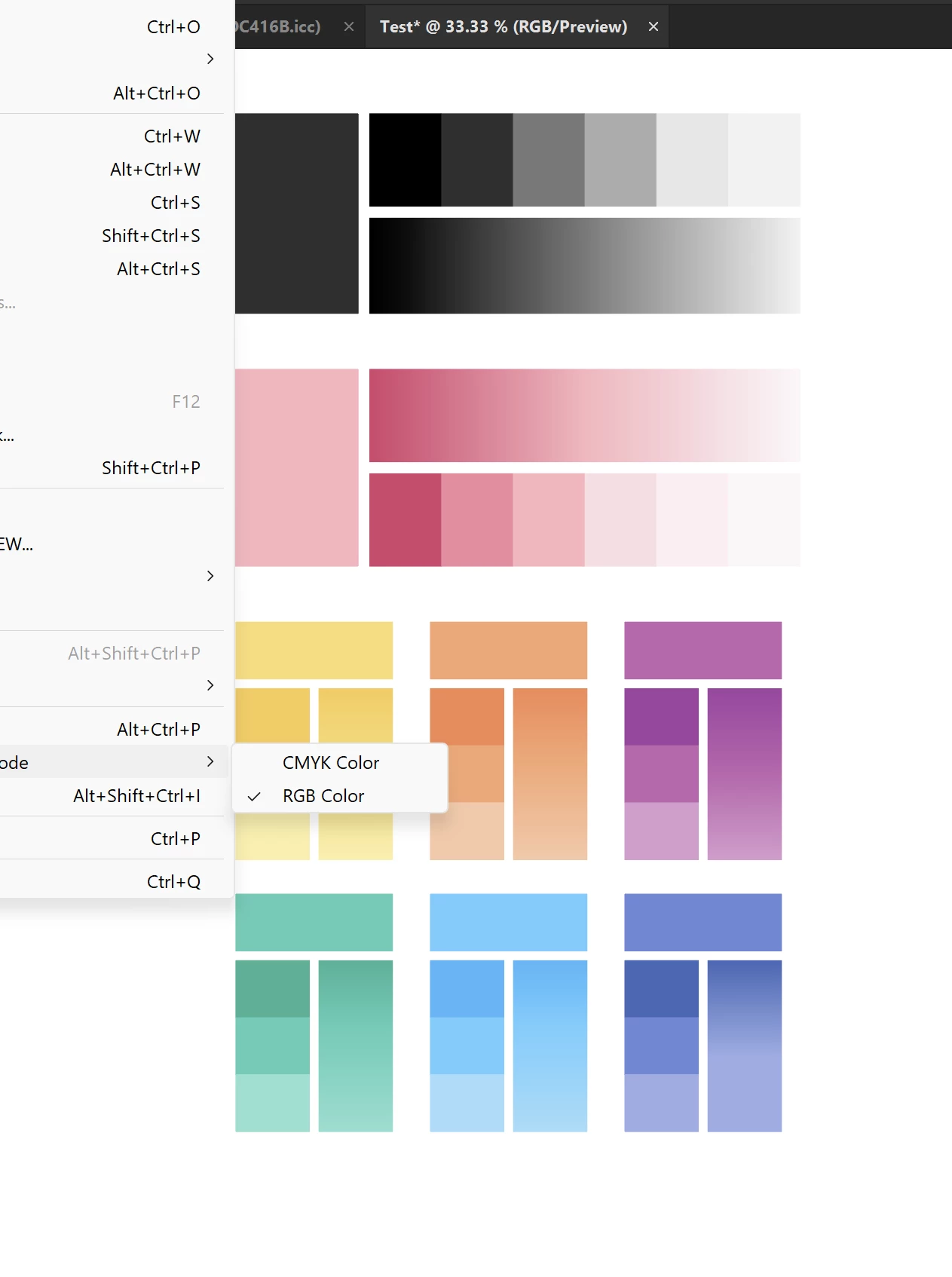
If I open a new document and select RGB, it shows washed out colors, and Working CMYK is selected by default in the Proof Setup.

Why? Why doesn't Illustrator Display RGB colors in an RGB document without me having to manually change it? Am I missing something?

Thanks!
 

4 replies

dvnatic
Participant
April 14, 2024

When you save the file for the first time (SaveAs .Ai or .EPS), make sure you uncheck the "Include CMYK PostScript in RGB Files."

Anna Lander
Inspiring
April 19, 2023

Proof Colors = Printing colors. By default, Printing is the process based on four inks (Cian, Magenta, Yellow, and Key (Black)). So if your desired printing process is based on some other ink set (e.g. hexachrome), you will not see the proper colors in the Proof Colors mode. And yes, Proof Setup (= Print colors setup) always will be primarily set as Working CMYK. It's its nature.

CwykAuthor
Participating Frequently
April 20, 2023

Hello,

That's what I dont get, though! If it is an RGB file selected from a Web, Film or Illustration preset why would it default to Working CMYK?

If I don't have Proof Colors selected it shows desaturated colors and I have to select Monitor RGB from the Proof Setup for the colors to display as I would expect from an RGB file. I feel like I'm stupid and missing something obvious.


Probably as @Monika Gause says, I really just have to learn me some color stuff :P...

Thanks!


Monika Gause
Community Expert
Community Expert
April 21, 2023
quote

If I don't have Proof Colors selected it shows desaturated colors and I have to select Monitor RGB from the Proof Setup for the colors to display as I would expect from an RGB file. I feel like I'm stupid and missing something obvious.

By @Cwyk


That should not be the case. There might be issues with your graphic card. Try using View > Preview on CPU: does the preview get better?


If not: You will have to check the color settings on your system. Are those appropriate?


There is a color management section in this Community and you might want to ask there about setting up your system. Still: you will need to educate yourself about the subject.

Ton Frederiks
Community Expert
Community Expert
April 18, 2023

You probably open a new document based on a Print Preset and change the Document Color Mode to RGB.

Try opening a new document based on Art & Illustration.

CwykAuthor
Participating Frequently
April 19, 2023

When selecting a document based on Art & Illustration document it defaults to Working RGB too.


Met1
Legend
April 20, 2023

You should! The whole world is RGB 🌈


All our printers are CMYK, so no need! We can still print rainbows, in fact we just did a bunch of pride flags...

Monika Gause
Community Expert
Community Expert
April 18, 2023

How do you create a new RGB document?

Correct would be by selecting a web, film & video or mobile document profile form the tabs.


How is your color management set up?

How many monitors are connected and which profile is assigned to them in the system?

CwykAuthor
Participating Frequently
April 19, 2023

I do select an appropriate document profile from the tabs.

My color management setup is very barebones, I dont have multiple monitors or color calibration gadgets. I have a decent Gigbyte Laptop AERO 16 is called and it has a pretty nice screen, I do not have HDR activated, though.

Monika Gause
Community Expert
Community Expert
April 19, 2023
quote

My color management setup is very barebones,


By @Cwyk


Please tell us your settings in Illustrator. And do yourself a favour and educate yourself about color management.


This is the "barebones" edition. I strongly suggest to learn more than this (There are trainings available on LinkedIn (which are not for free, but maybe available in your local library): https://helpx.adobe.com/acrobat/using/color-management.html