
Answered
Why does pathfinder unite swap the fill and stroke?
I'm following a tutorial and the youtuber tries to recreate this shape. He draws the squiggles with the pen tool and swaps the fill and stroke and increases the weight and changes the width profile. He draws all the squiggly lines and unites it with the path finder tool. However, the fill and stroke switches for some reason. He doesn't explain why in the video so I'm confused.
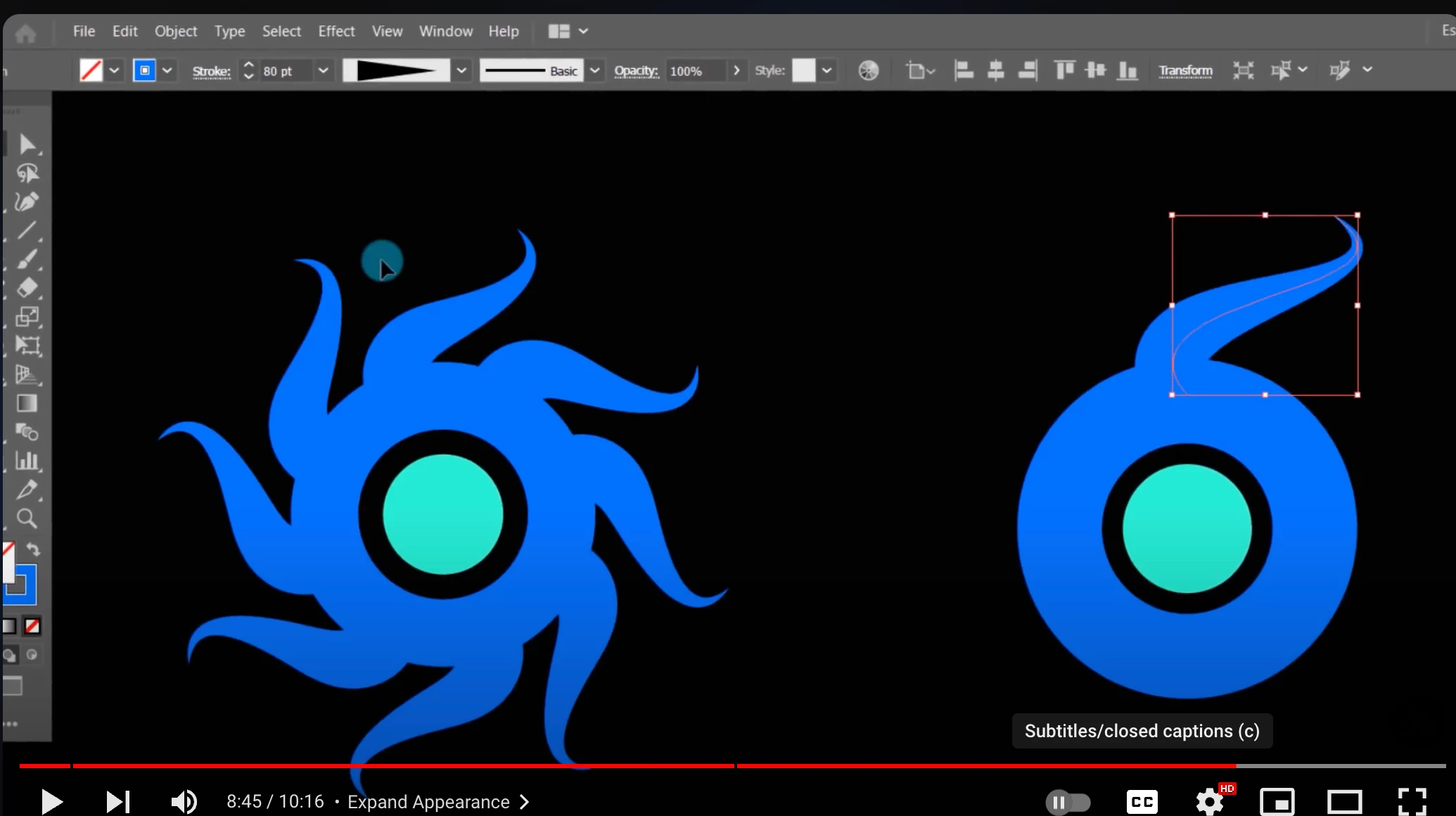
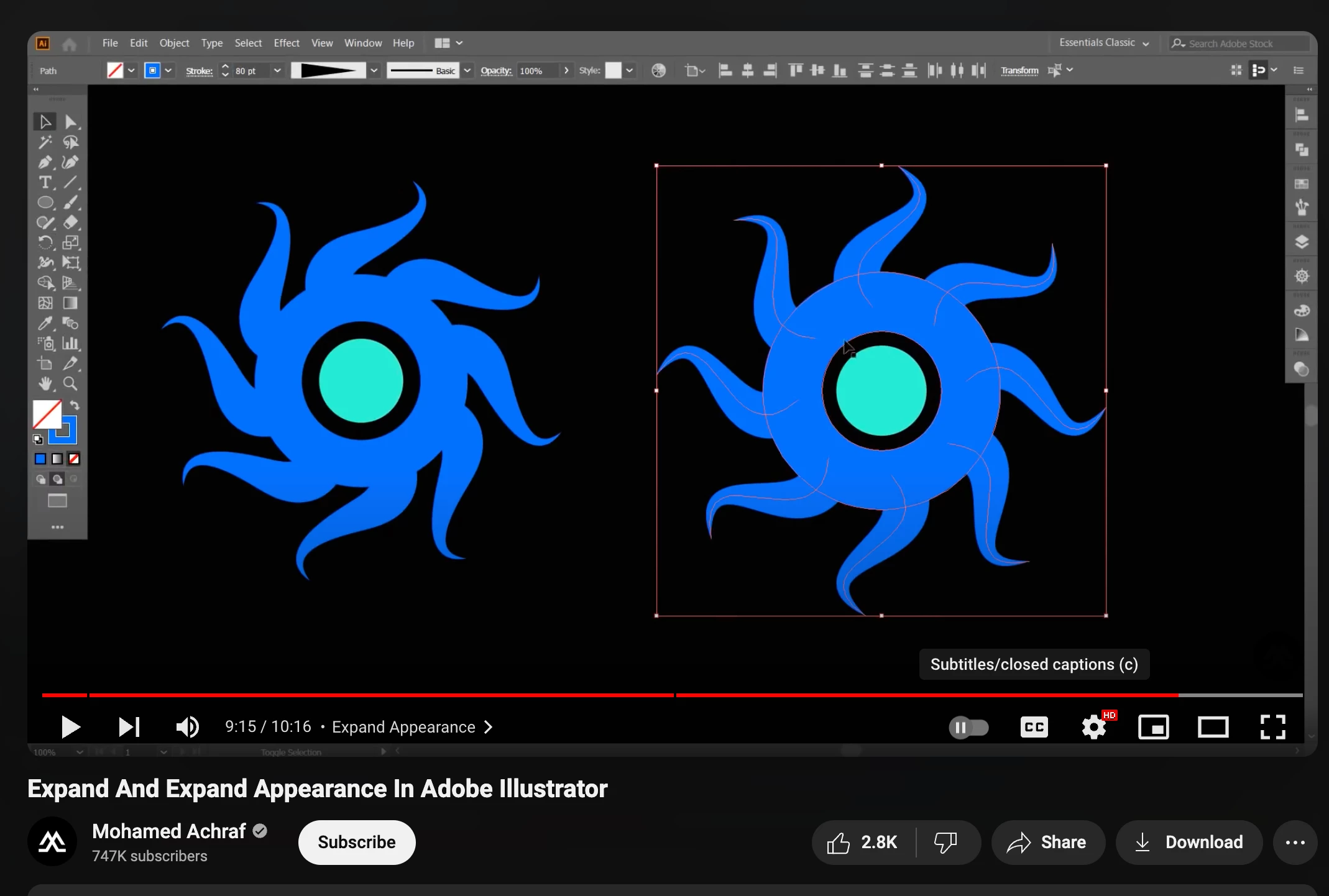
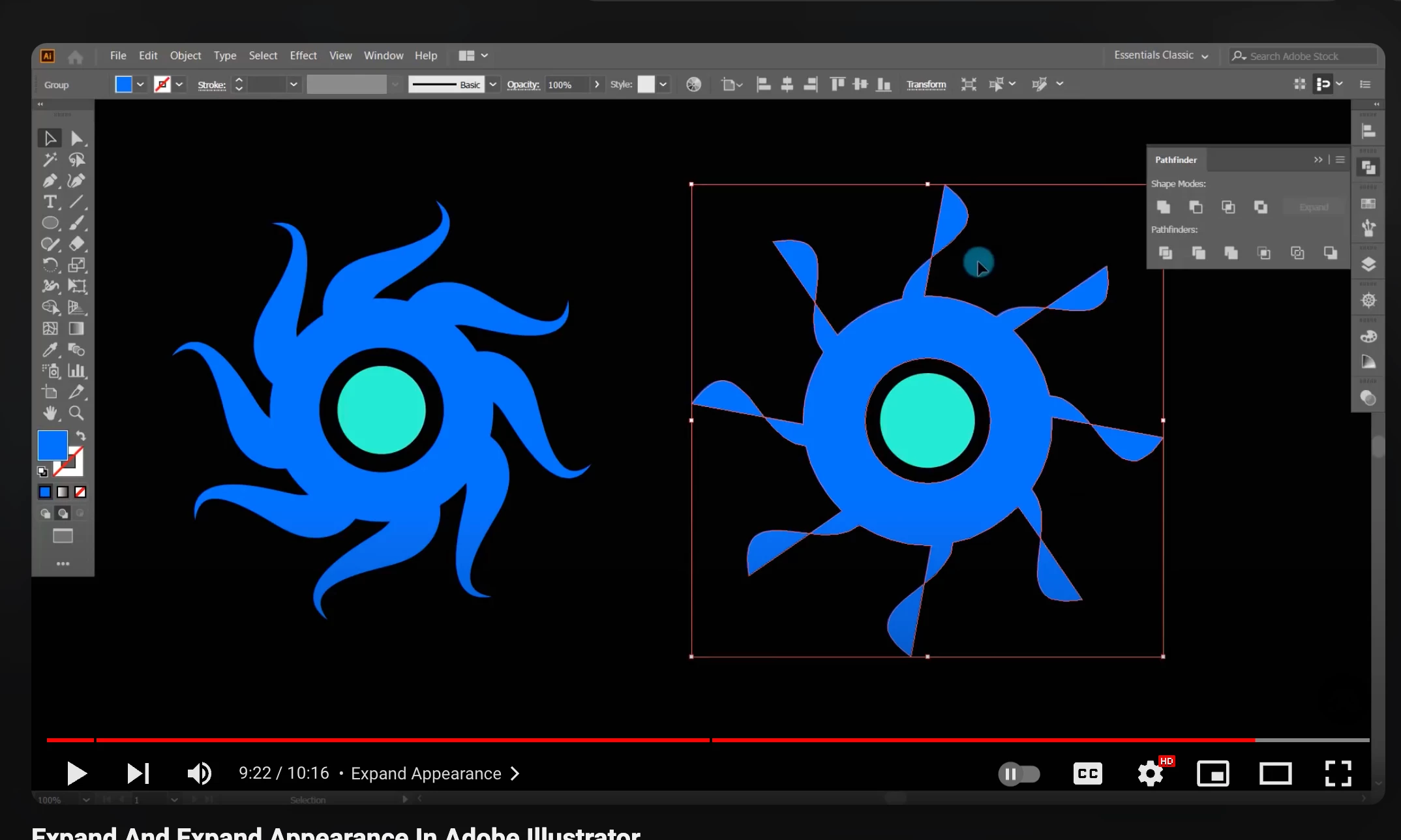
I know how the unite pathfinder works, and I feel like that doesn't really apply in this scenario:
- Combining Shapes: When you select two or more overlapping shapes and click on the Unite button in the Pathfinder panel, Illustrator merges these shapes into one cohesive object. The resulting shape will have a single outline encompassing all the original shapes.
- Removing Interior Paths: The interior paths and segments where the shapes overlap are removed, leaving only the exterior outline.
- Retaining Appearance: The resulting shape adopts the fill and stroke attributes of the topmost shape in the selection
 AdChoices