
Participating Frequently
April 28, 2022
Answered

Why is the shared pdf file in Creative Cloud unclear to the other person?

  • April 28, 2022
  • 3 replies
  • 1254 views

My employer and I share Creative Cloud where we store artworks or images saved as pdf. Everytime we open each other's file in our respective computers, this comes out 
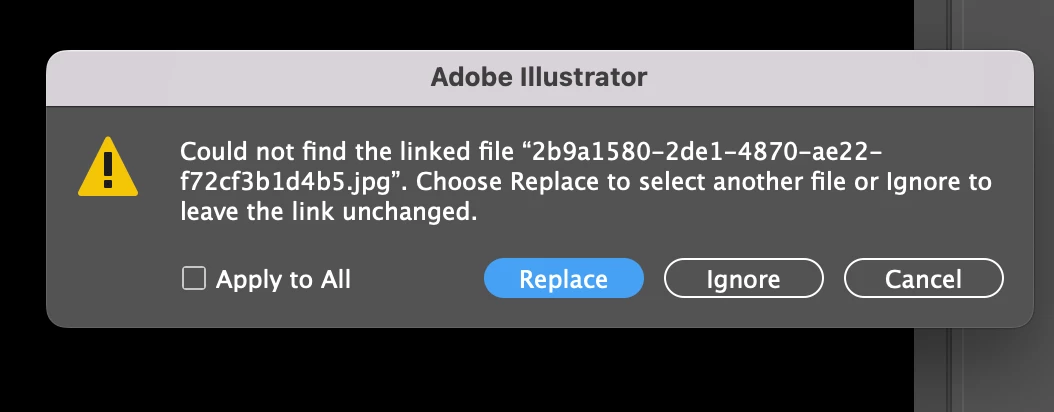
We click Ignore and thus we see an unclear file or blurry images. What shall we do to see a clear image of each other's file?

This image is the one I saved 
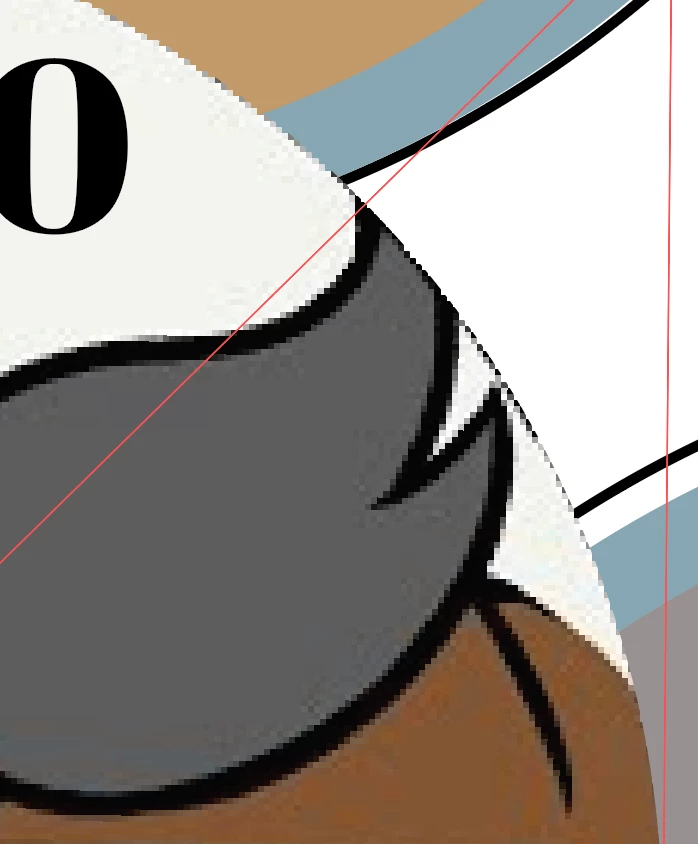
My employer saved his version and when I open it, this is how I see it. Same goes on his end when he views my file.

Anybody who can help solve this issue please? 


This topic has been closed for replies.
Correct answer Brad @ Roaring Mouse

You clicked Ignore. Nope.

This means to your Illustrator file that the placed file (that was not automitically found) will use the low-res preview only.

Since you are working cross-platform, there may be an mismatch in the path structure to the file which can cause it not to "see" the file. What you SHOULD do when you open the file and get the message is "Replace" and then navigate to the file wherever it's stored. This will relink it.

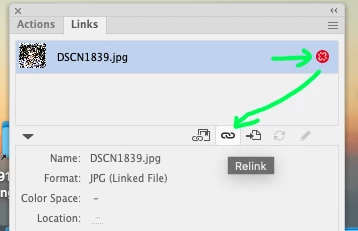
If you've opend the file already and DID click Ignore, you can relink the files in your Links panel...


 Since you made a PDF for review without having the links up to date, the low-res preview carries through to the PDF.

3 replies

Brad @ Roaring Mouse
Community Expert
Brad @ Roaring MouseCommunity ExpertCorrect answer
Community Expert
May 8, 2022

You clicked Ignore. Nope.

This means to your Illustrator file that the placed file (that was not automitically found) will use the low-res preview only.

Since you are working cross-platform, there may be an mismatch in the path structure to the file which can cause it not to "see" the file. What you SHOULD do when you open the file and get the message is "Replace" and then navigate to the file wherever it's stored. This will relink it.

If you've opend the file already and DID click Ignore, you can relink the files in your Links panel...


 Since you made a PDF for review without having the links up to date, the low-res preview carries through to the PDF.

Lukas Engqvist
Community Expert
Community Expert
May 7, 2022

I am reading that you have problems with PDF files but this is Illlustrator forum, does this mean you are doing the PDF files in Illustrator? A PDF with Illustrator editability will not open the PDF but Illustrator data if such data exists, in the illustrator data the file may be linked even if in the PDF part of the document the image is embedded/optimised. If you wish to share illustrator files with a collegue I would suggest using the share from the top right corner of the menu, which shares an aic (Illustrator Cloud document). If sharing an aic you will egt a warning if you have linked rather than embedded images to make you aware of this problem. You could use CC Libraries to link to assets that occur accross documents, but you must be sure that the library is also shared with your collaborator.

Linked images work poorly in Cloud Documents. I would suggest embedding images for this kind of sharing. If you have a shared server you can have linked files, the problem is if the file path to the files is different for the users then Adobe Illustrator does not know where to look for the Links. 

Ton Frederiks
Community Expert
Community Expert
April 28, 2022

Where are these linked files stored?

Participating Frequently
April 28, 2022

these are stored in creative cloud


Participating Frequently
April 28, 2022

The pdf part of the Illustrator file will have them embedded, but for the part that is opened in Illustrator, the path to the linked files must be available.

Where are the images uploaded from?


These image files are saved in their respective folders in Creative Cloud. That is where the images are uploaded from. So the image files, and the illustrator files are both within Creative Cloud.