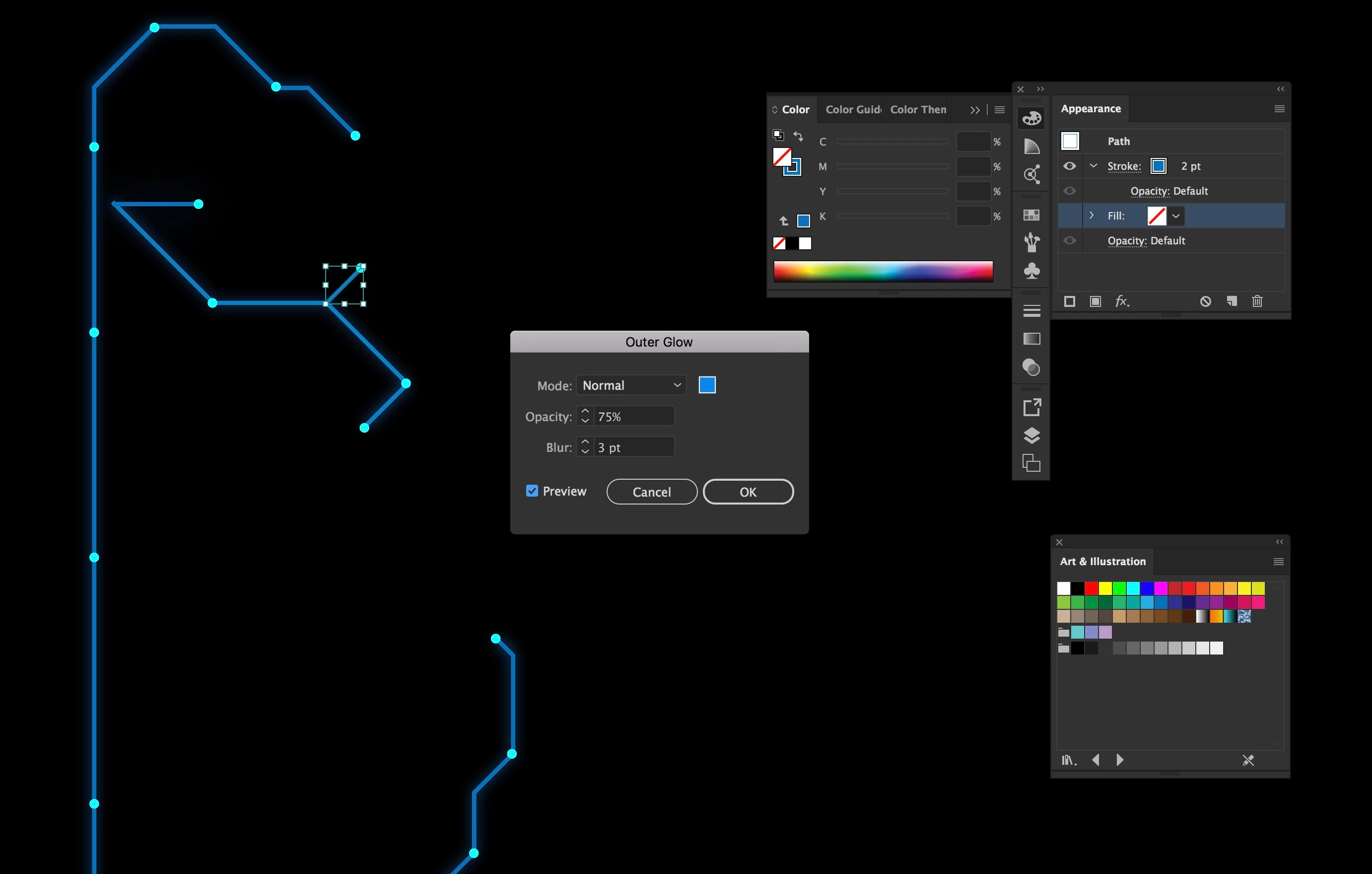
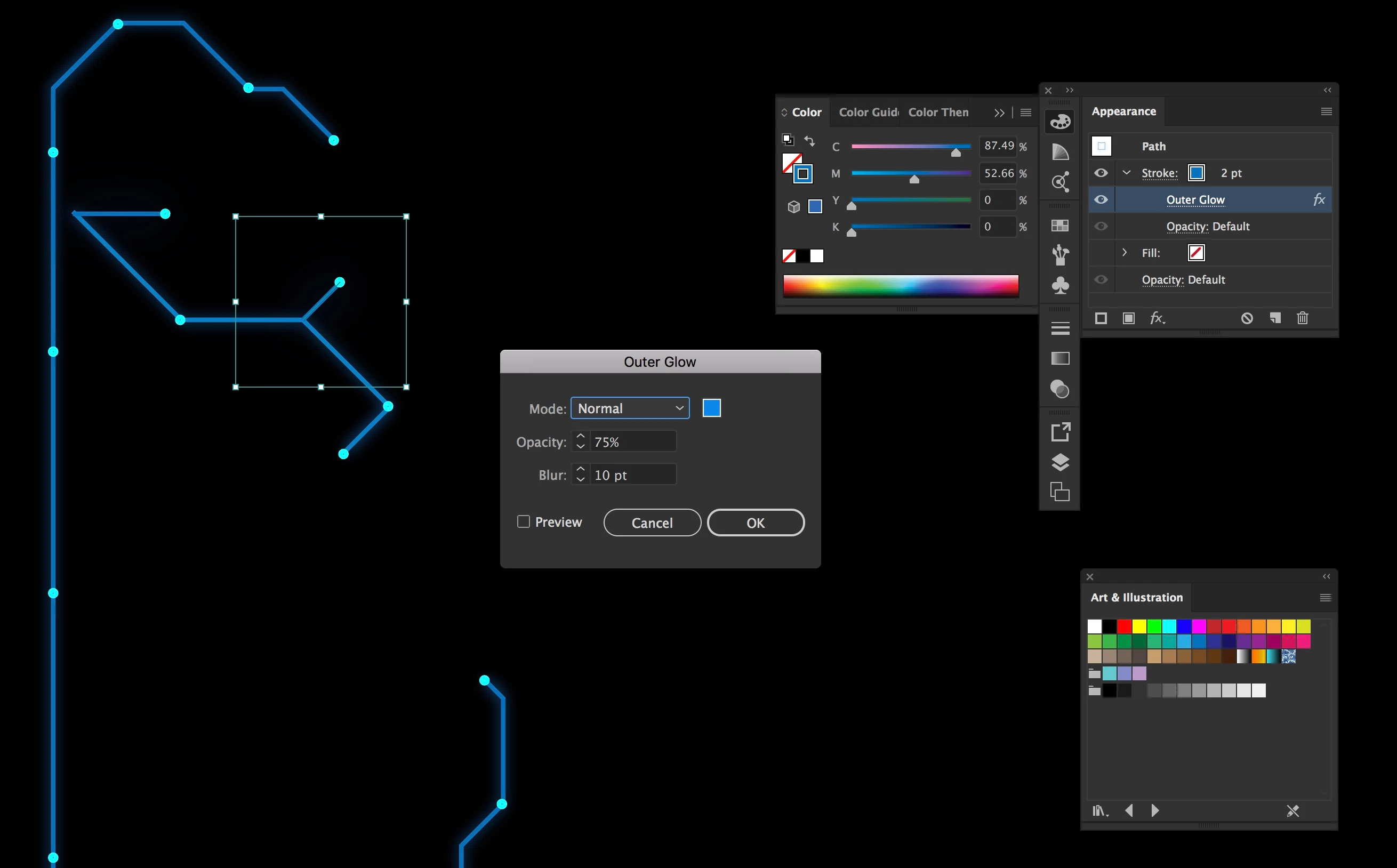
Indeed, I removed the "simulate coloured paper" and the outer glow works. Is that mean that the outer glow was not working because you can not have a glow effect on paper? In what case this option is useful? Thank you very much for your help.
Not quite. You can achieve something that looks like a glow on a black coloured paper. But not (or rarely) with common process colours in an offset printing environment. Spot colours would be required and often special printing techniques which should be considered together with your print vendor.
As for the Simulate Coloured Paper option in conjunction with process colours: Imagine a deep black cotton cloth, take a real brush and paint a bit of blue glazing water colour on the black cotton. Wait some minutes and check the result. You won't see any blue colour on your cloth (a marginal visibility may remain). The same applies to process colours on black coloured paper. The paper will suck the blue tint (unless the paper is processed with some sophisticated methods).
In the most recent versions of Illustrator the screen preview is rather misleading or even wrong when you turn on the Simulate Coloured Paper option. It even shows process white on a black colour simulation (unless you turn on Overprint preview). Older versions did not do that for some good reasons.

 AdChoices