Participating Frequently
September 18, 2019
Question

Why with the jagged lines?!

  • September 18, 2019
  • 16 replies
  • 6395 views

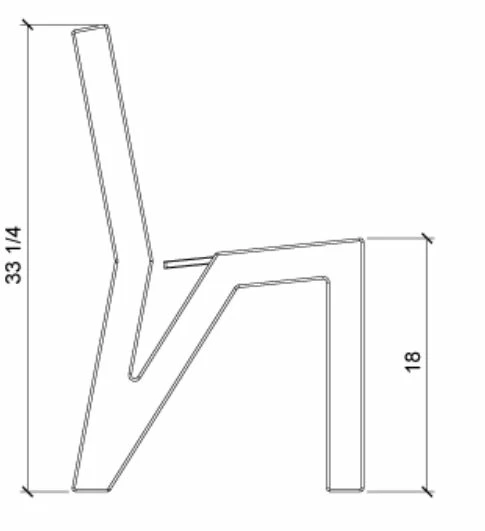
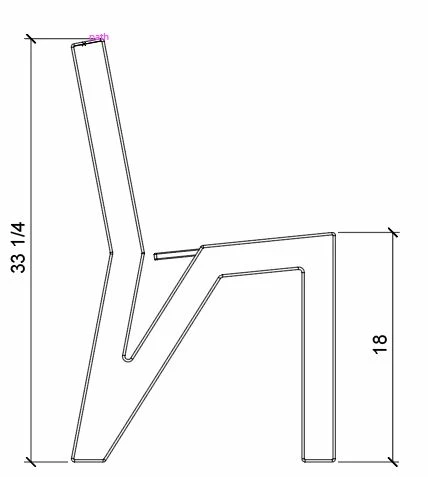
My diagonal lines are jagged and stepped when exporting to .PNG and I can't figure out how to fix them. I've tried turning off GPU, exporting at different resolutions, and numerous other things. I even had someone from Adobe support remote control my computer and they couldn't fix it either. Is this just the quality I get? 
 

    This topic has been closed for replies.

    16 replies

    Ton Frederiks
    Community Expert
    Community Expert
    September 18, 2019

    If you would attach the AI file, it would be easier to answer your question.

    Mike_Gondek10189183
    Community Expert
    Community Expert
    September 18, 2019

    Open your .png in Photoshop and view filename@100%. Your screenshot looks good to me @ 100%, and obviously staistepped if you zoom in. If you need bigger you will need to export with more pixels,

    Monika Gause
    Community Expert
    Community Expert
    September 18, 2019

    That PNG looks OK to me. It's just what you can expect. PNG is a raster image file after all.

    Ton Frederiks
    Community Expert
    Community Expert
    September 18, 2019

    What is the zoom factor of the image shown in Illustrator?

    What are the dimensions of that image?

    It looks like you are exporting a very small object.

    Conrad_C
    Community Expert
    Community Expert
    September 18, 2019

    What are the pixel dimensions of the artboard, and does the artwork fill the artboard or is it a small area of it?

    Which export method did you use for the PNG: Export for Screens, Export As, or Save for Web (Legacy)?

    Inspiring
    September 18, 2019

    If you're looking at the PNG on a retina display (any display with a res higher that the normal 72dpi) the PNG will look jagged at normal zoom. Export at about 3x the size you think you need. Good print resolution is about 300 dpi. a PNG will export at 72dpi by default so at normal zoom it wont look too hot. If you have photoshop you can change the res from 72 dpi to 300 dpi to control the print size as opposed to the screen size.