
Participant
September 14, 2023
Answered

windows 11 Illustrator 27.9 is not working properly. extremely slow. HELP!!!

  • September 14, 2023
  • 2 replies
  • 1360 views

Since the last update form windows 11 I am unable to work in Adobe Illustrator 27.9

No matter how big the file is, it is always the circle running on the screen and i can do one move and have to wait several seconds. Anybody can give me support? I have attached the info about my laptop. I guess it should be no problem because of capacity of grafic card. i work perfectly with 3D.
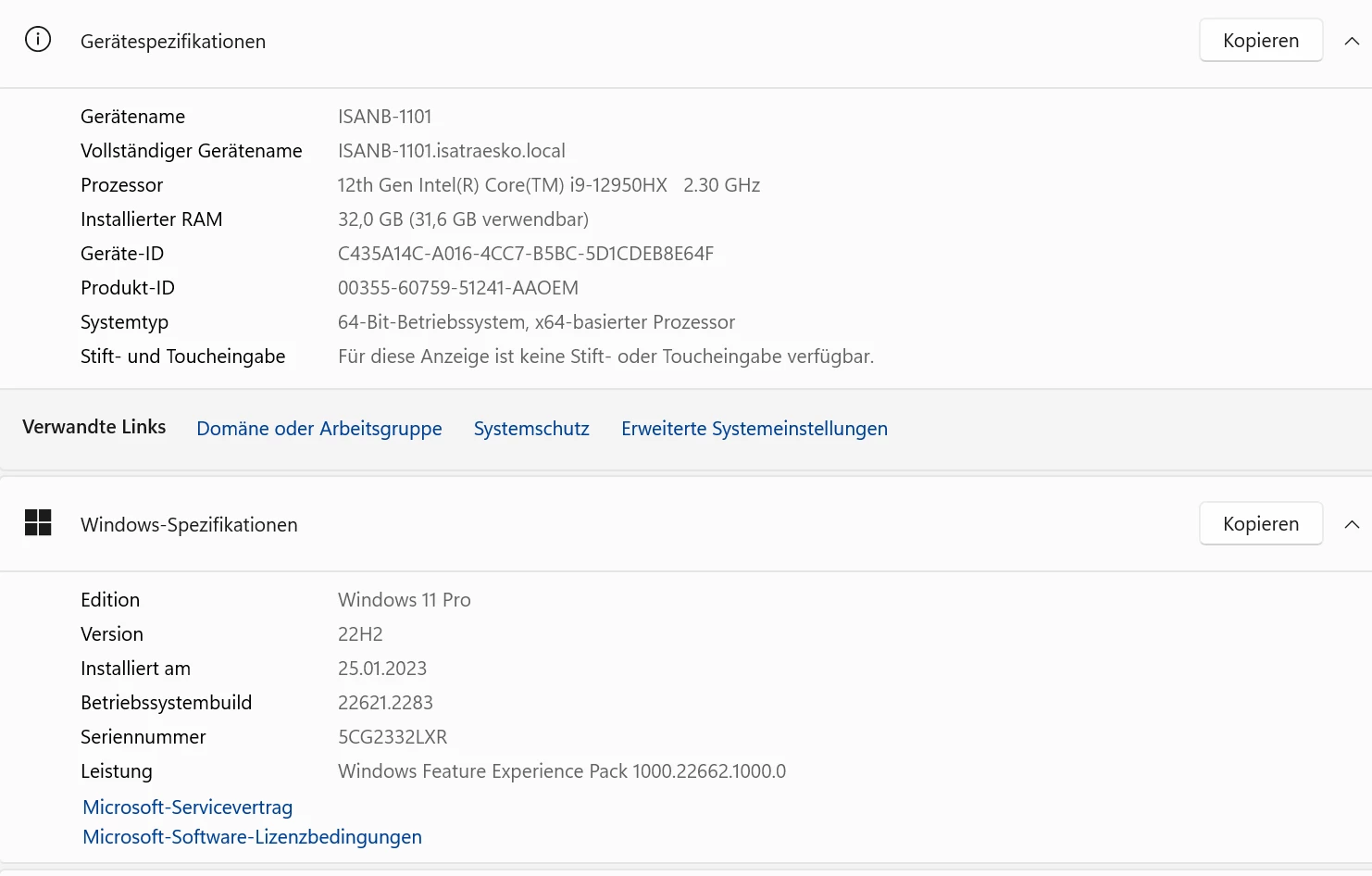
Any changes of prefernces needed? Anybody can support me. I cannot work at all.

This topic has been closed for replies.
Correct answer Sooni

Thxs for asking. I guess it was a combination of multiple problem and mainly caused by the speicific file itself.

All fine now. Thxs for your support.

Sooni

2 replies

SooniAuthorCorrect answer
Participant
September 22, 2023

Thxs for asking. I guess it was a combination of multiple problem and mainly caused by the speicific file itself.

All fine now. Thxs for your support.

Sooni

Anubhav M
Community Manager
Community Manager
September 15, 2023

Hello @Sooni,


We understand how frustrating it can be to experience performance issues while working in Illustrator. Would you mind trying the suggestions shared in this help article (https://helpx.adobe.com/illustrator/kb/optimize-illustrator-performance.html) and performing a clean reinstallation of the GPU drivers (Intel / NVIDIA / AMD) and setting the Graphics Preference to High-Performance for Illustrator (https://www.amd.com/en/support/kb/faq/gpu-110) and checking if it helps?

If the problem persists, try running Illustrator under a different administrator account (Windows) and share your observations.

Looking forward to hearing from you.


Thanks,

Anubhav

SooniAuthor
Participant
September 15, 2023

Hi Anubhav,


thxs for coming back to me.

I will check if this helps. Otherwise I will come back 🙂

Sooni

Anubhav M
Community Manager
Community Manager
September 19, 2023

Hello @Sooni,


Hope you're doing well. I was following up to check if the problem was resolved. Kindly let us know if you have more questions or need assistance. We'd be happy to help.


Thanks,

Anubhav