Answered
Won't let me use Live Paint
For some reason when I try to use Live Paint this error keeps appearing and I don't know how to fix it. This is a plan view of a structure from rhino converted to .ai. Can someone please help?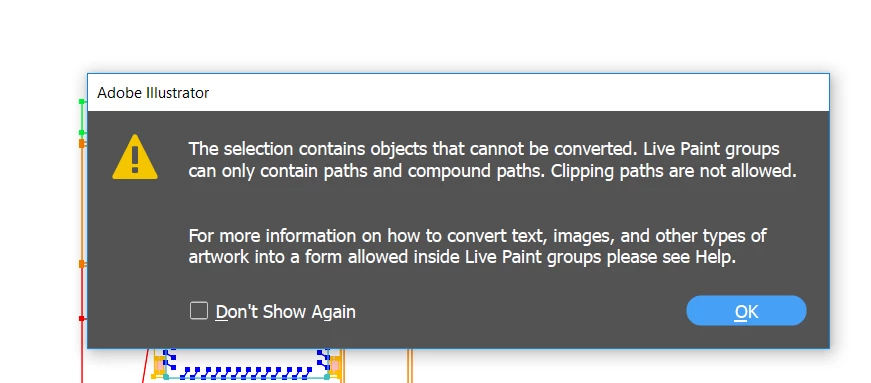

For some reason when I try to use Live Paint this error keeps appearing and I don't know how to fix it. This is a plan view of a structure from rhino converted to .ai. Can someone please help?
When files are converted from other formats into Illustrator (it even happens when opening a pdf in Illustrator) much of the artwork is converted to a series of clipping paths. Try doing a Select-All (Command (Mac)/Control (PC)-A) command and then using the keyboard command Option (Mac)/Alt (PC)-Command (Mac)/Control (PC)-7 to deactivate all of the clipping paths at once. This should convert all of the art to paths and/or compound paths which will work with Live Paint.
Already have an account? Login
Enter your E-mail address. We'll send you an e-mail with instructions to reset your password.
 AdChoices