
rickd74474784
Participant
June 27, 2019
Answered

Word Count missing
  • June 27, 2019
  • 4 replies
  • 12852 views

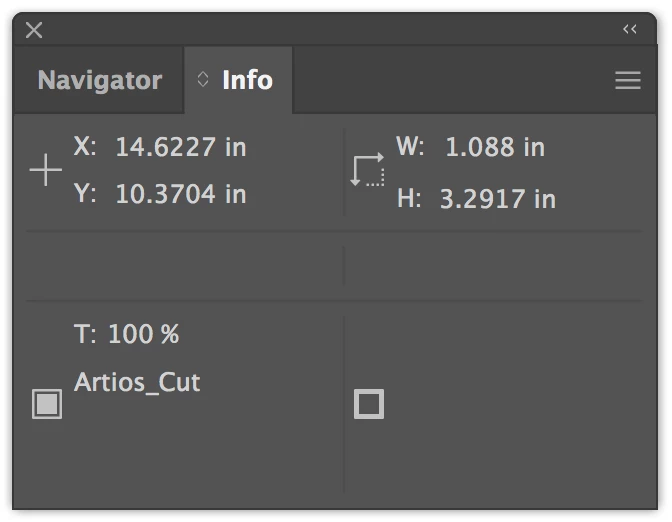
I've highlighted text in my Illustrator document, then navigated to the info panel to get the Word Count. No matter what I try, I can't figure out where my Word Count and Character Count went. I've restarted my computer, checked for updates, restored settings in Illustrator.

The info display keeps saying "? /1000 em" or "20 /1000em" in the top section, but nothing in the bottom panel at all.

Any ideas?
Correct answer Steve Werner

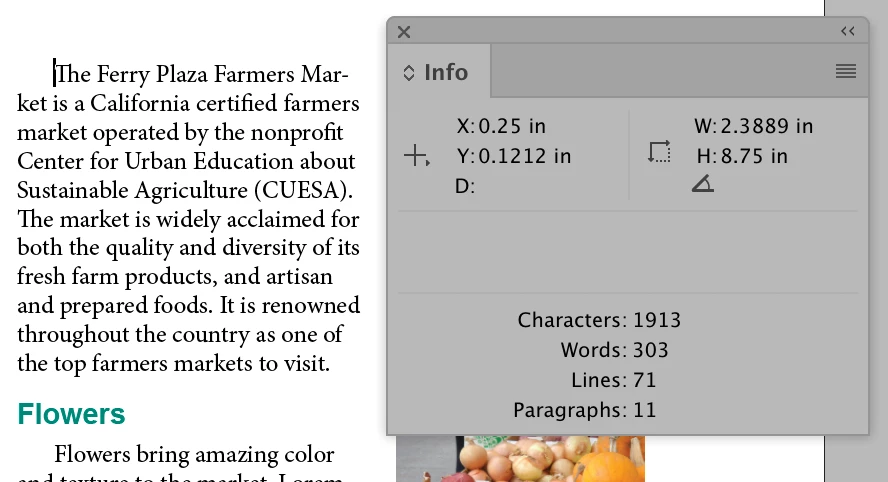
I agree with amanb90494466​ that you're probably confusing the InDesign Info panel word count with the Info panel in Illustrator.

Here's what the InDesign Info panel looks like if you click in a story:

4 replies

Steve Werner
Community Expert
Steve WernerCommunity ExpertCorrect answer
Community Expert
June 27, 2019

I agree with amanb90494466​ that you're probably confusing the InDesign Info panel word count with the Info panel in Illustrator.

Here's what the InDesign Info panel looks like if you click in a story:

Umbrix1771
Participant
June 27, 2019

hello,

rick

I hope you are doing well

- there is no word count in illustrator yes you have this feature in in design

- em indicates em space distance

-  type>>insert white sapce character>>em spacing

- info you can able to view all the desired information regarding artboard ,color format, artboard size etc

- basically it give information of navigator

Doug A Roberts
Community Expert
Community Expert
June 27, 2019

CarlosCanto has produced a script for this, available here:

Re: word-count in illustrator?

Doug A Roberts
Community Expert
Community Expert
June 27, 2019

I wasn't aware of a word/character count in Illustrator at all. It isn't present in the Info panel in CC2019 or CS6 at least.

The 1000/em figures show tracking and kerning.