
Participating Frequently
February 18, 2018
Question

Wrap Text to Shape

  • February 18, 2018
  • 2 replies
  • 4444 views

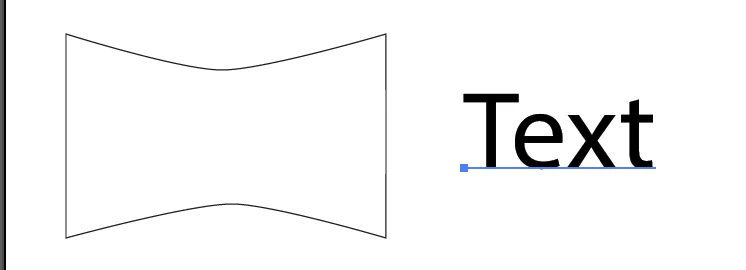
I am trying to Warp a text to this shape:
However, once a take the necessary steps for this feature:
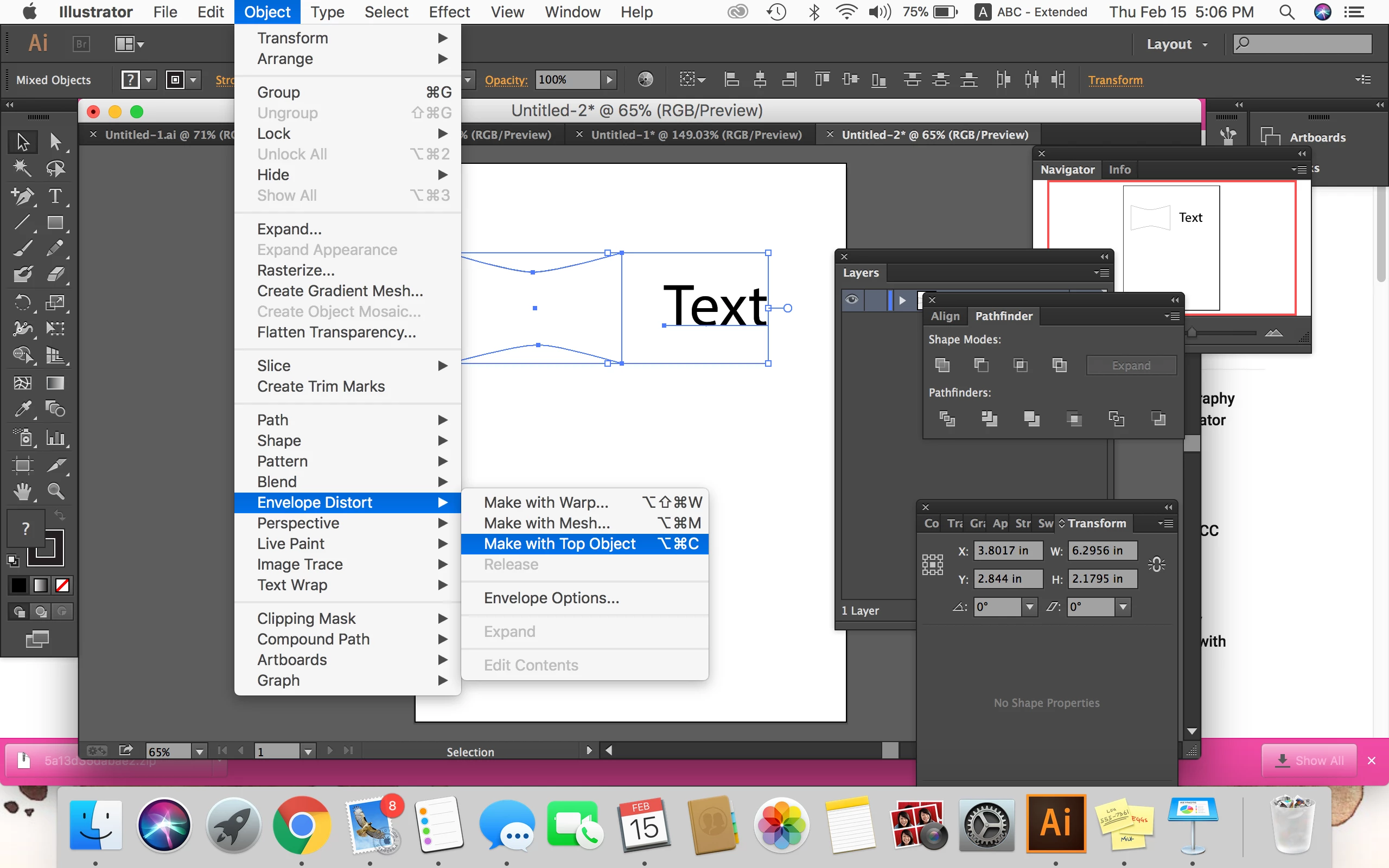
-Sent Text to the Back>

-Select Both Objects>

-Object> Envelope Distort> Make with Top Object

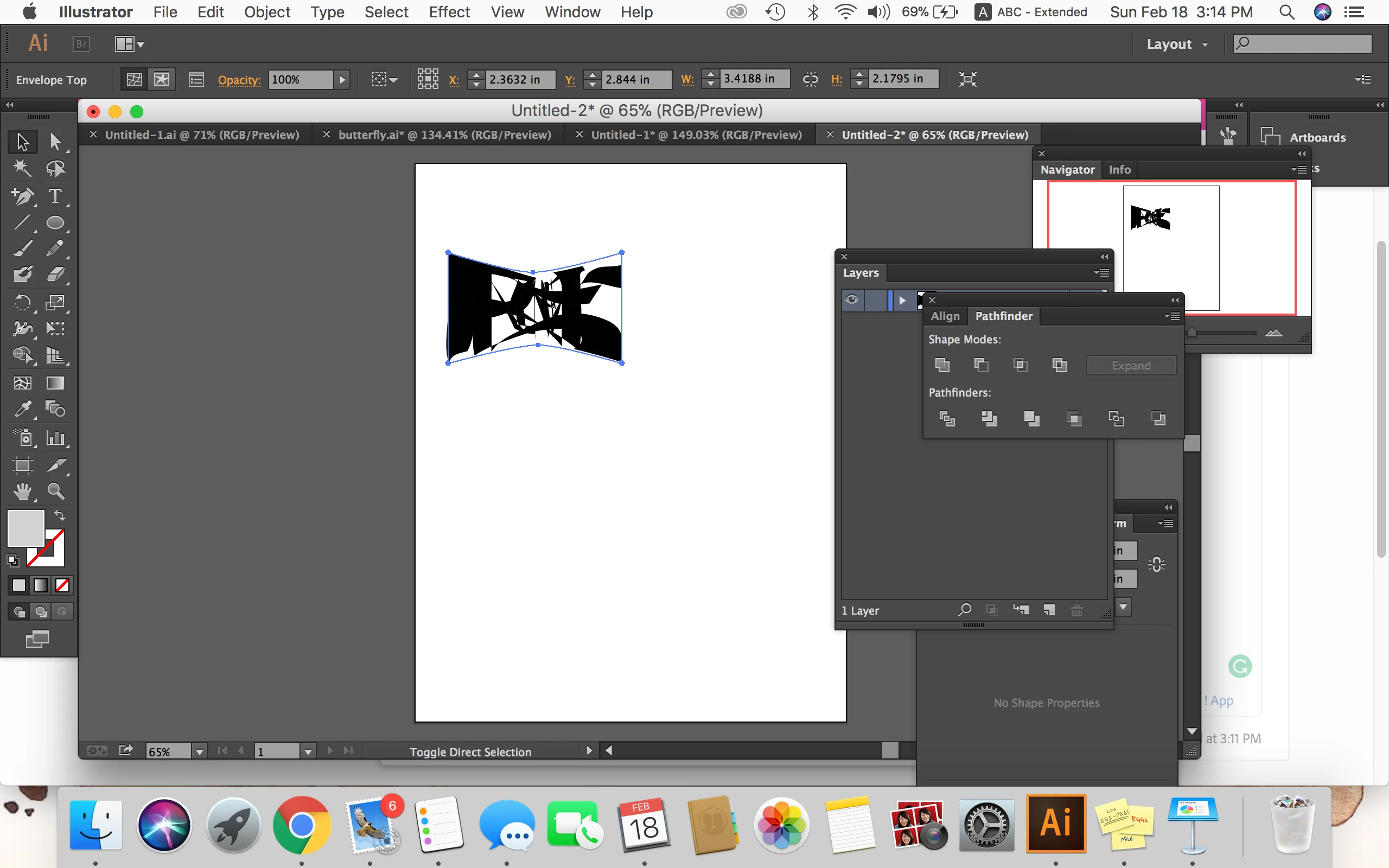
I get this:
After I repeat these steps with a circle (a shape I did not edit) it comes out right:
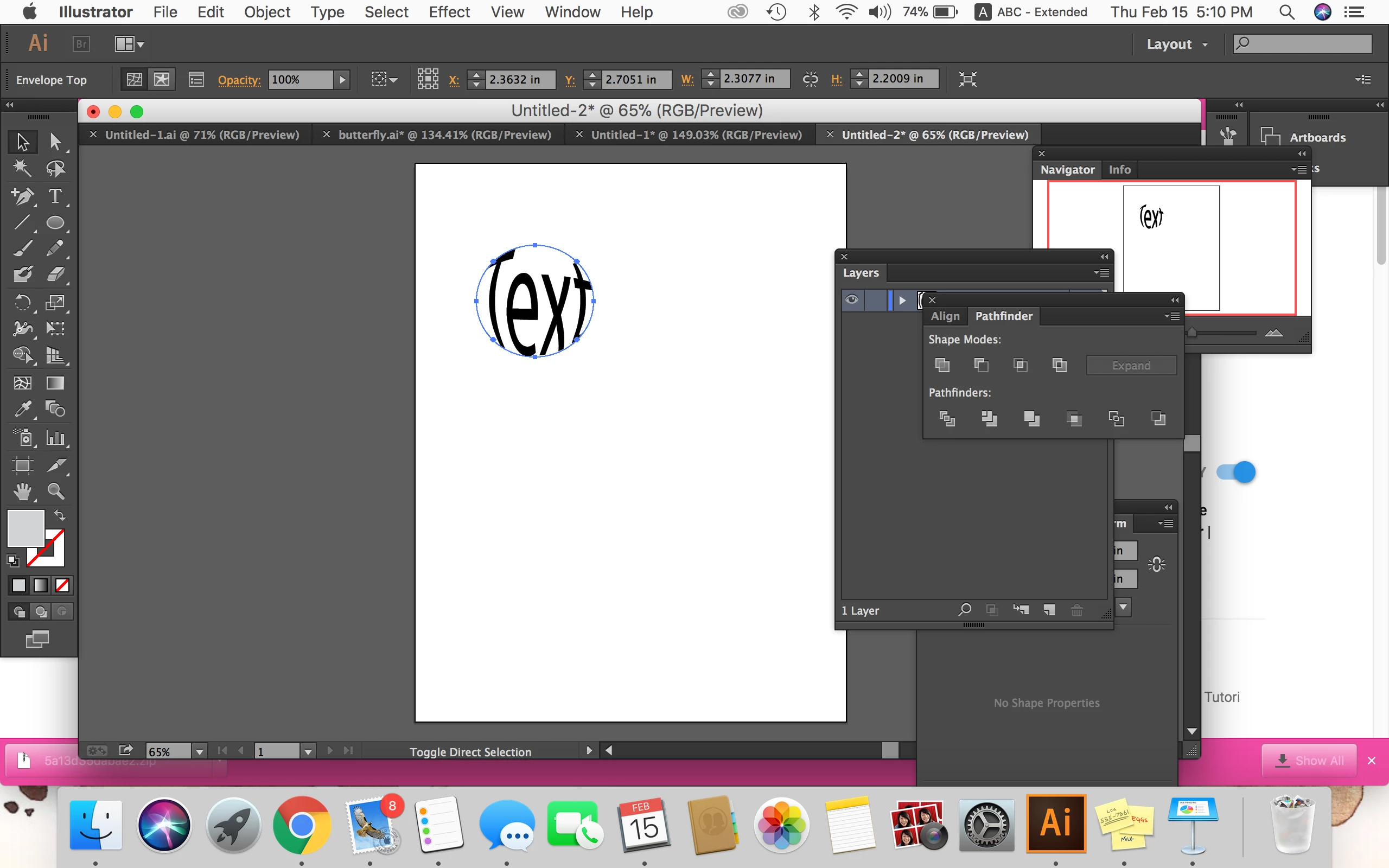
I don't know what I'm doing wrong. I doubt the feature only works on premade shapes...

This topic has been closed for replies.

2 replies

rcraighead
Legend
February 18, 2018

"Make with top object" seldom works for me either. Try using "Make with Warp". You can fine-tune the mesh afterwords.

Monika Gause
Community Expert
Community Expert
February 18, 2018

Try and select the 4 sharp corners of your shape with the direct selection tool.

Then Object > Make gradient mesh

Then Object > Envelope > Make with top object

Does that work better?