Participating Frequently
March 17, 2021
Answered
wrapping a shape around a circular path
- March 17, 2021
- 3 replies
- 1999 views
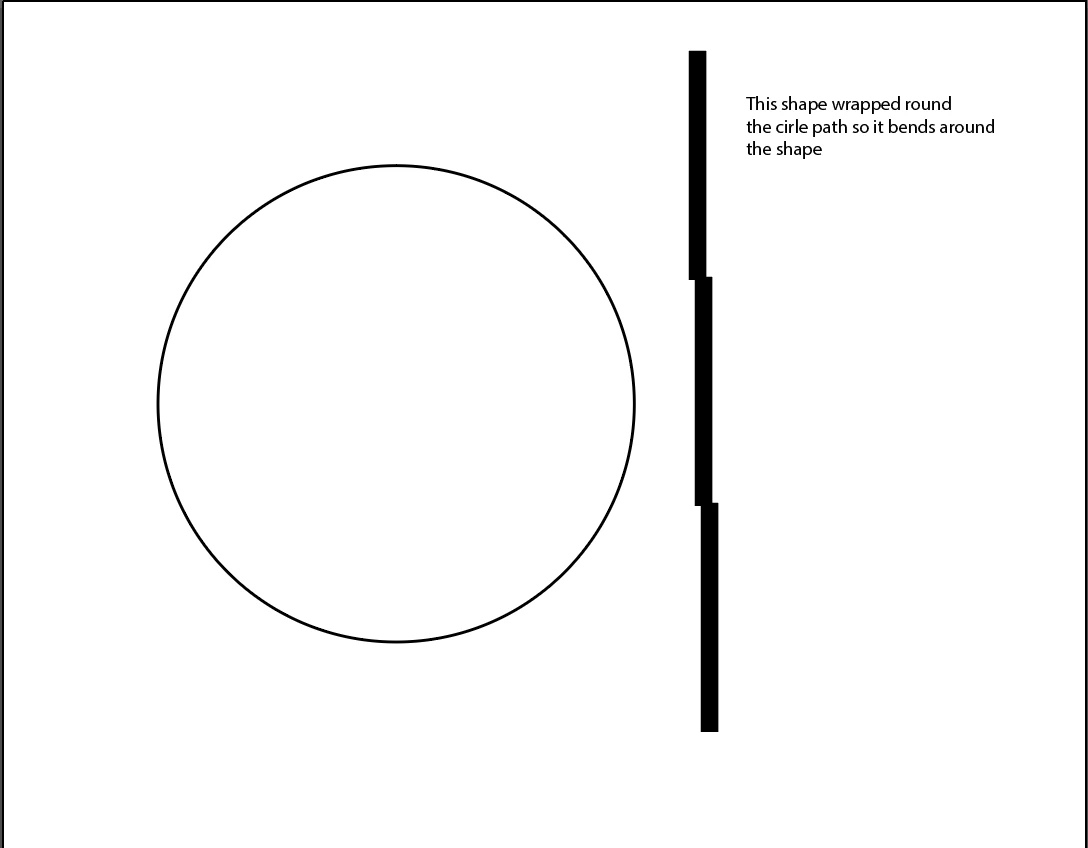
You can try turning the lighting bolt into an art brush or a pattern brush and then applying that to the line stroke of a circle (or any other open or closed path). The lighting bolt would have to be vector-based (I can't tell based on the attached PNG image). Like all warping effects some distortion will occur in the end result. To minimize the distortion and make the effect as natural looking as possible you'll want to determine the path length of the target path. Select the target path and then look at the Document Info palette. Click on the flyout menu and check "objects" in the menu. Then the path length info will be displayed in the Document Info palette. Make your lightning bolt object or pattern the same length. Drag that into the brushes palette to turn it into an art brush or pattern brush. Then apply that brush to the target path.
I often use the art brush trick as an alternative for flowing text-based artwork on paths. Too often text on path effects look really jumbled and wacky. Turning a text object into an art brush can make the letters flow around the curve more naturally.
Already have an account? Login
Enter your E-mail address. We'll send you an e-mail with instructions to reset your password.