austinm97616931
Participant
April 1, 2020
Answered

wrong colors

  • April 1, 2020
  • 1 reply
  • 453 views


When I use Illustrator, I can't capture the color I am looking for.  Here are some examples of the isues I am facing.


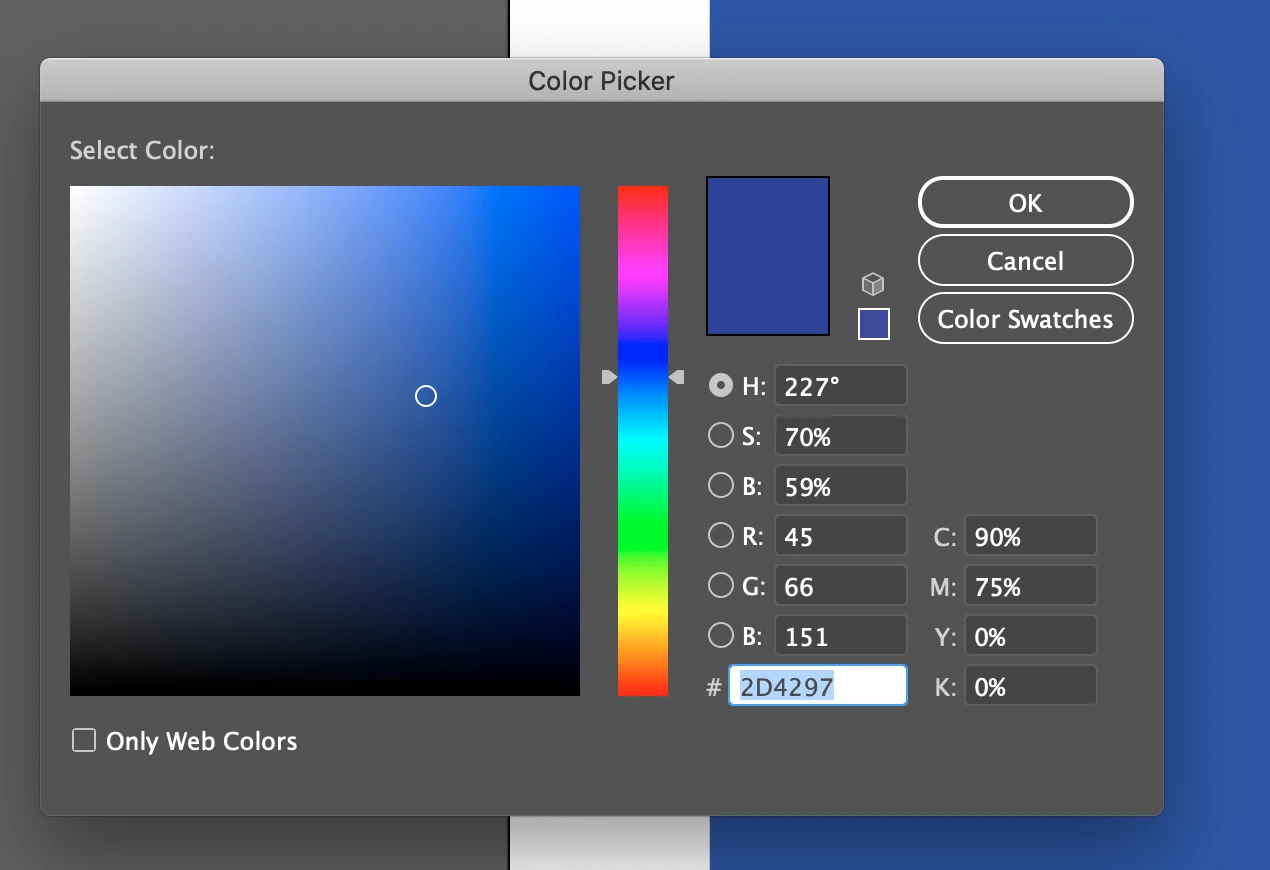
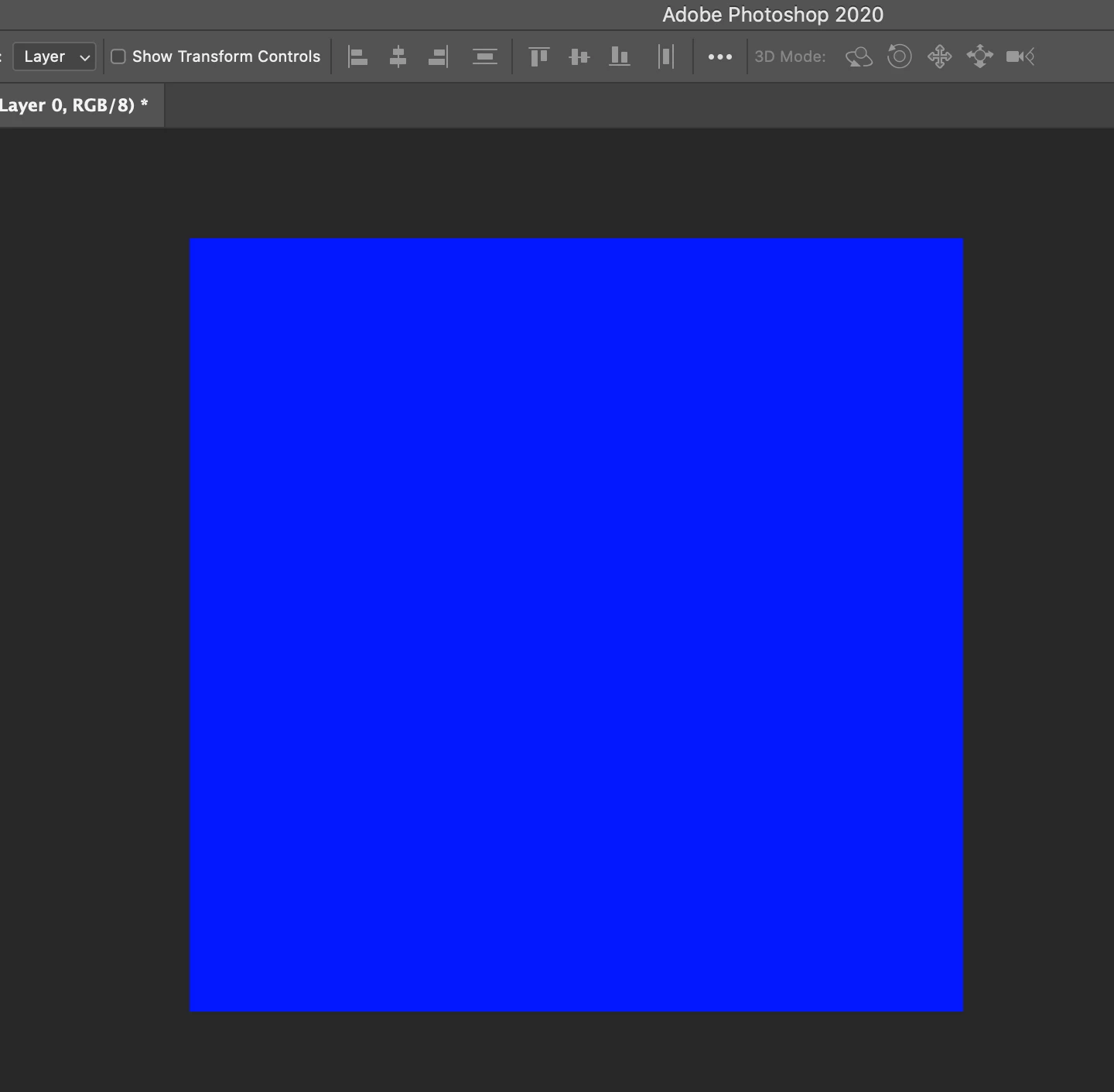
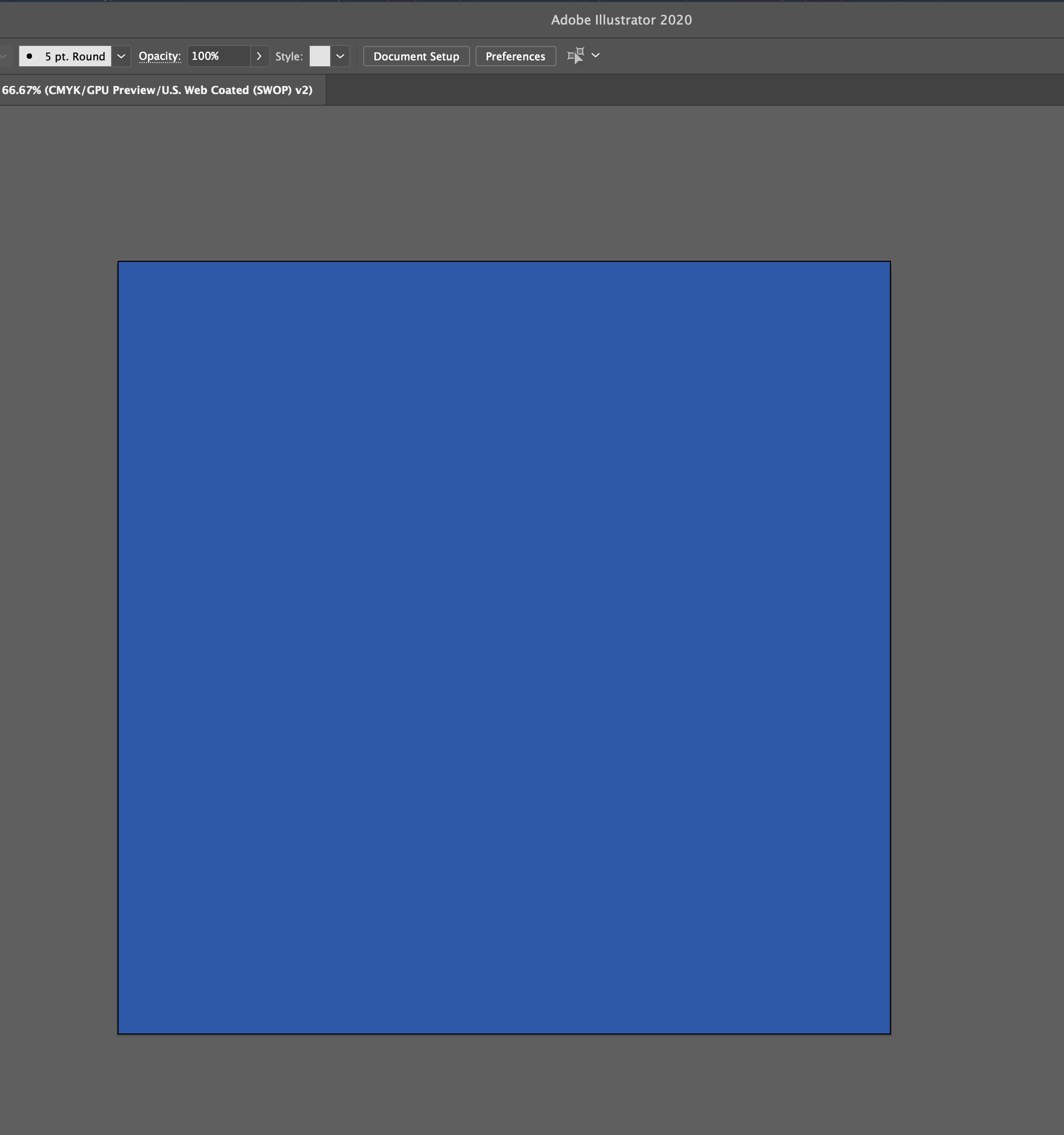
1.  The image on the left is from Photoshop.  When I dragged and dropped the blue square into an Illustrator file, it changed from royal blue to that dull blue.


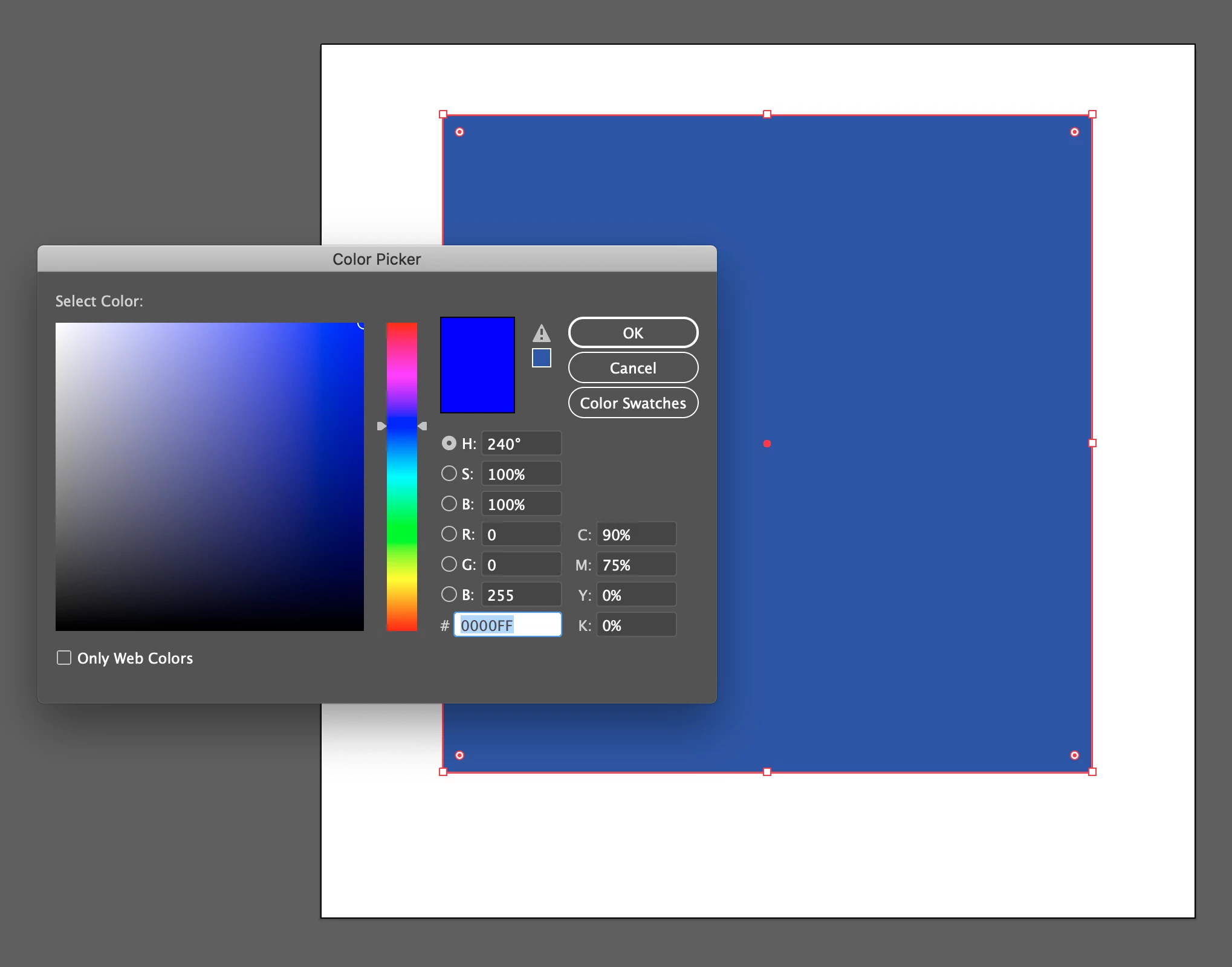
2.  in this image, I tried using the Color Picker to pick a royal blue color for the square, but I was left with another dull blue square.  Then when I closed the Color Picker and opened it again, the color was set to the dull blue.


3.  I have simmiler isues with the Eye Dropper Tool.

I have already tried switching my color settings to RGB, HSB, and CMYK.  That didn't do anything.


Please help.


This topic has been closed for replies.
Correct answer Ton Frederiks

Make sure the Edit > Color Settings are the same in both Photoshop and Illustrator.

Your first example shows the conversion from a Photoshop RGB document to an Illustrator CMYK document.

Make sure you start in Illustrator with an RGB document before placing a Photoshop RGB document to avoid conversion.

1 reply

Ton Frederiks
Community Expert
Ton FrederiksCommunity ExpertCorrect answer
Community Expert
April 1, 2020

Make sure the Edit > Color Settings are the same in both Photoshop and Illustrator.

Your first example shows the conversion from a Photoshop RGB document to an Illustrator CMYK document.

Make sure you start in Illustrator with an RGB document before placing a Photoshop RGB document to avoid conversion.

austinm97616931
Participant
April 1, 2020

Thank you.  I was trying to do that but I reliesed I was looking in the wrong place.  In the drop down menu in the image, I switched to RGB so I could use all the colors and not just CMYK colors which I now know are printer compatable colors.  What I wasn't doing was clicking File > Document color mode > RGB Color.


Ton Frederiks
Community Expert
Community Expert
April 1, 2020

Good to hear that helped.

But the best thing to do is not to change the document color mode for an existing file, but create (in your case) an RGB file when creating a new document.

You could select one from the Art & Illustration presets.