Known Participant
April 16, 2019
Answered

300 DPI Images been Downsampled to 72 DPI

  • April 16, 2019
  • 2 replies
  • 2931 views

I need to set up print files for some exhibition panels the vendor has asked for the files to set up at either 100% or 10% final size.

The LPI / DPI can be between 100 / 120 my photoshop files are set up at 300 LPI / DPI, so when I flatten the files to a JPG I change the LPI / DPI to suit.

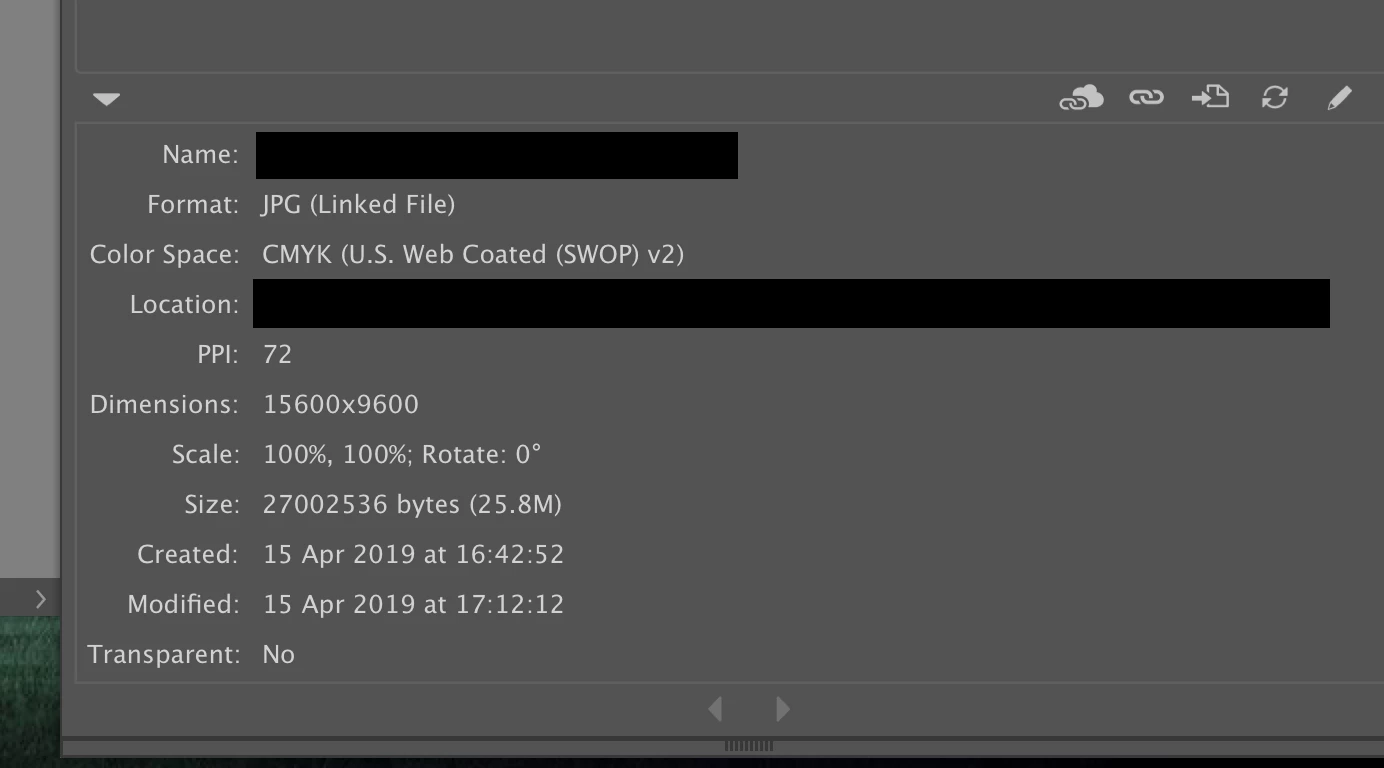
But I have placed a JPG which is 50 Inches W x 32 Inches H 300 DPI and Illustrator is downsampling the Image to 72 DPI while retaining the proportions, it does the same with an image that has been saved at 120 DPI.

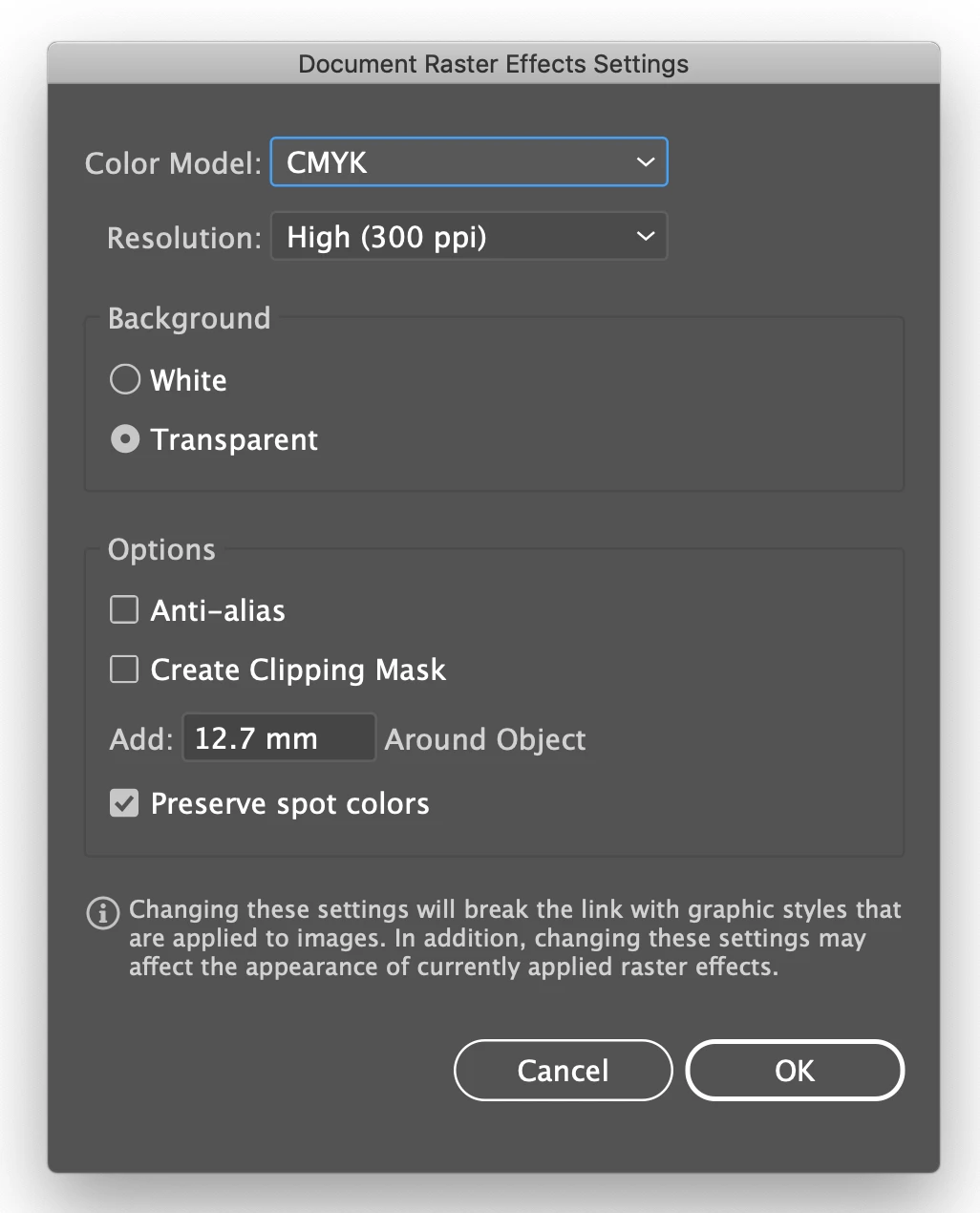
I have checked the documents raster effect settings and they are set at 300 DPI.

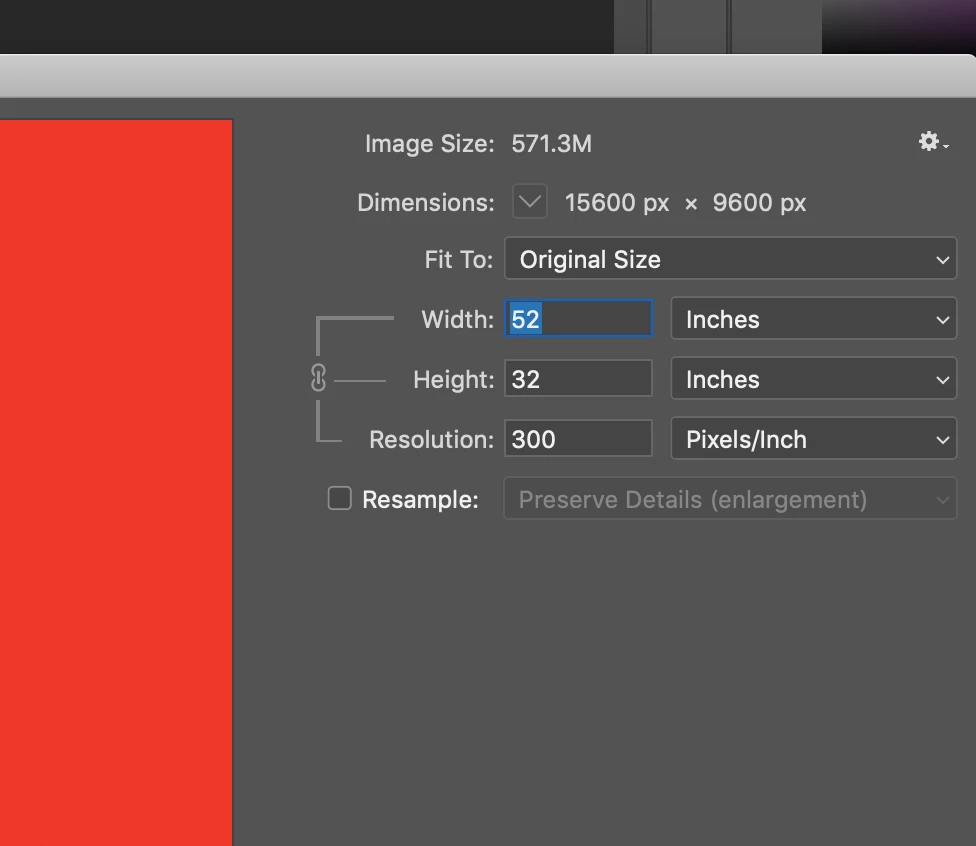
I have attached 3 screenshots.

Any help would be appreciated.

Thanks.
    This topic has been closed for replies.
    Correct answer Test Screen Name

    Ok, re-open the JPEG in Photoshop and verify the ppi using Image Size. It does look as if the ppi was changed. If it wasn't, I do suspect an Illustrator glitch.

    You can readily do the calculations yourself. Look at the image size in pixels. Divide it by the image size in inches, in Illustrator. What you get is the EFFECTIVE PPI, the only important measure in the final result.

    2 replies

    Test Screen NameCorrect answer
    Legend
    April 16, 2019

    Ok, re-open the JPEG in Photoshop and verify the ppi using Image Size. It does look as if the ppi was changed. If it wasn't, I do suspect an Illustrator glitch.

    You can readily do the calculations yourself. Look at the image size in pixels. Divide it by the image size in inches, in Illustrator. What you get is the EFFECTIVE PPI, the only important measure in the final result.

    Known Participant
    April 16, 2019

    Hi Monica,

    I deleted the image then placed it in the illustrator file (it still downsampled it to 72 PPI) but I checked the image size (like you said) and the dimensions of the image had been resized so I simpled changed the dimensions and the image is changed backed to the effective PPI of 300.

    Many thanks

    Laurence.

    Monika Gause
    Community Expert
    Community Expert
    April 16, 2019

    So you please images in an Illustrator document and then you export the complete Illustrator document?

    As what? Using which options?

    Known Participant
    April 16, 2019

    Hi Monica,

    I set up my illustrator file to the size of the exhibition panels (the vendor will only accept illustrator files) I then place a JPG in the illustrator file as a linked file, and then save the illustrator file which will then be sent sent to the vendor along with the linked JPG.

    Thanks

    Laurence.

    Known Participant
    April 16, 2019

    What do you mean by lpi/dpi? These are two different things so you can’t give just one number, I think.

    Anyway be sure NOT to use Export in Photoshop to save a JPEG for print. Very important to only use Save As.


    Hi Monica,

    Sorry I mean PPI I saved the  JPG using the Save As option.

    Thanks

    Laurence.