

AI CC shows blank artboards when GPU performance is ON
Hello Forum,
After countless google attempts to find a solution I have come here for answers.
I have ai files and editable pdf's made in AI CS6 (old desktop). I am planning on switching to AI CC on my new laptop and at the moment I'm using the trial version (still have 3 days left).
My problem however is that when I open my files in AI CC it shows me a blank artboard. When I go to the layers panel I can see all my layers and their thumbnails and even select them but nothing shows up on the artboard. Pressing Ctrl+A also highlights all the layers in the panel.
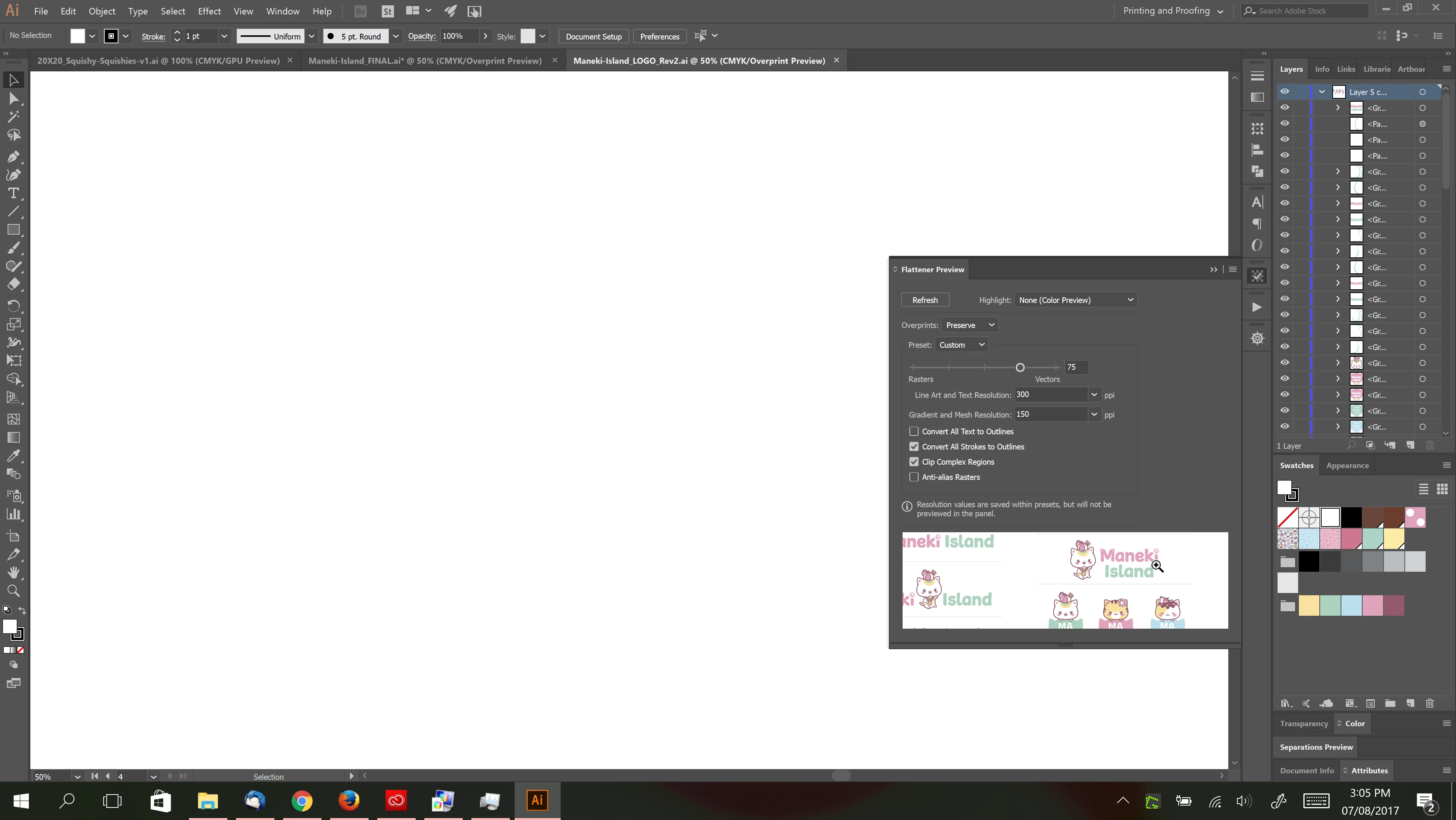
The odd thing, however, is that when I close the window, the artboard suddenly shows my designs in a split-second before it closes.
After fiddling around with AI settings I was able to recreate my My "invisible artboard" problem by enabling "GPU Performance". When it is OFF I can see my objects on the artboard. As soon as I turn it on everything goes invisible.
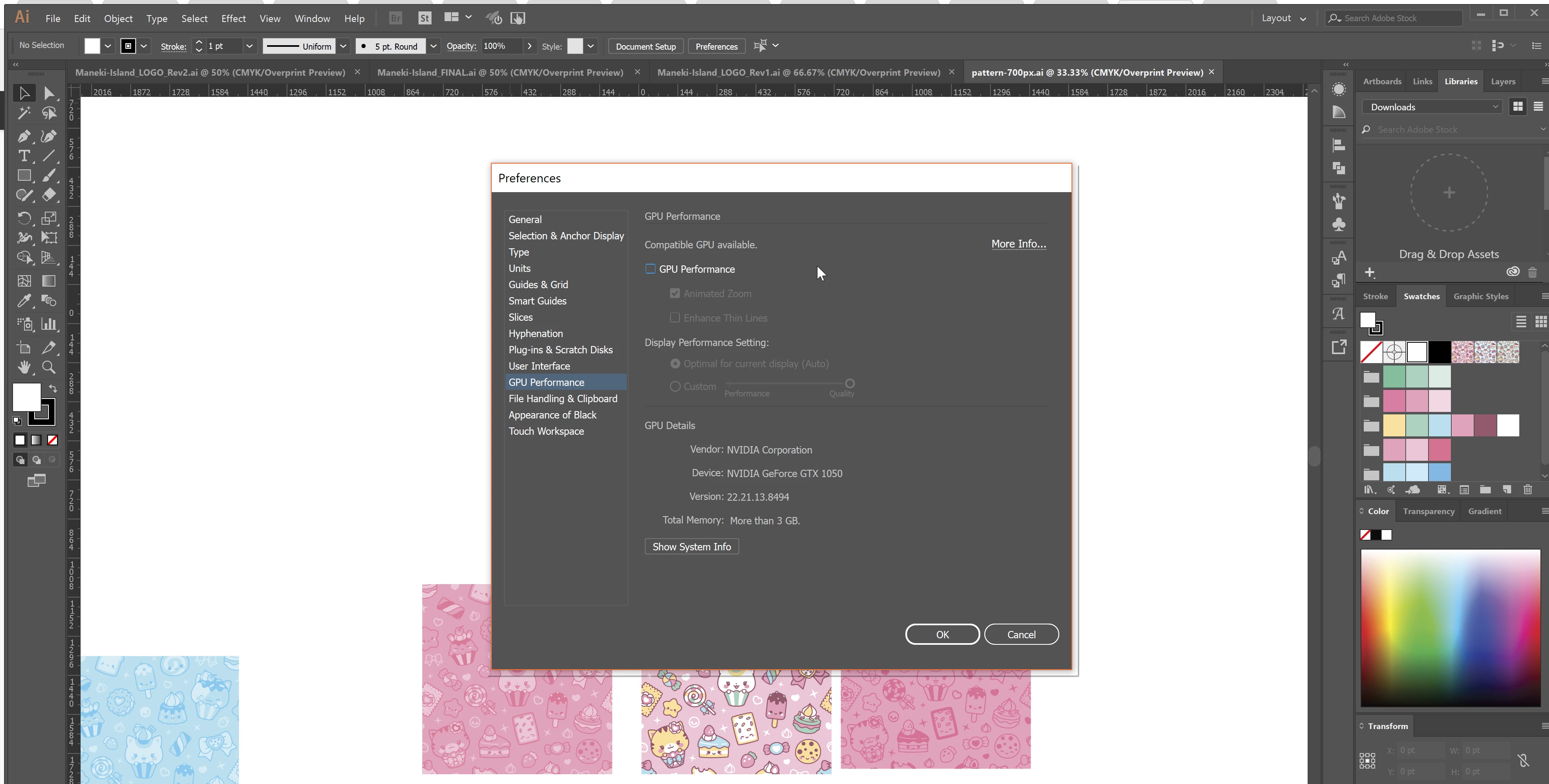
I specifically bought a new laptop so I could upgrade to CC as well. I'd be really upset if my nvidia graphic card would be useless in AI. 
Here are my specs:
Dell XPS 15" 9560 UHD (4k)
Intel HD Graphics 630 + NVIDIA GTX 1050
16GB RAM
*Using latest BIOS and graphic card drivers
Any helpful tips and insights would be greatly appreciated!
 AdChoices