

Can I paste a graphic into a text box?
In Freehand I used to do this all the time:
I can create a text box and a grouped vector graphic. They are separate in this example:

Next, I can "Copy" or "Cut" the image (for this example, I will copy it), then place my text tool in the text box and "Paste" the image there:
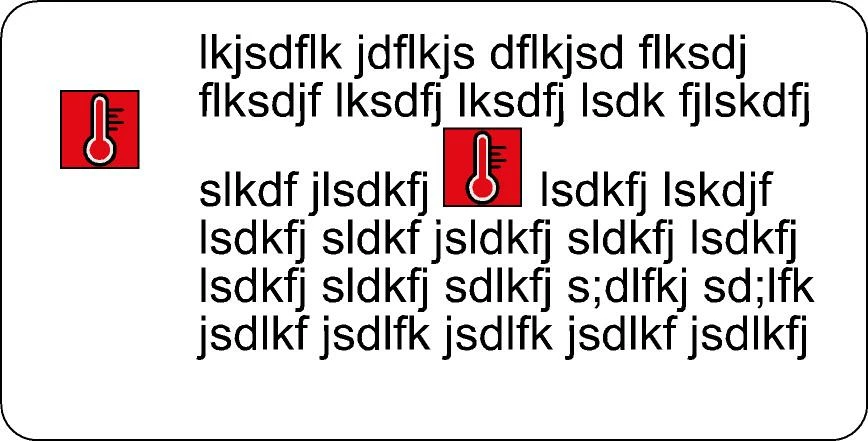
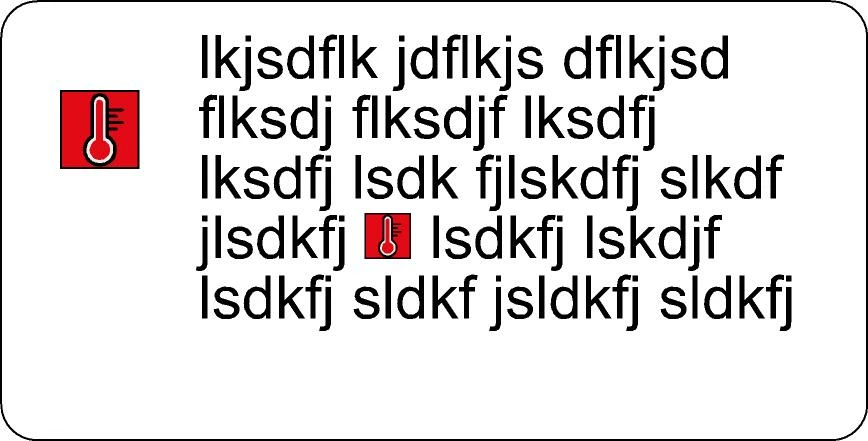
Note that the lines of text have separated where the image is, because the image is 50 points (the text info box tells me) and the text is 24. pt. (Basically, it's like I typed a 50-point letter in that part of the text box). Now I can select all of the text and decide I want everything to be 30 point. It will resize the graphic, too, as shown, below. This last part is not necessary, but what I love about being able to insert text like this is: when I am working with multiple pages of a document, formatting and reformatting, that graphic will stay where it needs to be (for example, I might use it in the beginning of each sentence like a bullet):
Does Illustrator do anything like this? Thank you in advance if you can point me in the right direction!!
 AdChoices