

Question
Can't resize art board
I am running Big Sur using illustrator ver 25.2
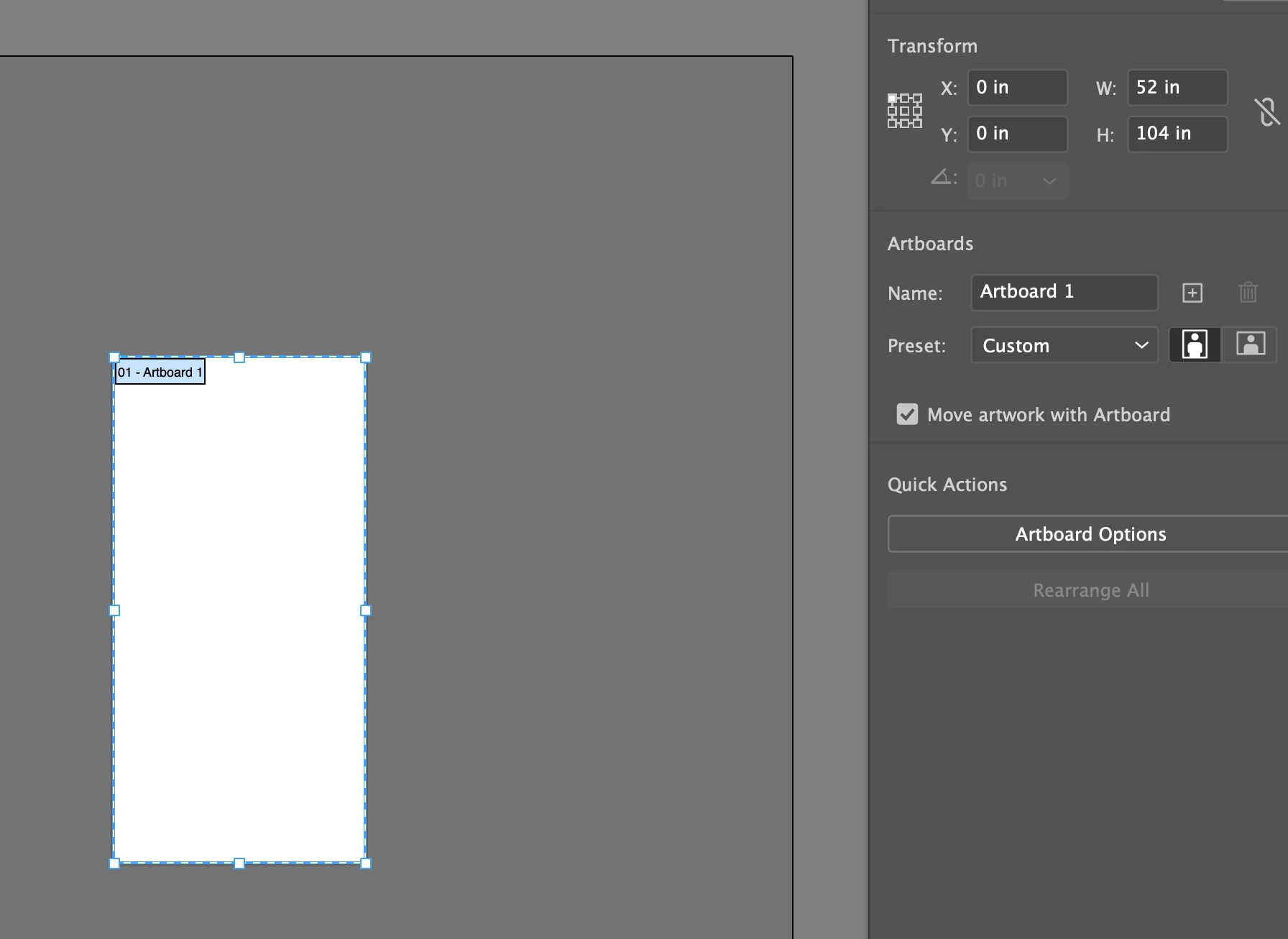
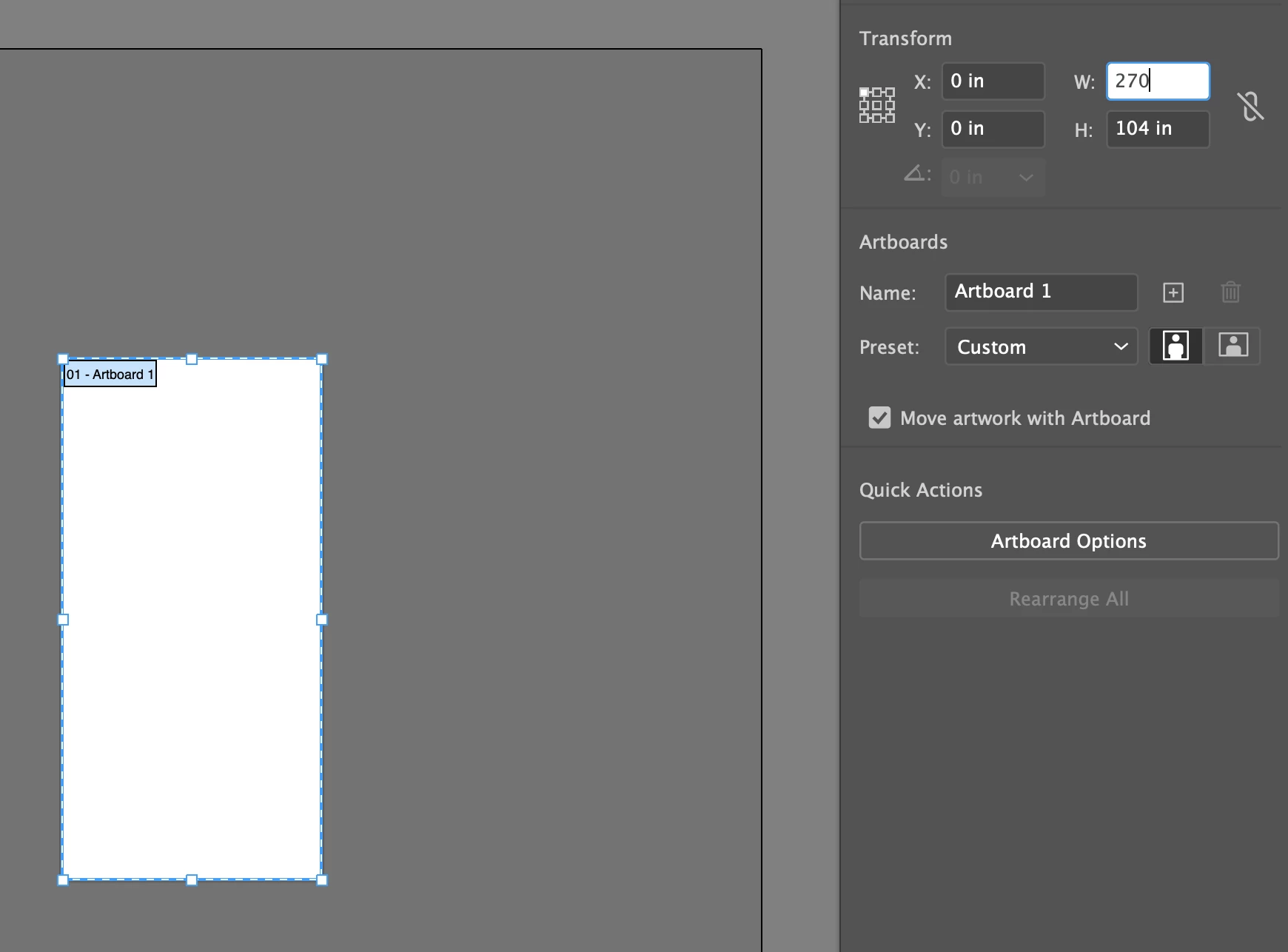
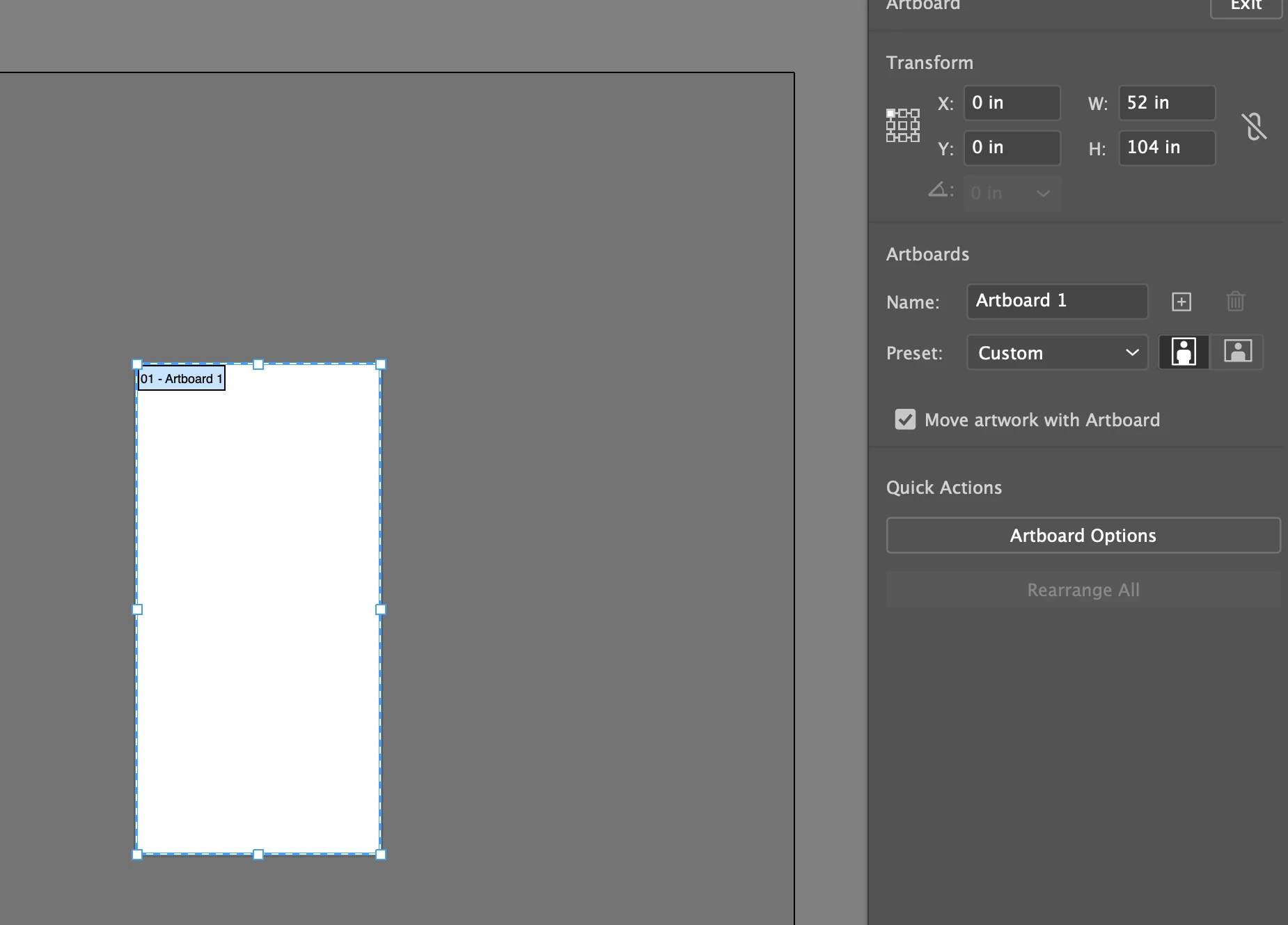
Once I create a large artboard it won't let me resize it larger. I am unable to copy and paste large file that would normally fit my artboard that I had created so I decided to make my artboard wider and it wouldn't let me do that. Note my original art I was trying to copy was 52" x 104" it wouldn't let me copy it to the new artboard so I was going to resize the artboard to 200" x 104" figuring it would allow me to copy on to it. But it wouldn't allow me to resize it. Please see attached screen shots. I need to get all my bug issues fixed ASAP as it is hindering my work and I am unable to find workarounds till Adobe does the fix. This is URGENT! Please fix
 AdChoices