The letters are a group of Compound paths. To cut out one shape you need to have a compound path or simple path (one object) cut from a compound path or simple path. (one object) Follow these steps:
1. Take the words "technical competence" and the "&"and ungroup them.
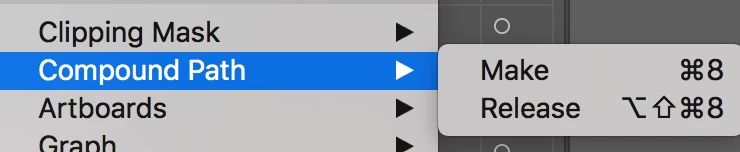
2. Take the L and the C in the center and go to Object> Compound Path> Make
3. Choose the "&" (this should be on top) and then choose the L and the C (this is one compound path which is one object)
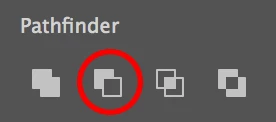
4 Choose Minus front from the Pathfinder. If you need the "&" then make a copy before you use it to subtract from the letters.
(I copied and pasted to the front then hid the copy of the "&". After I was done cutting out the path I Object>Show All to see the green "&" )
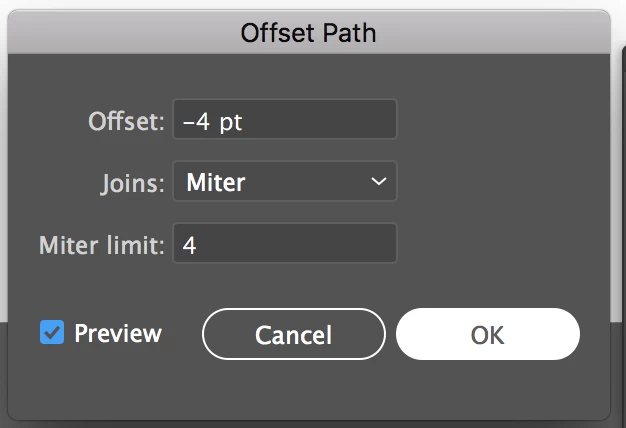
4. I took the copy of the "&" and added a Offset Path from Effects>(Illustrator Effects)> Path> Offset Path so I could see the cutout

Let me know if this helps.



 AdChoices