

Answered
Convert complex RGB gradient mesh to CMYK
I posted this question in the Illustrator forum but thought I would ask the scripting world too....
Is there a way via script to convert all of the gradient mesh points individually with script?
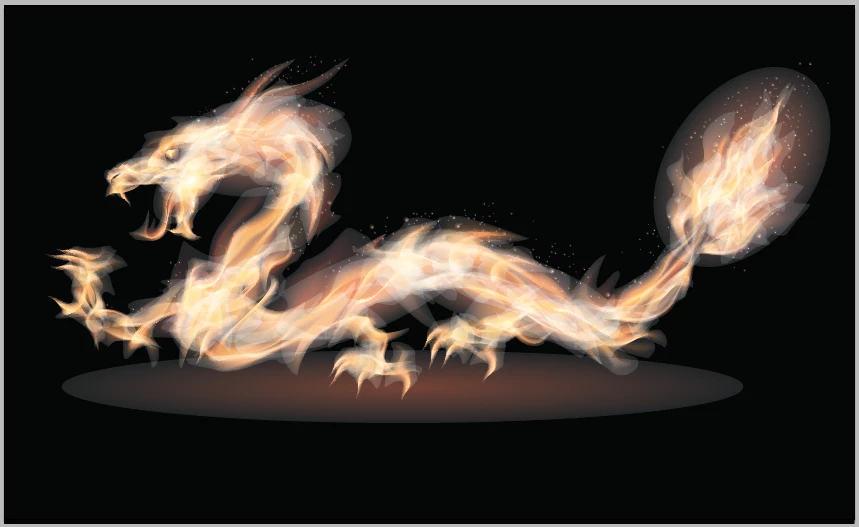
I bought this stock art vector file for printing some design work I am working on. It never showed the color mode of the file. Turns out it is RGB. So I try to convert it to CMYK and it screws up the entire file. I have included screen shots of what the file does and would appreciate any fixes anyone might have so I can have this CMYK mode.
ORIGINAL - RGB

CONVERTED TO CMYK
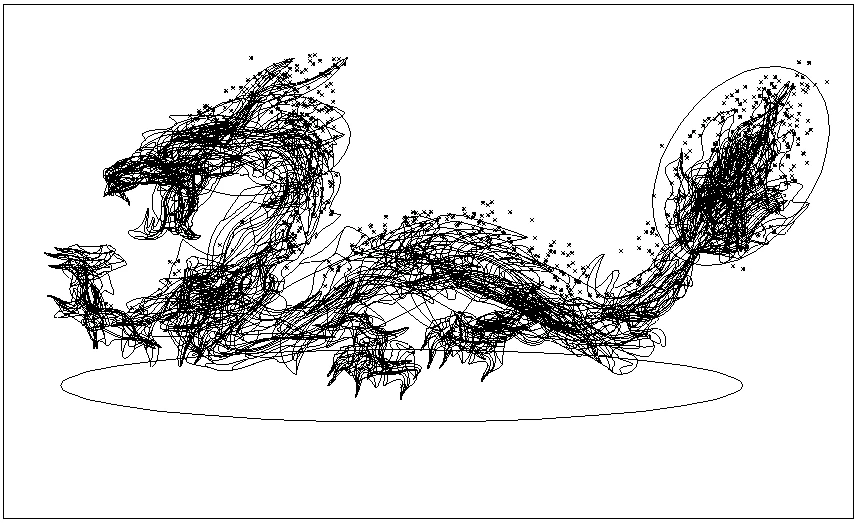
OUTLINE MODE (to see the complexity)
 AdChoices