
Participant
August 2, 2017
Answered

Creating a dot-matrix/"scoreboard" text pattern

  • August 2, 2017
  • 1 reply
  • 3452 views

I'm stumped.

I need to create a bunch (100+) of signs that will have a dot-matrix style pattern to the text.

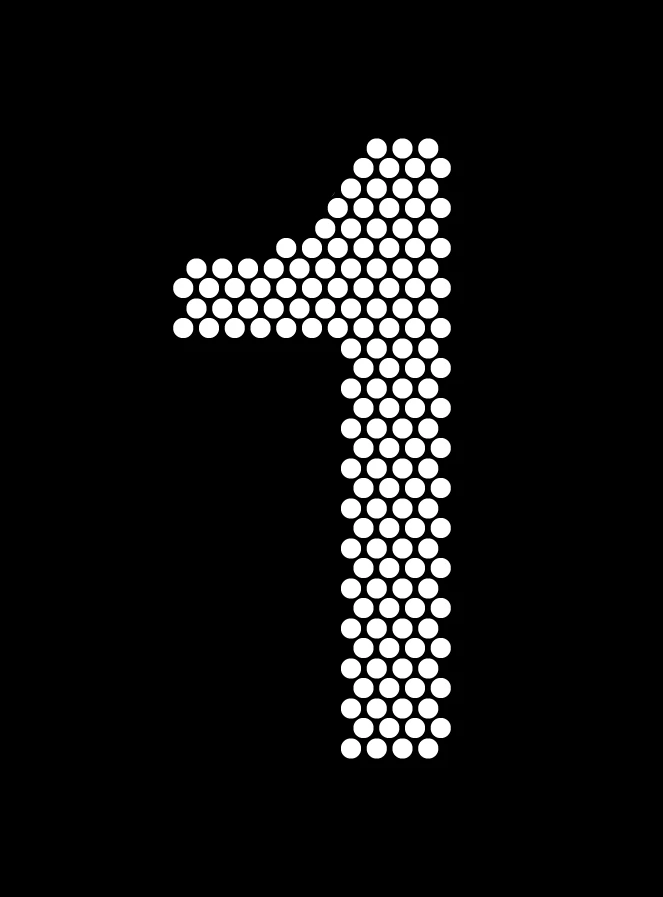
The desired end-result is something like this:
I started by creating the field of dots, and then outlining the character on top:
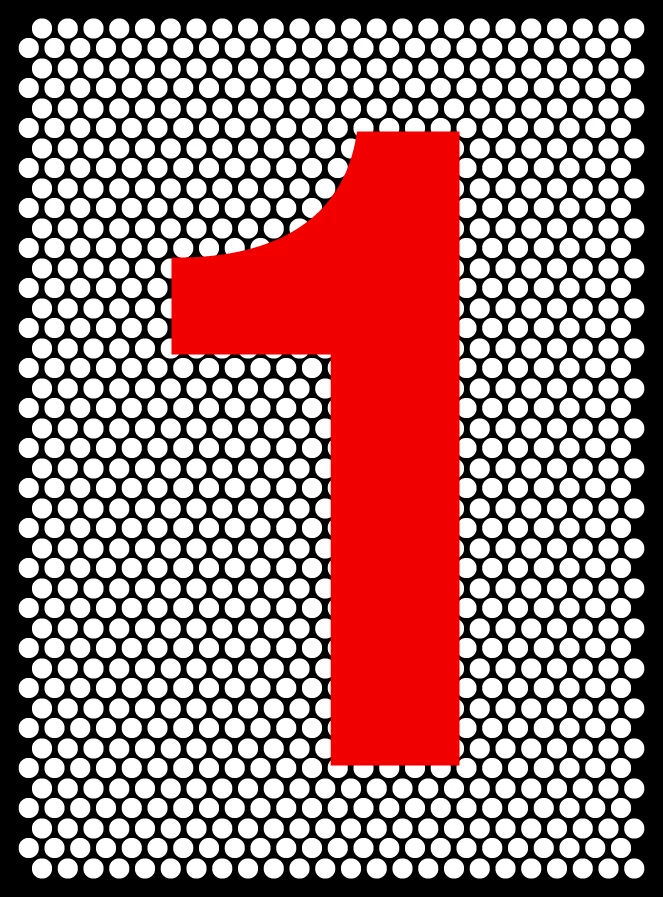
That's where I'm getting stumped. What I need is a way to select all the dots underneath the character that are fully within the character's boundary. If I try doing a simple clipping mask, the problem is the dots on the edges are cut off:
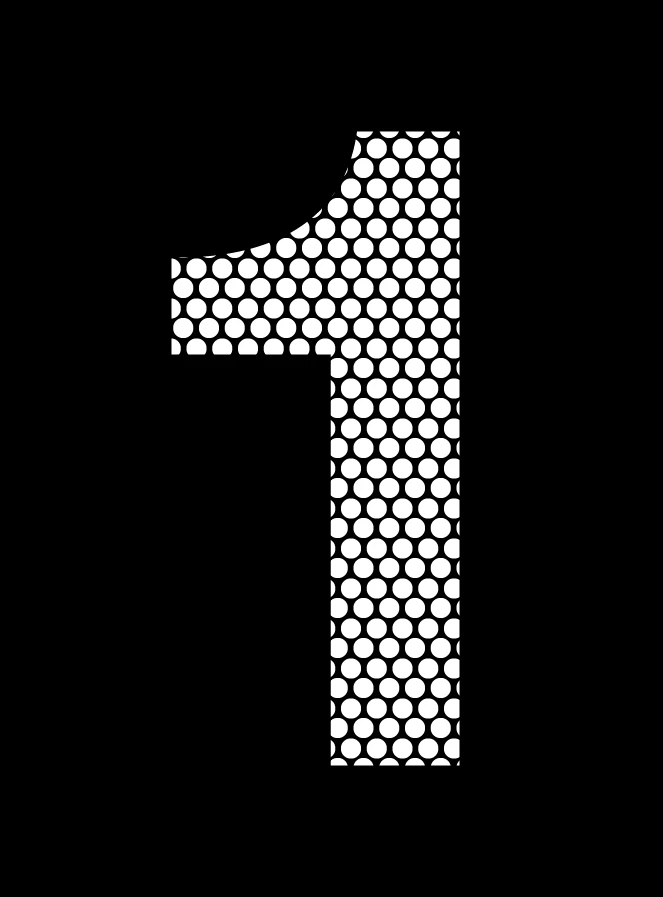
That's not the look I want.

I could go through and clean these characters up by hand, but that would be extremely laborious given the amount of work I have in front of me.

I also thought about creating a new font, but that introduces a whole other set of problems...mainly that my output requirements have lots of different type sizes, but all the dots have to be the same size.

Any ideas? Thanks!

    This topic has been closed for replies.
    Correct answer Monika Gause

    TRy the method described in here:

    Vektorgarten - Pathfinder-Special

    (some of the examples on that page can be achieved by other methods, but for your example it will work)

    1 reply

    Monika Gause
    Community Expert
    Monika GauseCommunity ExpertCorrect answer
    Community Expert
    August 2, 2017

    TRy the method described in here:

    Vektorgarten - Pathfinder-Special

    (some of the examples on that page can be achieved by other methods, but for your example it will work)

    Participant
    August 2, 2017

    Excellent! That will work!

    Still a bit cumbersome, but way, way easier than trying to do it all by hand!

    Thanks!

    Monika Gause
    Community Expert
    Community Expert
    August 2, 2017

    You're welcome.

    Unfortunately the easiest method will not work for you since you don't have a 90° angle in you dot matrix. That easiest method would have been to rasterize your type and then use the Object > Object mosaic function followed by the Convert to shape > Ellipse effect.

    Just in case you could make use of it some day.