
Question
Creating a Wavy Circular Frame
Goal: I am trying to create a grey wavy circular frame.
Problem: The steps I am taking only leaves me with circular frame.
What should I do?
---------
I am making 1) a circle with a wavy border (star). and 2) a plain circular hole inside of it.
My steps:
1. Create circle with ellipse tool. Go to effect -> distort -> zigzag. This provides me with the wavy circle (star).
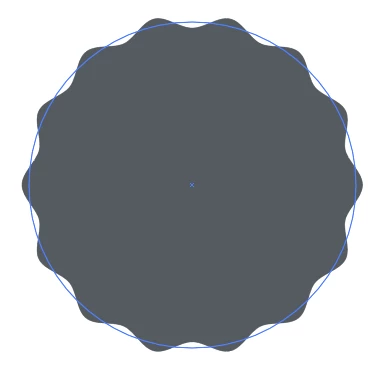
2. Add circle in middle.
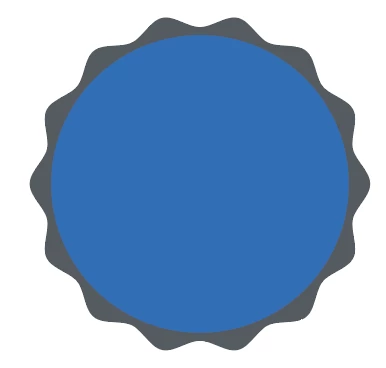
3. Select both star and circle -> pathfinder -> exclude. And it then gives me the image below???

 AdChoices