RickJongerius
Participant
January 5, 2017
Question

Creating seamless pattern from slightly tilted lines

  • January 5, 2017
  • 3 replies
  • 2619 views

Hi all,

I couldn't find the answer to this on any other page, so here it goes. For a website design I made a pattern based background. For the development I need to deliver a seamless bit of that pattern that can be repeated. The pattern is made in a square, with lines of 0,75 pt width, and the lines are tilted slightly with 1 degree. Is it possible to make a seamless pattern file of those lines?

I tried making the pattern via the following method:

http://www.bittbox.com/illustrator/how-to-create-a-seamless-diagonal-pattern-in-illustrator

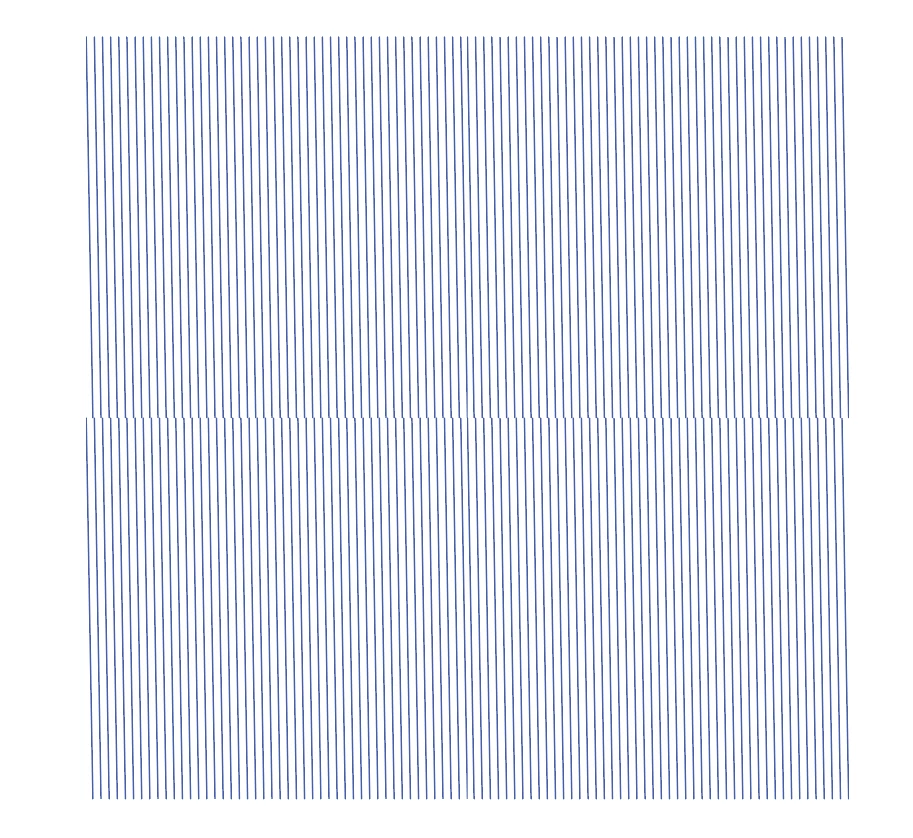
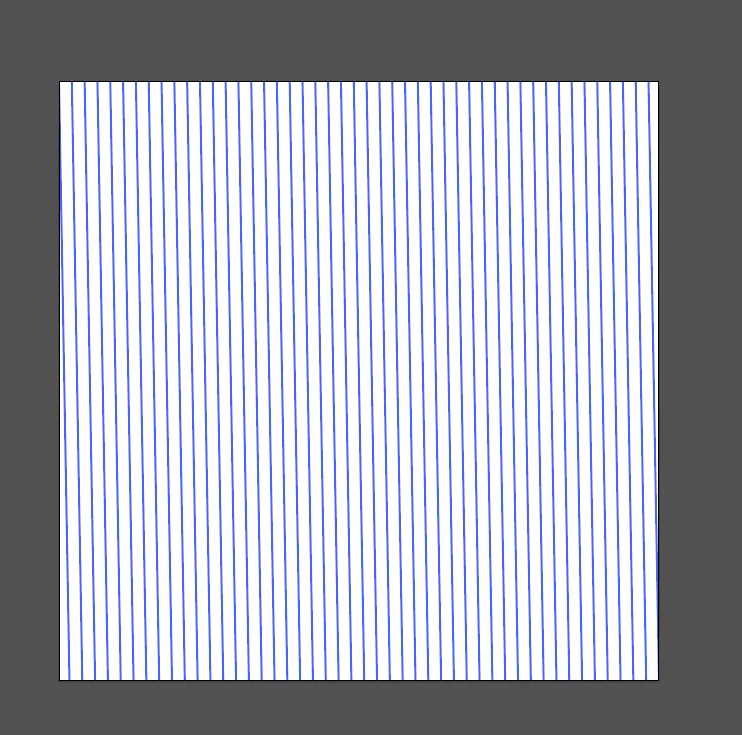
But when applying this method I end up with a square pattern that doesn't seem to work. See the attached screenshots. What am I missing here?

Thanks in advance!

Regards, Rick
    This topic has been closed for replies.

    3 replies

    Inspiring
    January 6, 2017

    I think you would have better luck doing this in Photoshop, if that is an option. The pattern will have to be pixel-based in the end anyway.

    Hint: a single tile of the pattern should consist of just a line going from upper left to bottom right in a very tall, skinny rectangle, with tiny fragments of the "continuation" of the line in the other two corners. All the duplicate lines are unnecessary.

    Sorry I don't have time to work up an illustration.

    Jacob Bugge
    Community Expert
    Community Expert
    January 5, 2017

    Rick,

    The crucial figure is the distance between the lines: you will have to make the square/rectangle just tall/high enough to have one line run seamlessly into the next line.

    That requires the square/rectangle height to be 57.29 (57.28996163 for unnecessary precision) times the distance between the lines.

    RickJongerius
    Participant
    January 5, 2017

    Hi Dougofakkad and Jacob, thanks for replying.

    @Jacob: Let me see if I understand this. The figures that I need to follow are:

    Line rotation: -1 degrees

    Line thickness: 0,75 pt

    Distance between the lines 26 px

    So the Illustrator workspace (in pixels) should be 57.29 x 26=1489,54 pixels?

    Jeff Witchel, ACI
    Community Expert
    Community Expert
    January 5, 2017

    The simplest way to do this is the way dougofakkad recommended above. Set up the Pattern with NO Rotation and then Rotate just the Pattern (not the Object) by double-clicking on the Rotate tool. Let Illustrator do all the math for you.

    See attached.

    Doug A Roberts
    Community Expert
    Community Expert
    January 5, 2017

    it should be possible to make a seamless pattern, sure. but one simple way of eliminating the possibility of errors is to make a pattern with straight lines, then rotate the pattern (i.e. transform patterns, not objects):

    edit: sorry, I misread there, thought you were making a pattern in illustrator rather than just a tile. it should work but without seeing exactly where your lines start and end really close in illustrator itself it's hard to say where the error is.