
Participating Frequently
April 11, 2017
Question

Crop image is missing

  • April 11, 2017
  • 2 replies
  • 22405 views

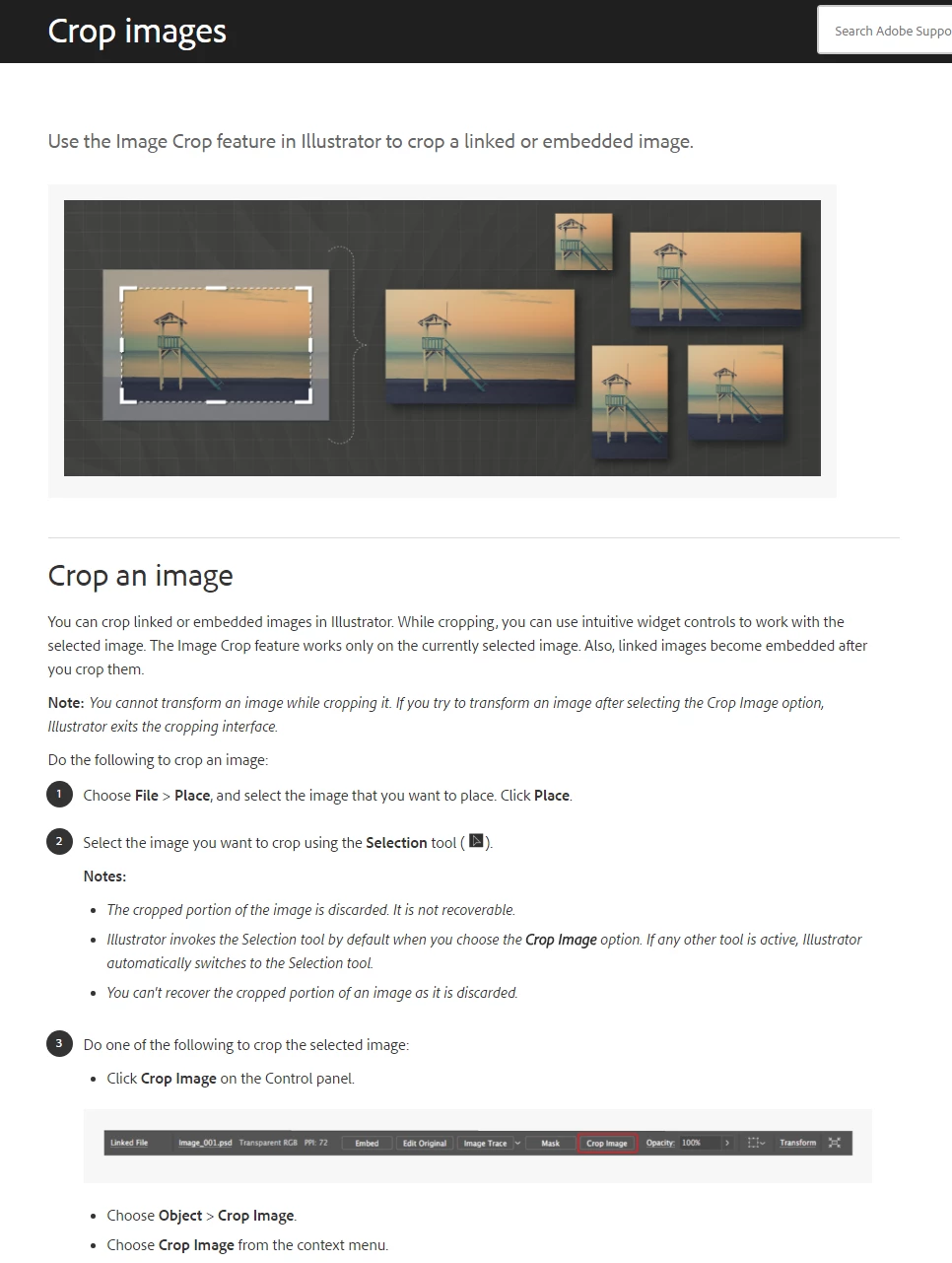
Hi everybody, I was trying the crop image feature AI CC 2017 new added via Illustrator help, below you can see what the help said. Also you can check the website: Crop images in Illustrator , as the help said, after placed the image, there will be Crop Image button show up in control panel, but why my AI  is not.I also inserted the screenshot on my computer. Thanks you gurus in advance.
    This topic has been closed for replies.

    2 replies

    Participant
    May 16, 2018

    So I've got the same problem & checked and have most up to date version of the desktop app from the Creative cloud and still no option in the menus for crop image. I'm trying to export a design as a .Jpeg file and when using a clipping mask you still get the extra information on the outside of the artboard.  No problem when saving as a .PDF file but i've got a client that wants a .JPEG file ..

    Found any other options other than having to secure a version of photoshop to crop ?

    Best Regards.

    Ton Frederiks
    Community Expert
    Community Expert
    May 16, 2018

    Object > Crop Image?

    Ton Frederiks
    Community Expert
    Community Expert
    April 11, 2017

    Can you check your version, maybe it needs an update. It should be 21.1.0 (or 217.1.0).

    If that's the case, check the Object menu with an image selected for Crop Image.

    Participating Frequently
    April 12, 2017

    Yeah, you're right Ton, I've checked the update and found out that ,

    Thank you!!Very useful!!

    beatricek96863892
    Participant
    January 26, 2018

    You can find instructions on how to update your CC apps here: https://helpx.adobe.com/creative-cloud/help/update-app.html

