big_smile_00
Inspiring
February 1, 2021
Answered

[CS6] Illustrator Symbol Sprayer Tool - How to make output more random?

  • February 1, 2021
  • 1 reply
  • 3479 views

I am using the Illustrator Symbol Sprayer Tool to spray symbols on the page.


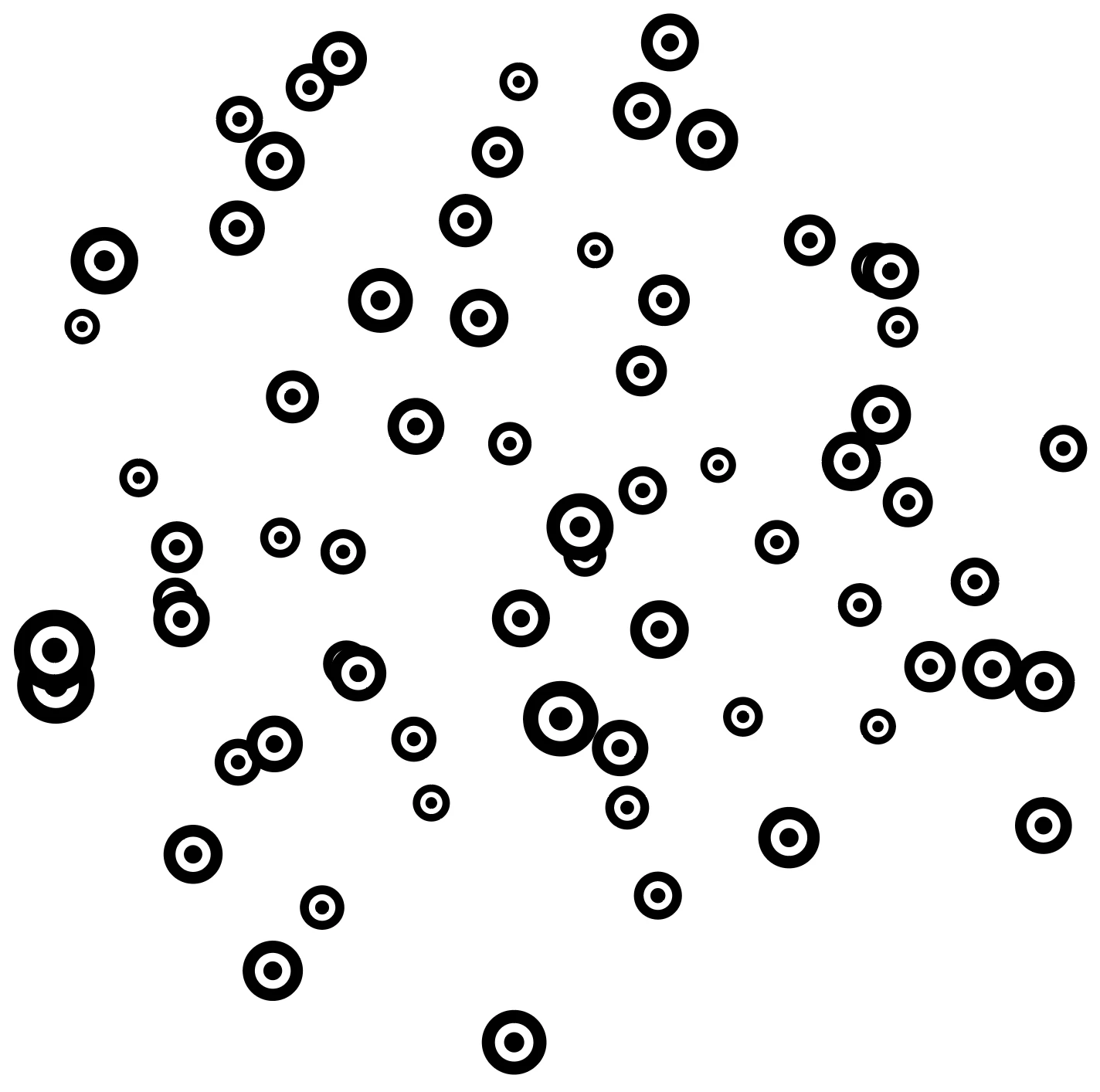
Is there a way to randomise the output so all the symbols have different sizes, rotations etc? (e.g. so the symbols are all jumbled up)


In the menu there's options such as Symbol Sizer Tool and Symbol Spinner Tool, but these are used after spraying symbols and they don’t seem to have that much randomness to them. 


I am looking for the type of Randomness you get in Photoshop's Brush tool, but for Illustrator symbols.
This topic has been closed for replies.
Correct answer tromboniator

What I've been known to do is

1)Spray the symbol instances

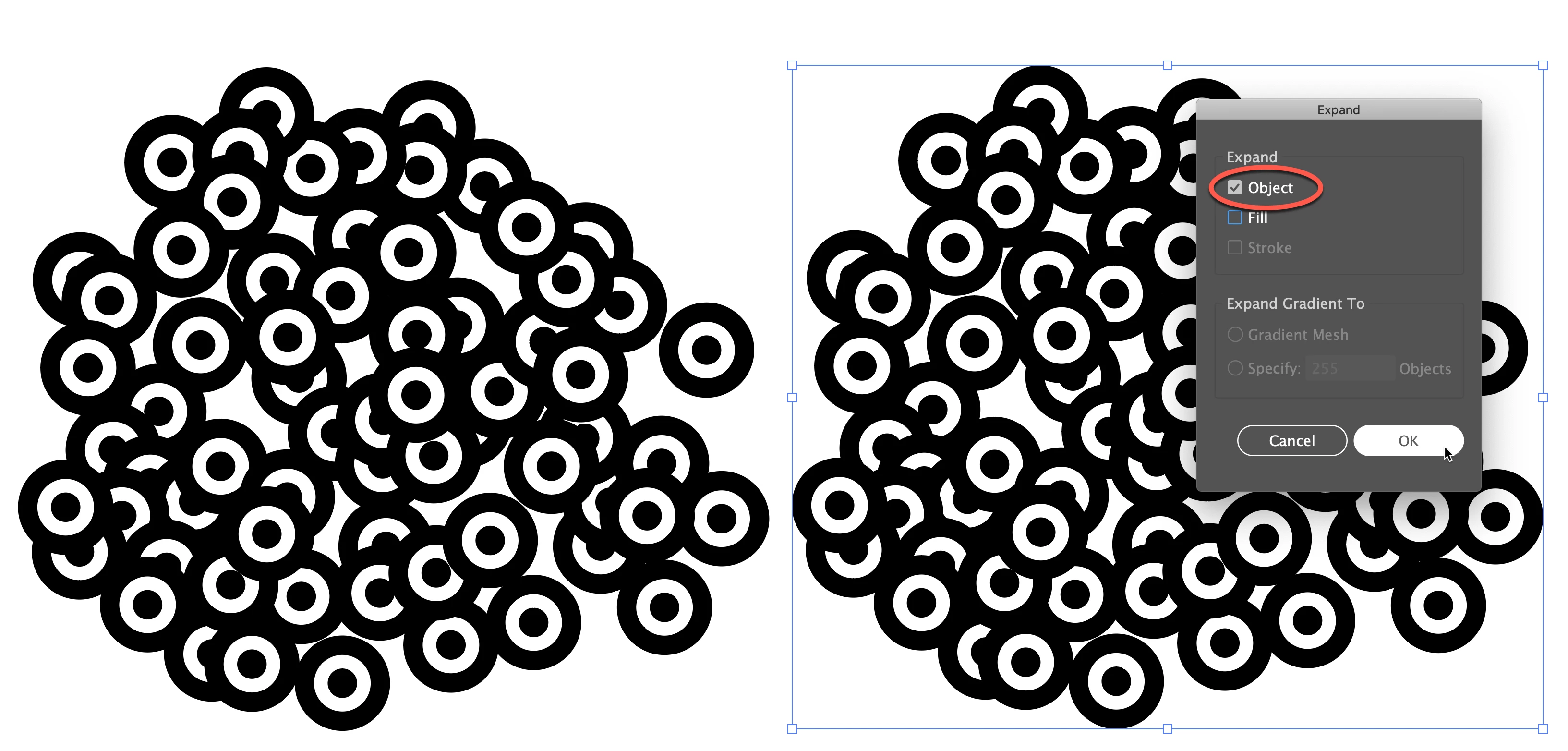
2) Expand (just the object)

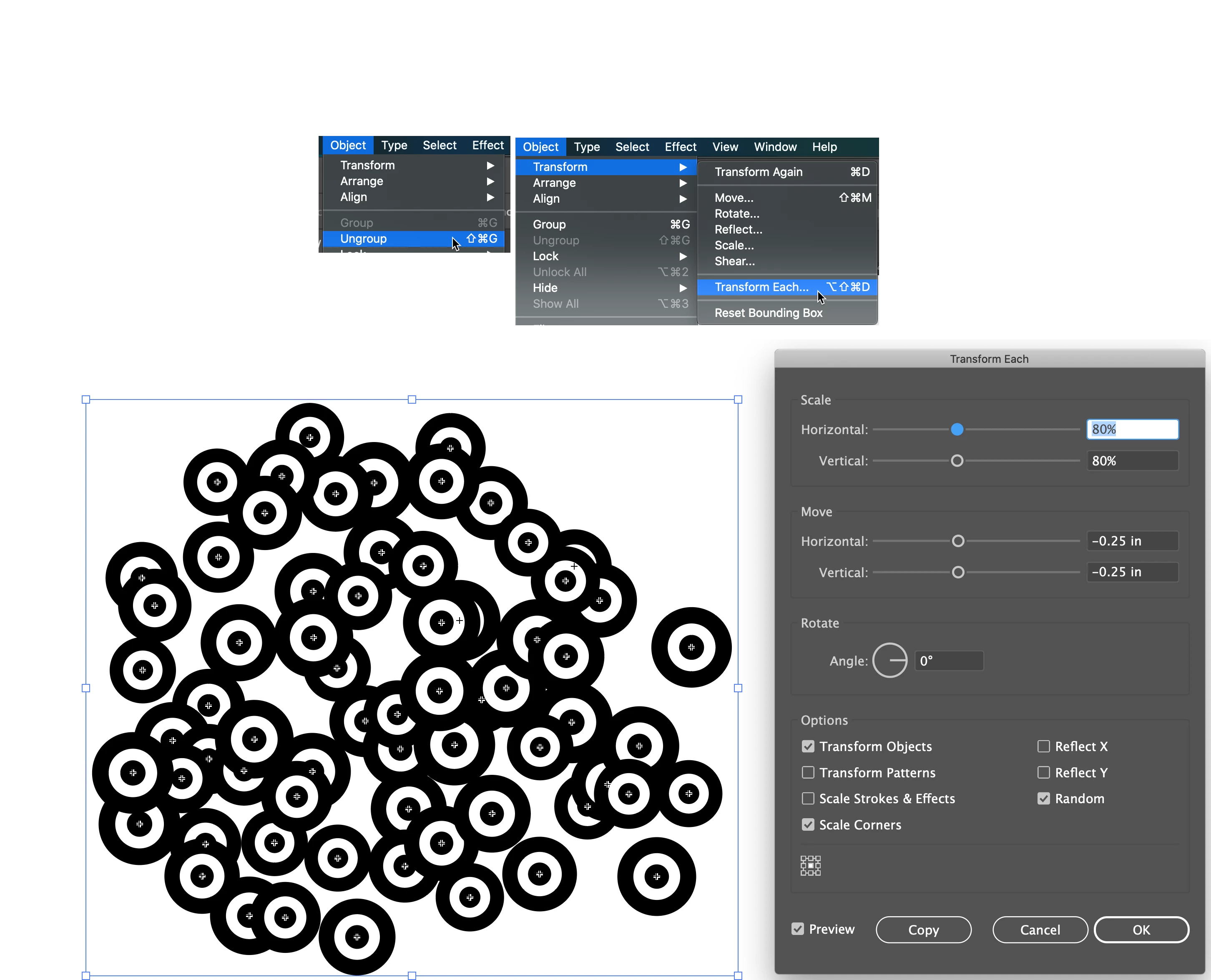
3) Ungroup

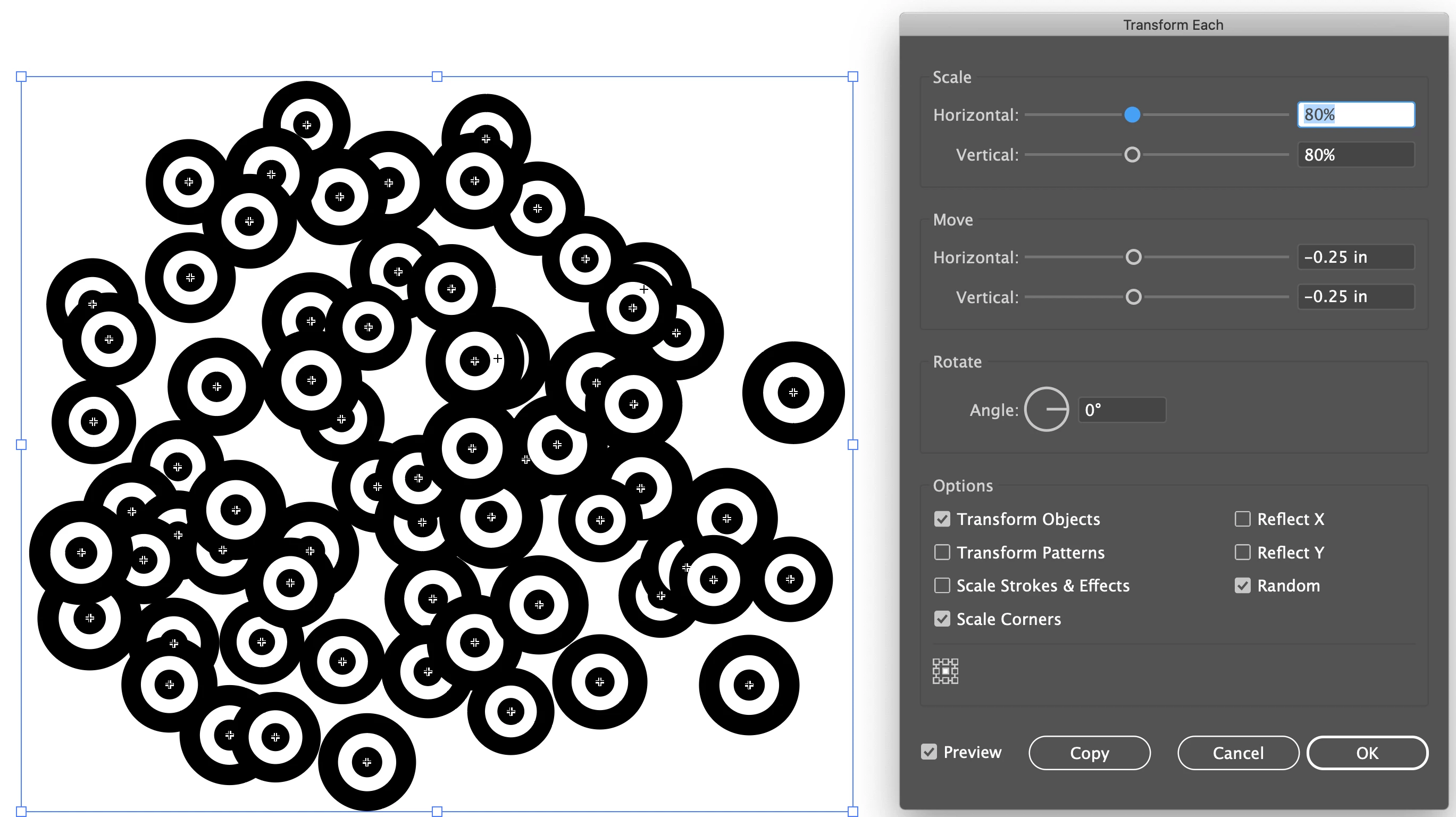
4) Go to Object > Transform > Transform Each, select Random, set a maximum Scale percentage value (in this case, less than 100%) and maximum Move values.

5) Click OK, then press cmd/ctrl+D a few times.

It's possible to change values, higher or lower, as often as you like. And it only takes seconds to start over and try larger or smaller symbol instances to start with.


Peter


1 reply

tromboniator
Community Expert
tromboniatorCommunity ExpertCorrect answer
Community Expert
February 2, 2021

What I've been known to do is

1)Spray the symbol instances

2) Expand (just the object)

3) Ungroup

4) Go to Object > Transform > Transform Each, select Random, set a maximum Scale percentage value (in this case, less than 100%) and maximum Move values.

5) Click OK, then press cmd/ctrl+D a few times.

It's possible to change values, higher or lower, as often as you like. And it only takes seconds to start over and try larger or smaller symbol instances to start with.


Peter


big_smile_00
Inspiring
February 2, 2021

Sweet, I was hoping for a solution that wouldn't break the symbol instances, but I guess this will have to do. 

tromboniator
Community Expert
Community Expert
February 2, 2021

If you just expand Object, and not Fill, you will not break the Symbol instances.