Adam Farnsworth
Participant
March 30, 2017
Answered

Detailed Isometric Grid

  • March 30, 2017
  • 2 replies
  • 26389 views

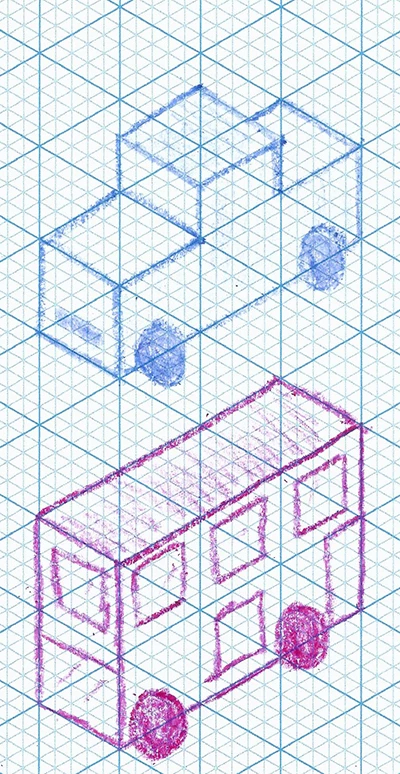
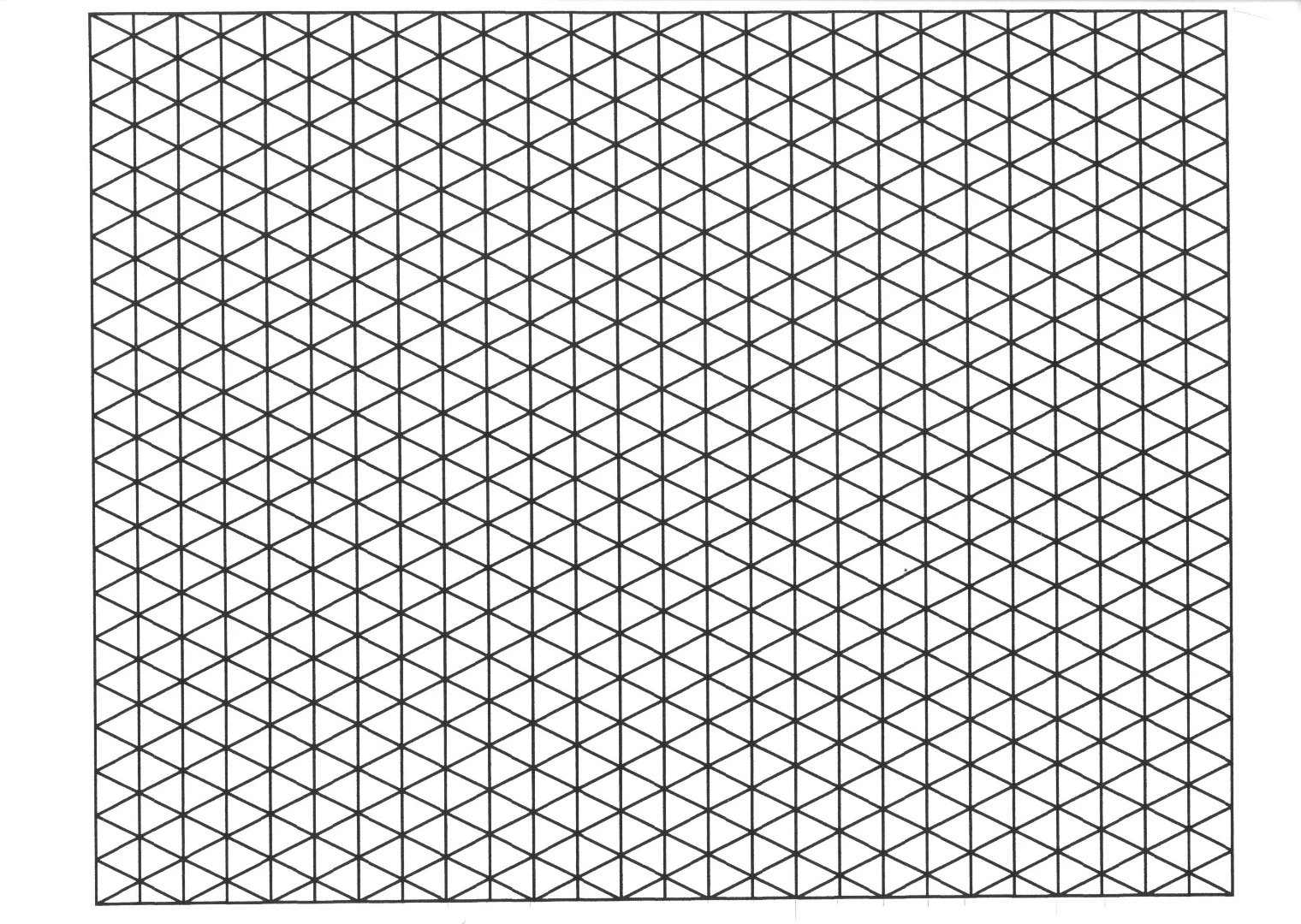
Does anyone know a good way to make a highly detailed isometric grid within Adobe Illustrator? I want the grid to look like picture 1 rather than picture 2. Ive searched the internet for a while now and all i can find is tutorials to create simpler isometric grids like picture 2. 

Thanks!

Picture 1:

Picture 2 :
Correct answer quirky_Glow157F

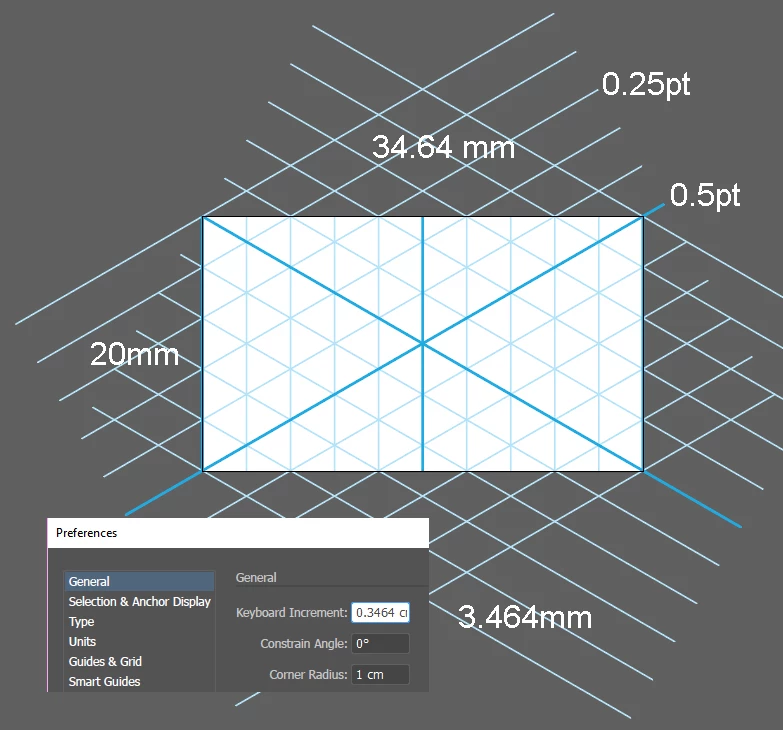
You can combine the steps in the video Bahaar mentioned with the pattern steps Mike wrote about already. This will create a pattern with both major and minor axes. Looks messy, but you only have to draw one 2cm vertical line.

Here's some numbers to use when you follow the video:

Here's the end result. My son likes 'triangle paper'.

2 replies

quirky_Glow157FCorrect answer
Participating Frequently
April 1, 2017

You can combine the steps in the video Bahaar mentioned with the pattern steps Mike wrote about already. This will create a pattern with both major and minor axes. Looks messy, but you only have to draw one 2cm vertical line.

Here's some numbers to use when you follow the video:

Here's the end result. My son likes 'triangle paper'.

Mike_Gondek10189183
Community Expert
Community Expert
March 30, 2017

Draw  shape on right, and use default option in object pattern make.

Draw the triangular shape to an even numbered size, and add the dots stepping and repeating by a evenly divisible of that size

Mike_Gondek10189183
Community Expert
Community Expert
March 30, 2017

Sorry could not finish earlier had to help someone at work.

You will probably want to put a mask over the object before you create a tile, this will trim the stroke edges to an exact 2" x 1" (size I used)  tile.

Inspiring
March 31, 2017