
Disable brush size preview
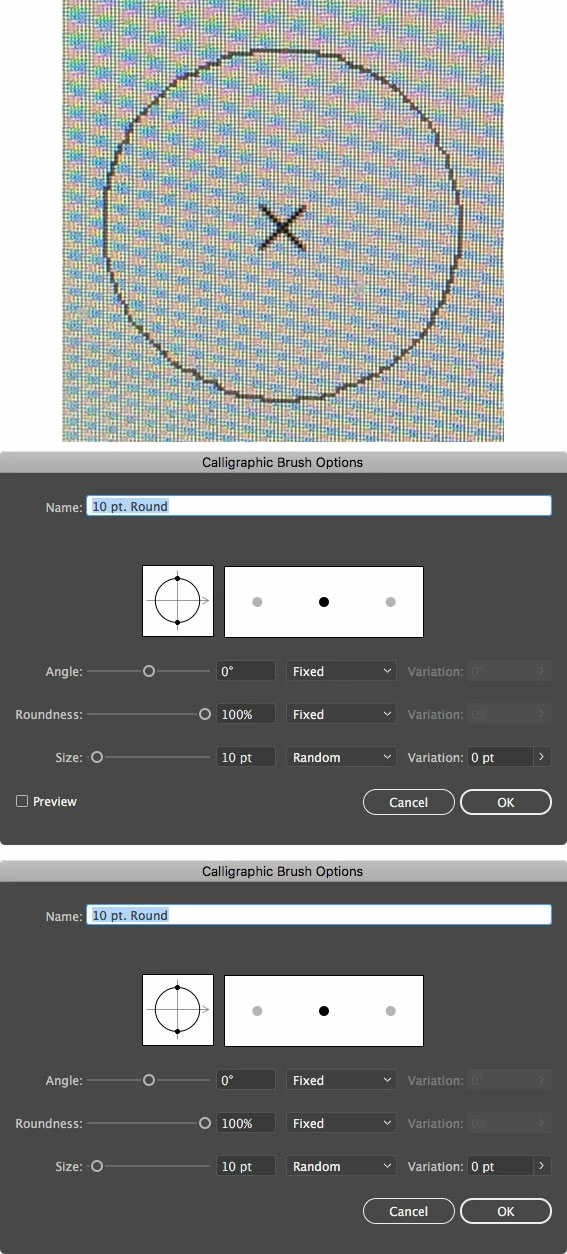
I've installed the new Illustrator CC 2018, but noticed there is now a preview of my calligraphic brushes even though I've set it to 'use precise brushes'. In below example I've used a 10pt round brush and there is a cross as I used premises brushes, but also a round circle which is the set brush size. That disappears when I draw but I'd rather didn't have that att all. When I go to the brush settings there sometimes is an option 'preview' and sometimes not. I don't know if that has something to do with that brush size preview, but when the preview option is visible and I deselect it, that circle or brush shape is still there. You can see in below image that sometimes 'preview' is visible and sometimes not. Anyway: can I disable that brush preview somehow?
 AdChoices