
Disappearing parts when Rasterizing
I'm sending vector images to my printer, where it converts to raster art. Sometimes portions disappear during this process. I tried to solve it by rasterizing in Illustrator CC 2018, but the results are the same. Attached is a screenshot of part of my file in Illustrator, the other is how the file saves when using save for web.
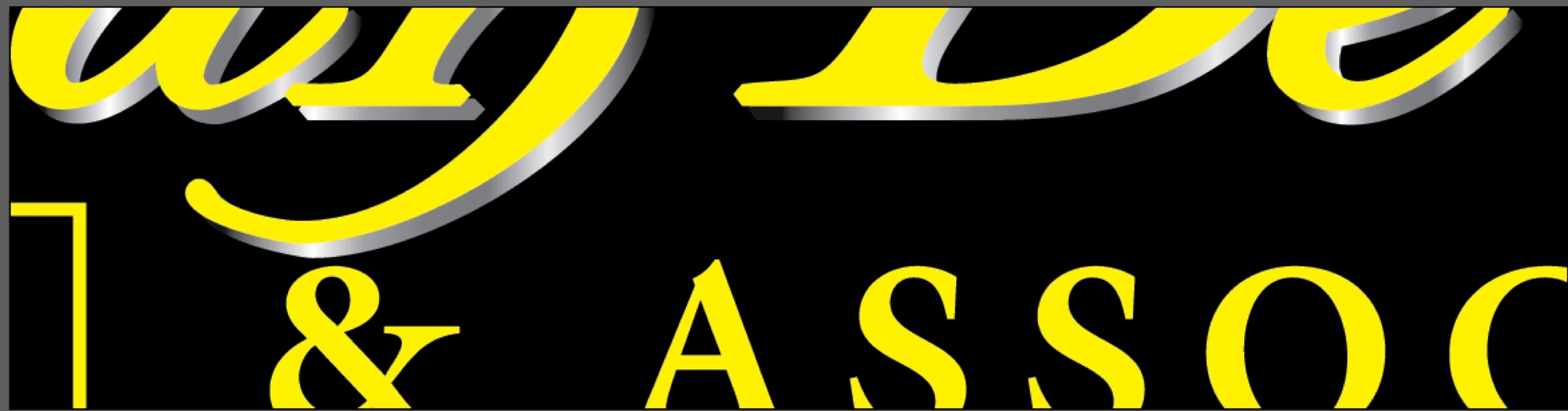
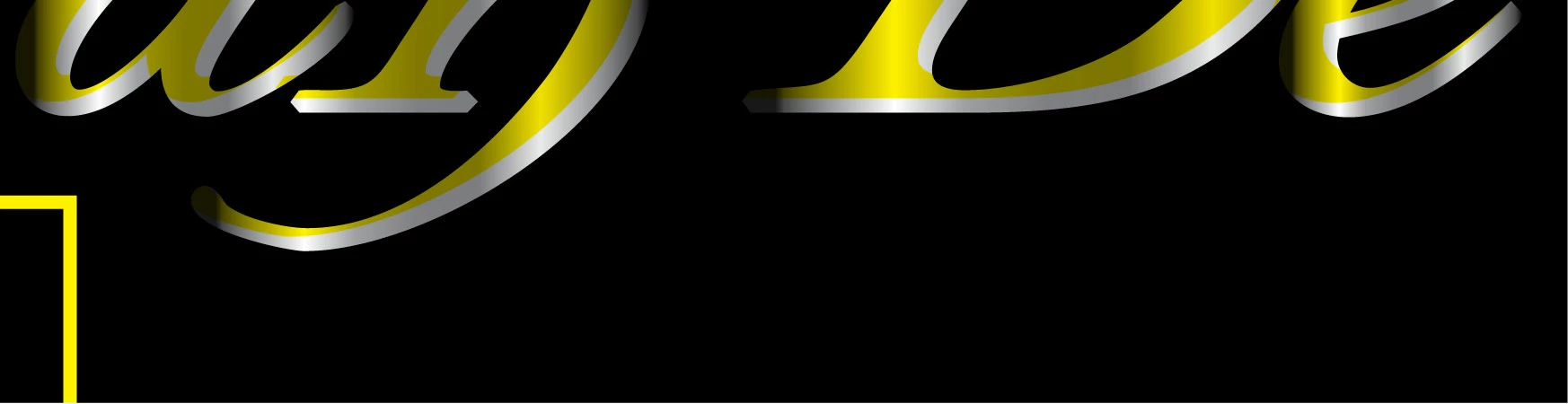
The colors are muted in some parts, and other portions are completely gone.
I've tried saving as a PDF, and opening in Photoshop but it's the same issue. Seems to be that anytime it's converted from vector to raster, no matter the medium, the results are the same. In the above file, all the artwork is all on the same layer, the missing portion is all the way in front, transparency setting is Normal 100%.
Thanks in Advance,
Jay.
 AdChoices