
Editing a graph received in .eps format
I am a novice user of Adobe Illustrator. I am trying to change the text in a graph from Japanese to English. I have received the graph in .eps format, and it opens in Adobe Illustrator, but I have so far been unable to find a way to edit the text in the graph. If I try to use the text tool directly, it takes the form of a pen and a stop sign, suggesting I cannot edit in that way. If I try to select the graph and go to Object-Graph-Data, the Data menu is greyed out and not accessible.
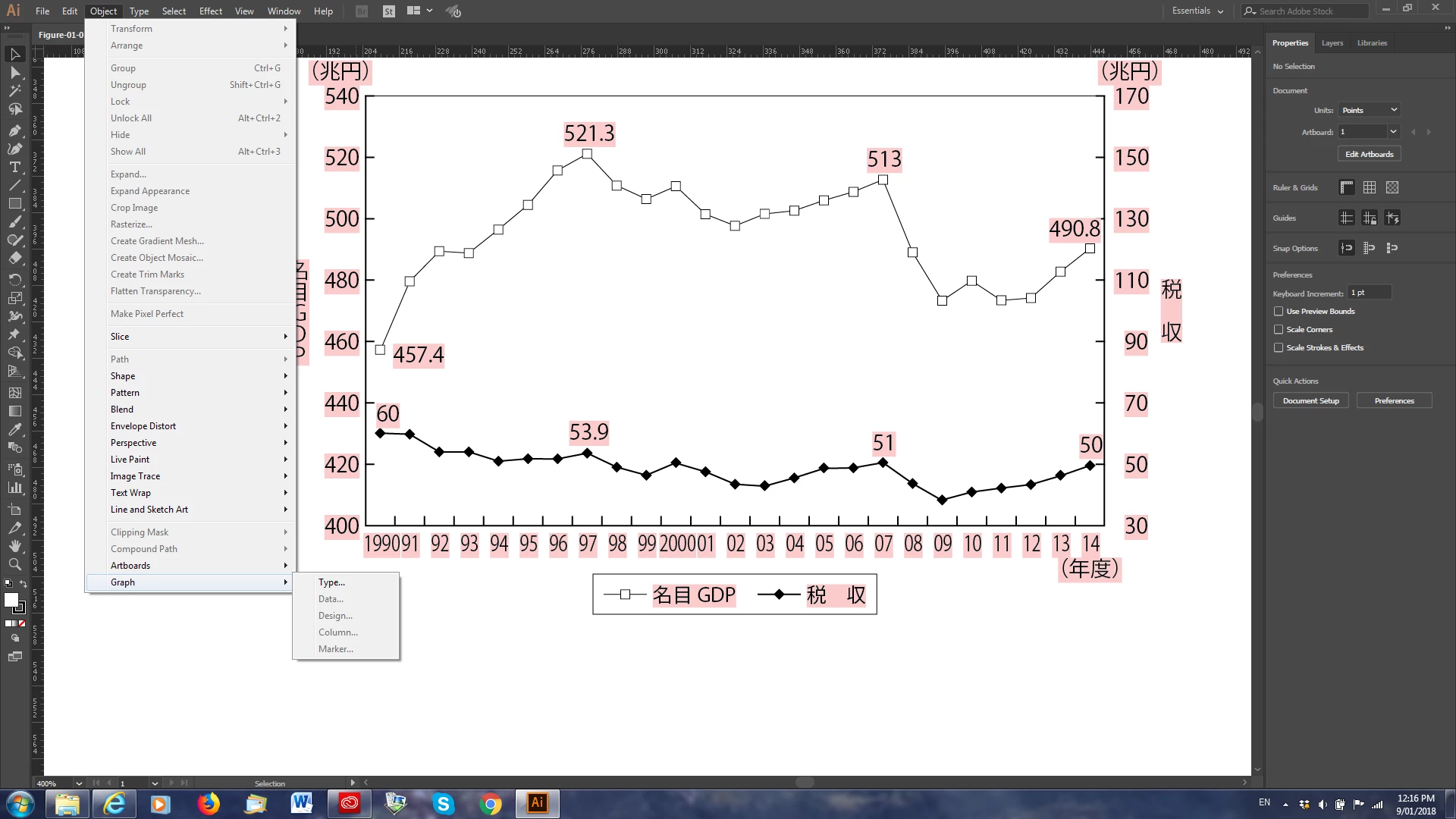
(It is possible I have not selected the graph properly. It is also possible that the .eps format is not editable in the way that its source file was. I have tried saving the .eps file as an illustrator file (.ai), but that has not made any difference. Can anyone help me?
Alan Cockerill, Brisbane, Australia
 AdChoices