
Marisa_Richmond1994
Participant
January 20, 2017
Question

Eye Issue from Ai to Ch

  • January 20, 2017
  • 1 reply
  • 585 views

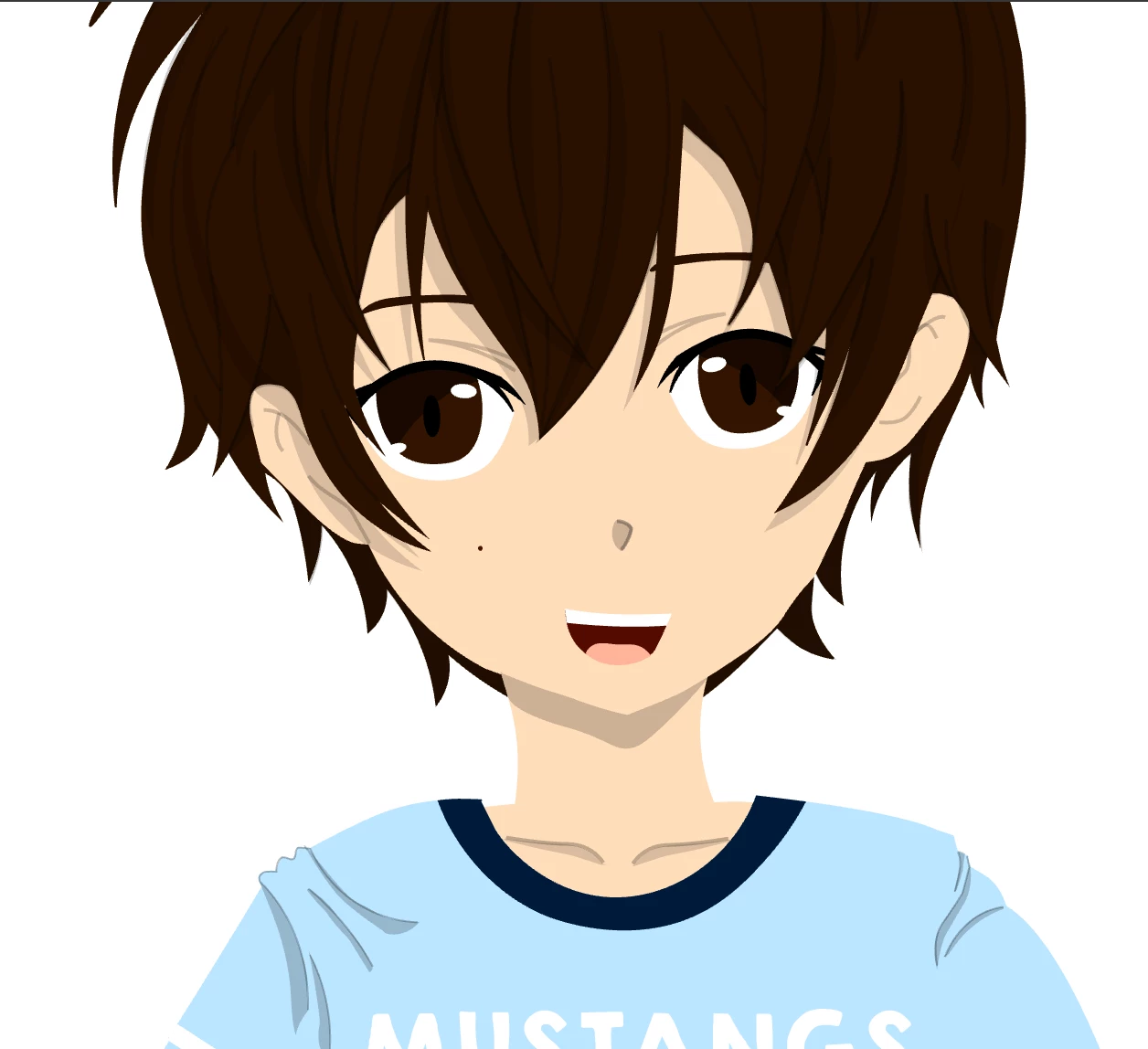
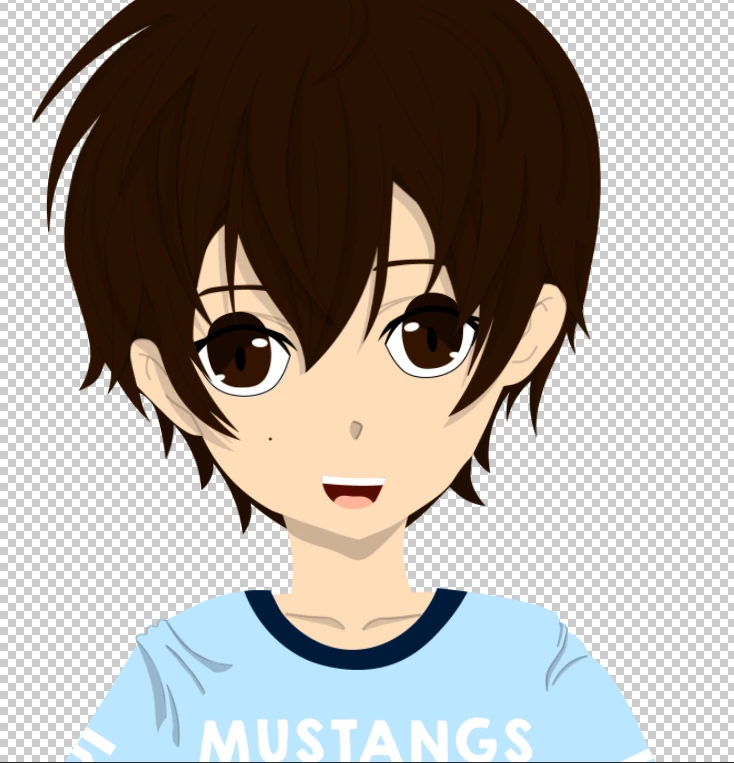
I finally finished the base model for my first puppet. However, when I moved the puppet over to Character Animator to do some testing, I noticed that his pupils are popping out of his eyes, and I can't figure out why. It looks fine in Illustrator. Any ideas how I can fix this problem? The first picture is what I see in Illustrator; the second picture is what I see in Character Animator. Please keep in mind, when explaining possible explanations, I am extremely new to all of this. I have no training. I only got this far by watching YouTube tutorials.
This topic has been closed for replies.

1 reply

Monika Gause
Community Expert
Community Expert
January 20, 2017

That's cute!

The issue has nothing to do with Illustrator, your puppet is OK.

In Character Animator you will have to set up the pupils so they don't move that wildly. There are a couple of threads on this in the Ch forum e.g. this: Limiting the movement of a Pupil

But watch out for the version, that thread is about the older version.

Marisa_Richmond1994
Participant
January 20, 2017

Well, his pupils actually should be in that position. It's just the fact that normally they are supposed to stay hidden when the exceed the boundaries of the eyeball. My puppet has big anime eyes, so creating a clipping section was the only way I could fix it. But like I said, when I move him over to Character Animator, sudden, his pupils no longer disappear.

Jacob Bugge
Community Expert
Community Expert
January 20, 2017

Marisa,

My puppet has big anime eyes, so creating a clipping section was the only way I could fix it.

Presuming that was (how you had to have it) done in AI, is it impossible to simply have the pupils beneath the surrounding face part(s) in the stacking order as can (hopefully) be done by moving objects up/down in the relevant expanded Layer(s) in the Layers palette?