
Fill doesn't match the path created
When I create a path for an object, the fill isn't lining up with the path (see examples below) I've been having this problem for a while, but can't seem to find a solution. I've tried converting the anchor points to see if it goes away, and moving them around, but the fill never lines up perfectly with the path. This seems to happen especially when I'm working on small areas and zoomed in really close (could be that I just notice it more when I'm closer though). I went through and reset my preferences for Illustrator and restarted, but I'm still having the issue.
I'm running MacOS Sierra, Version 10.12.6, and am using Illustrator 2019. I also had this same problem with Illustrator 2018.
This is the thread I followed to remove my Illustrator preferences.
Object path misaligned with fill.
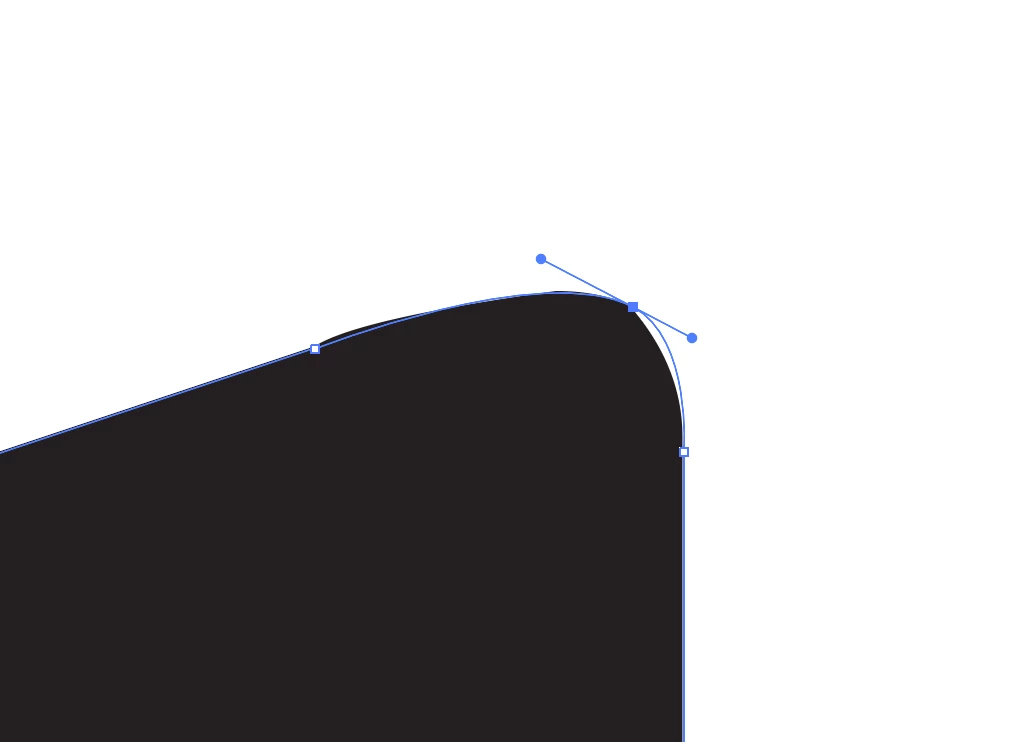
This is what the path looks like (smooth, rounded line).
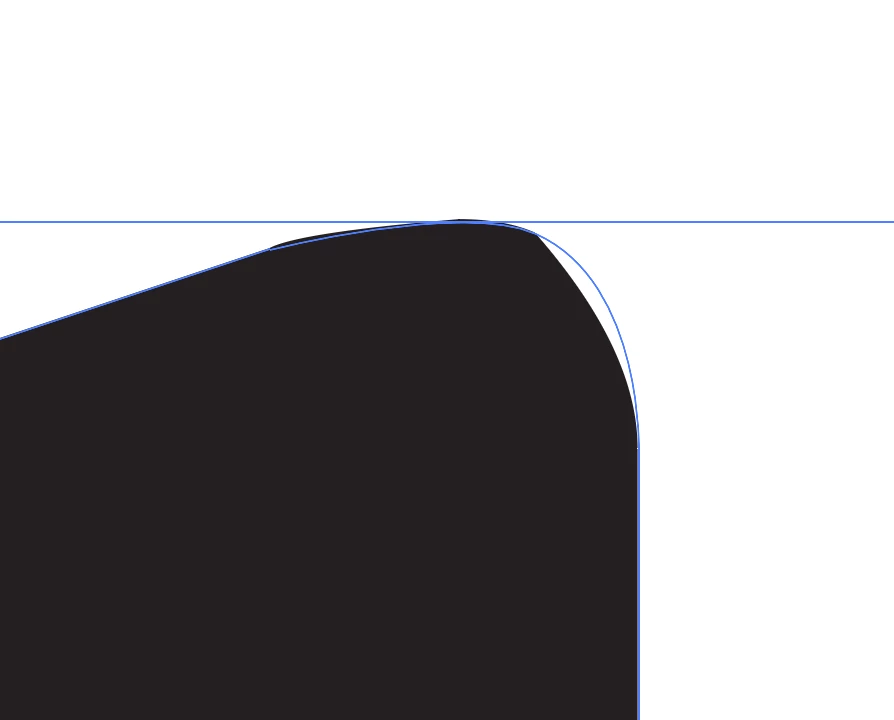
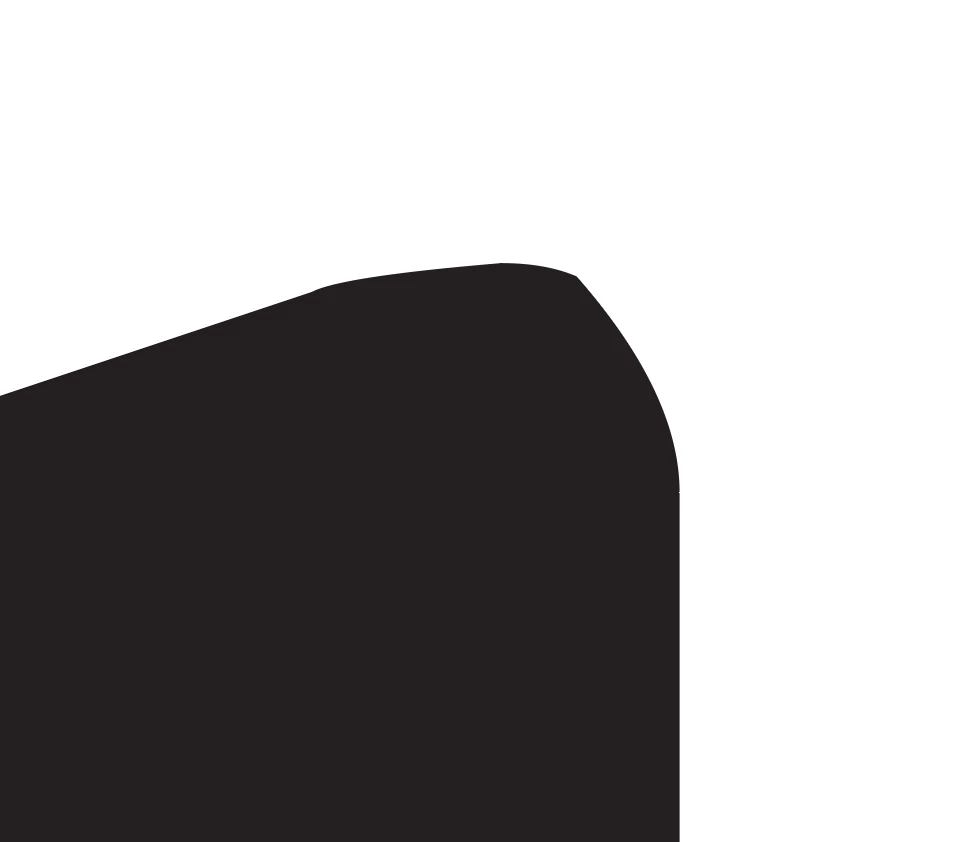
This is what it looks like when I click off of the shape (not smooth at all like the path I made).
 AdChoices