Participant
April 2, 2019
Answered

Gradual Blur in Illustrator

  • April 2, 2019
  • 2 replies
  • 12447 views

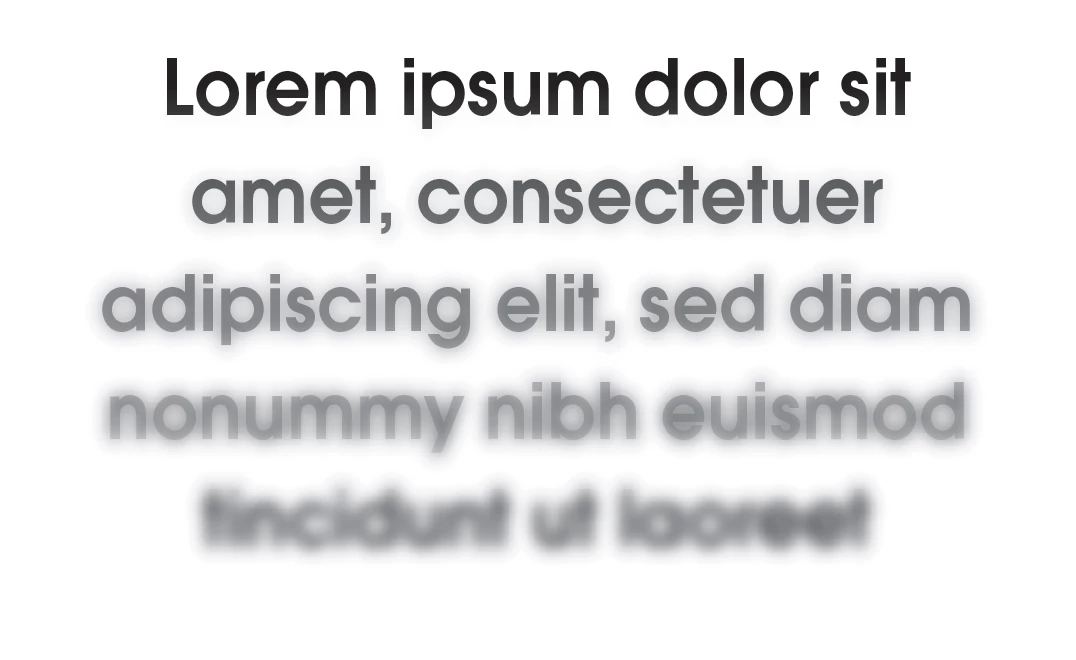
I want to add a blur to a block of text that gradually gets more and more blurry the further it gets. I have done this in photoshop by going into quick task mode and using a gradient tool to create a gaussian blur, but I can't find a way to do this in illustrator. Here is an example of what I want to do (the shadow in the background). I already have the gradient from dark to light. How would I do the blur in illustrator?

This topic has been closed for replies.
Correct answer SJRiegel

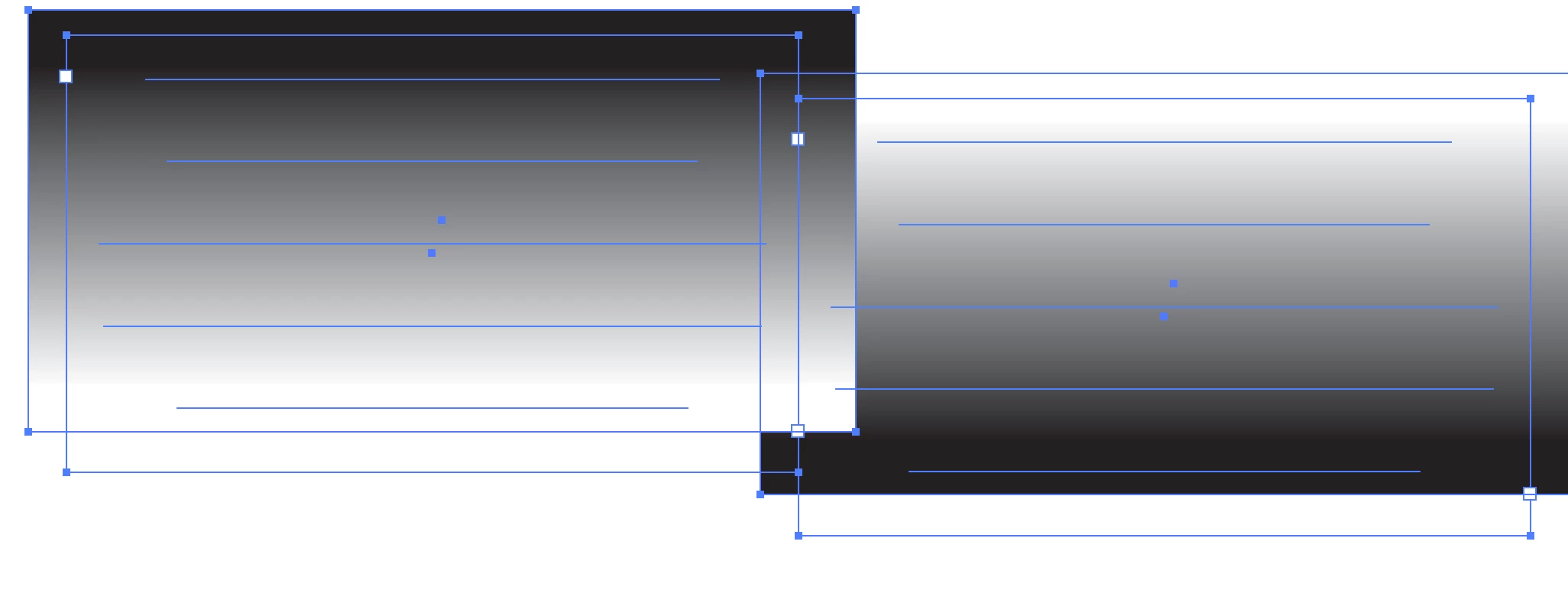
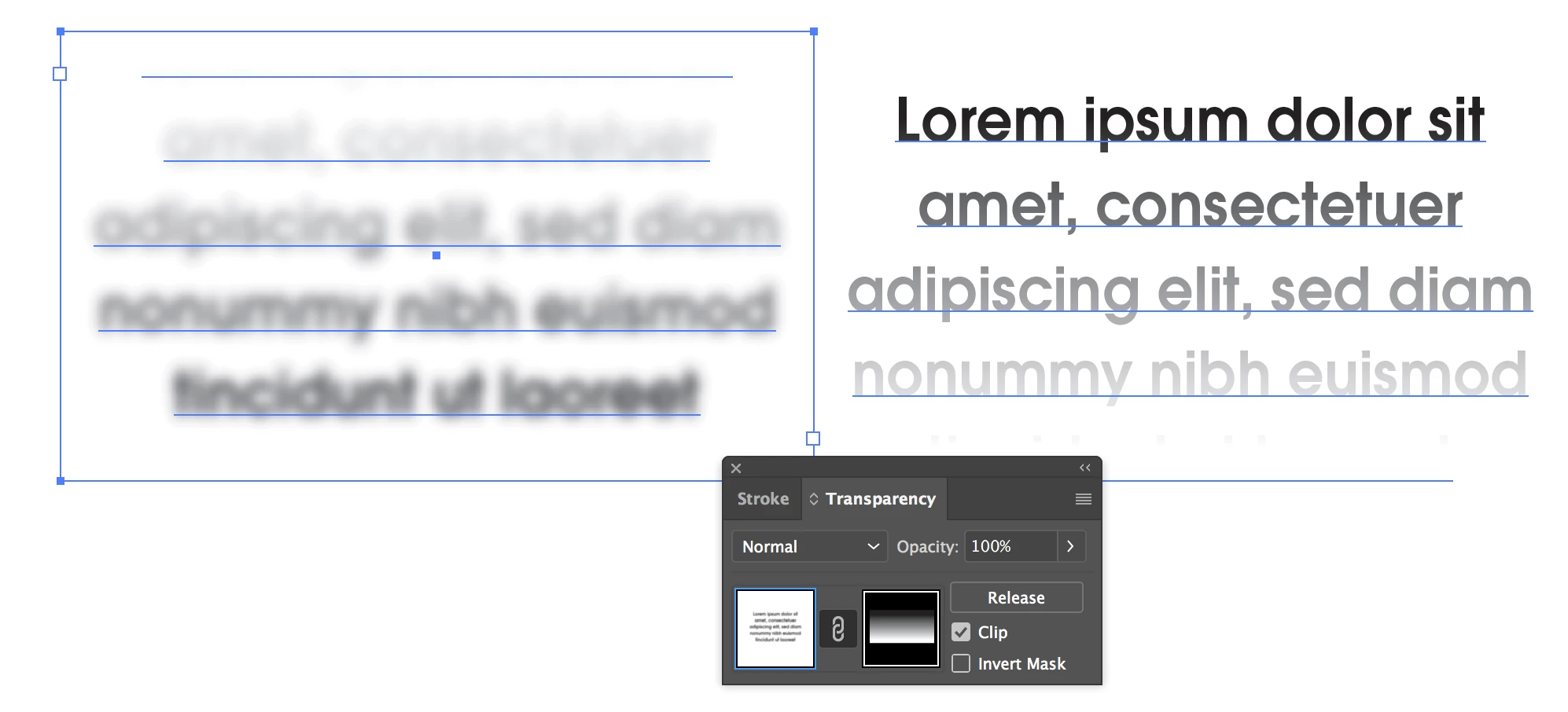
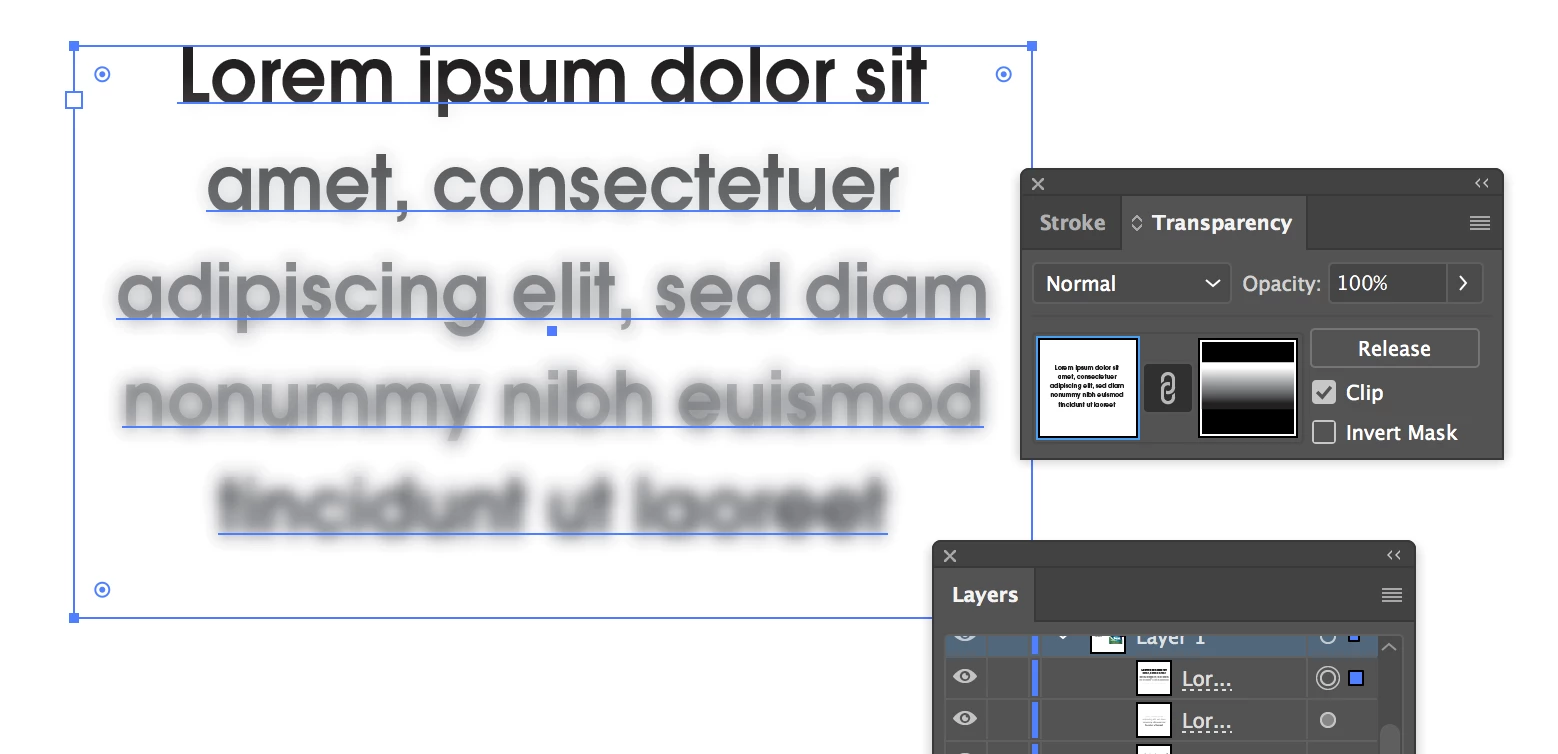
I was able to get what I think you want by using two stacked copies of the text; one plain and one blurred.  

I then put opposite gradients over each, and masked them in the Transparency Pallet.

2 replies

barbara_a7746676
Community Expert
Community Expert
April 3, 2019

You could separate each line of text.

Select just one line of text and Gaussian Blur

Apply the same effect to each line of text, and increase the blur radius a bit more for each piece of text.

Participant
April 3, 2019

This does work in normal instances, but because I had a color gradient on all the text from bottom to top, I had trouble separating each letter without messing up the gradient. I will try again though.

SJRiegelCorrect answer
Legend
April 2, 2019

I was able to get what I think you want by using two stacked copies of the text; one plain and one blurred.  

I then put opposite gradients over each, and masked them in the Transparency Pallet.