
Answered
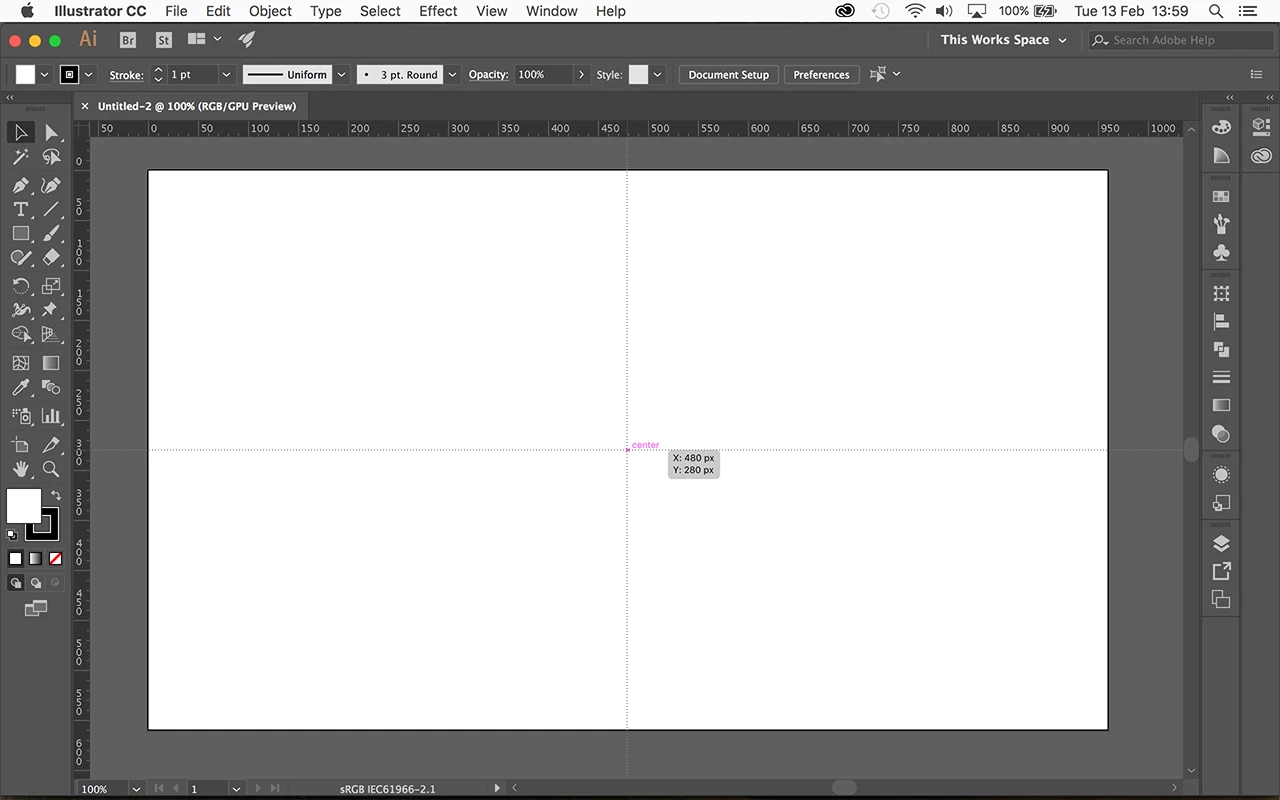
How do i create guides/grid lines which show me the centre point ?
Hi,
I'm really sorry if this is completely obvious but I can't seem to find an answer to this anywhere. I'm a Photoshop user that's not used to Illustrator CC.
When i want to align something in the middle of a canvas in Photoshop i create guides that show me the centre point of the canvas, i do this by going to:
View > New Guide > Select orientation (horizontal or vertical) > in the 'Position' field i enter '50%' and it shows a line on the page that's exactly in the middle of my canvas.
How do i do this in Illustrator CC? Please help me.
 AdChoices