
Answered
How do I create outline/bleed on irregular shape
Hello everyone.
Fairly new to illustrator and need help.
I have a picture which I am trying to create a bleed to so I can send it to be printed and cut.
As you can see in the picture it is not a rectangle shape. I need the outer shape to be cut as well as the inner rectangle.
I have tried to google answers and most comes up with path, path offset, or path stroke. But my options in path are greyed out, so I cant choose these.
the picture is saved as cmyk, tiff at the moment.
If it can be done in photoshop too, then that will be great
Please can someone help me.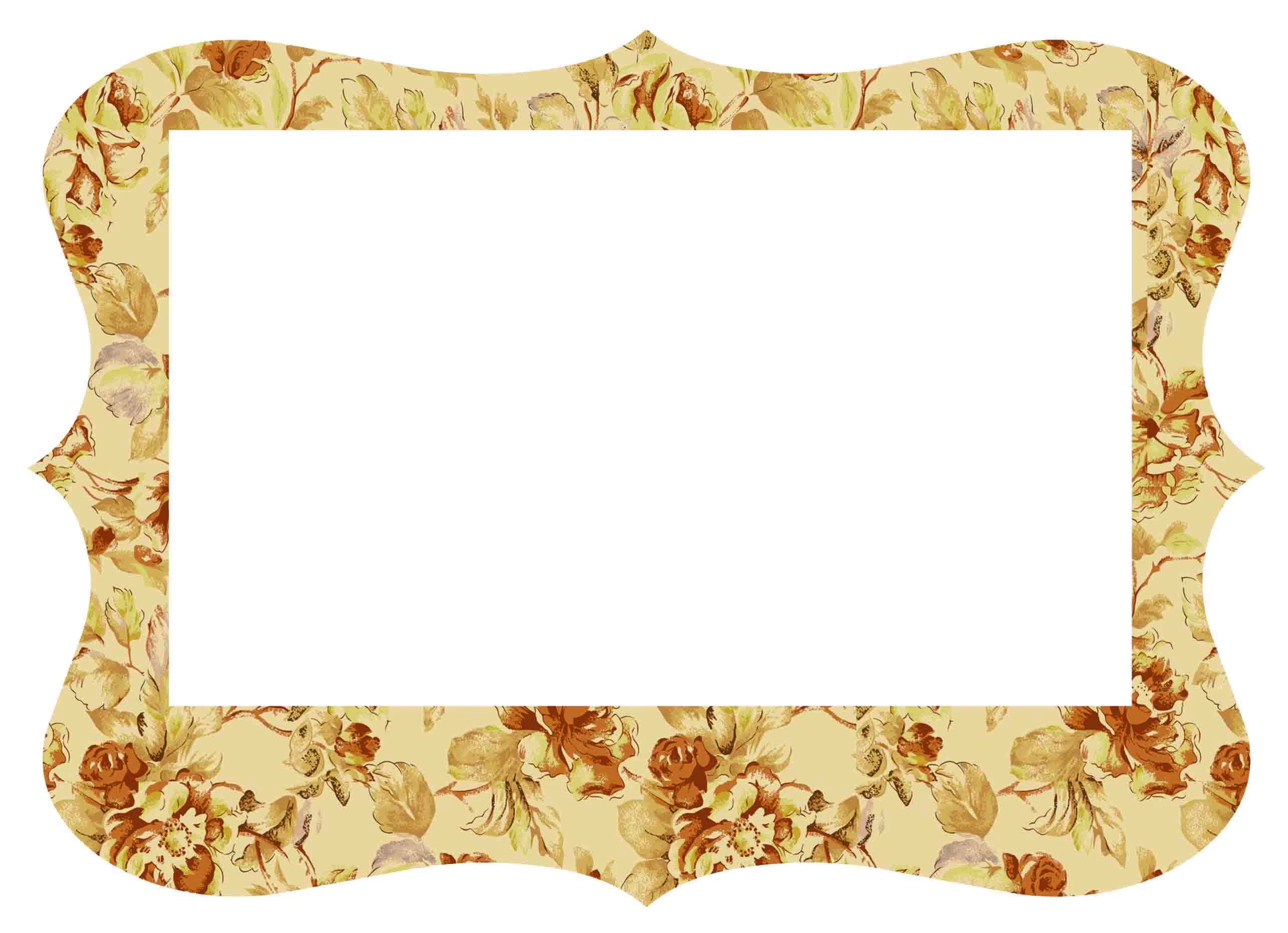

 AdChoices