

How Do I Export Mesh Objects From Illustrator To Photoshop?
Hi All,
I'm currently working on the following artwork in Illustrator.
Original artwork file can be found here: https://www.freepik.com/free-vector/beauty-skin-care-cosmetics-product-cream-spray-tubes-water-splash_5467384.htm
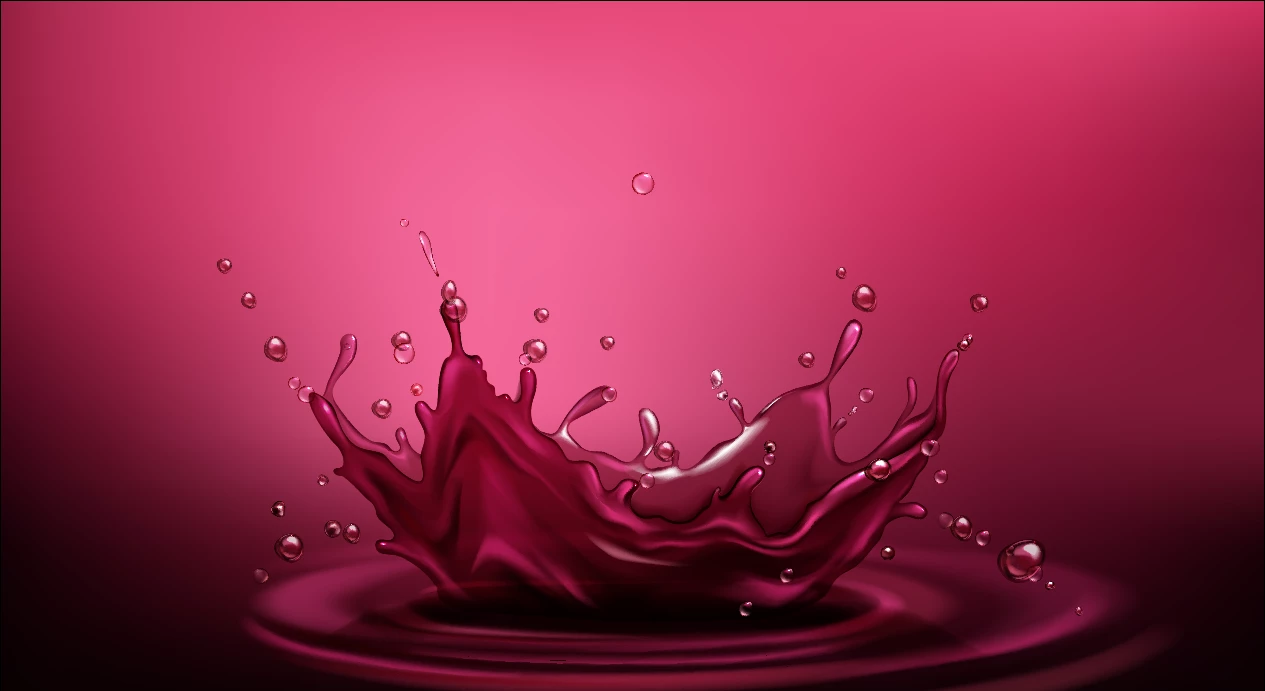
I just want to know if it's possible to export Mesh Objects from AI to PS?
If I try exporting the following ways:
- Copying and pasting as a Smart Object
- Exporting AI as PS file
- Exporting each grouped layer as AI file

I get hard edges, white background, lose transparency and colour.
Can I achieve the same visual result when trying to import into PS?
I'm wanting to have each section separate so I can place an object in between.
I'm also wanting to mask/feather the hard edge, on the bottom of the wave splash, as I'd like the gradient to be brighter like so.
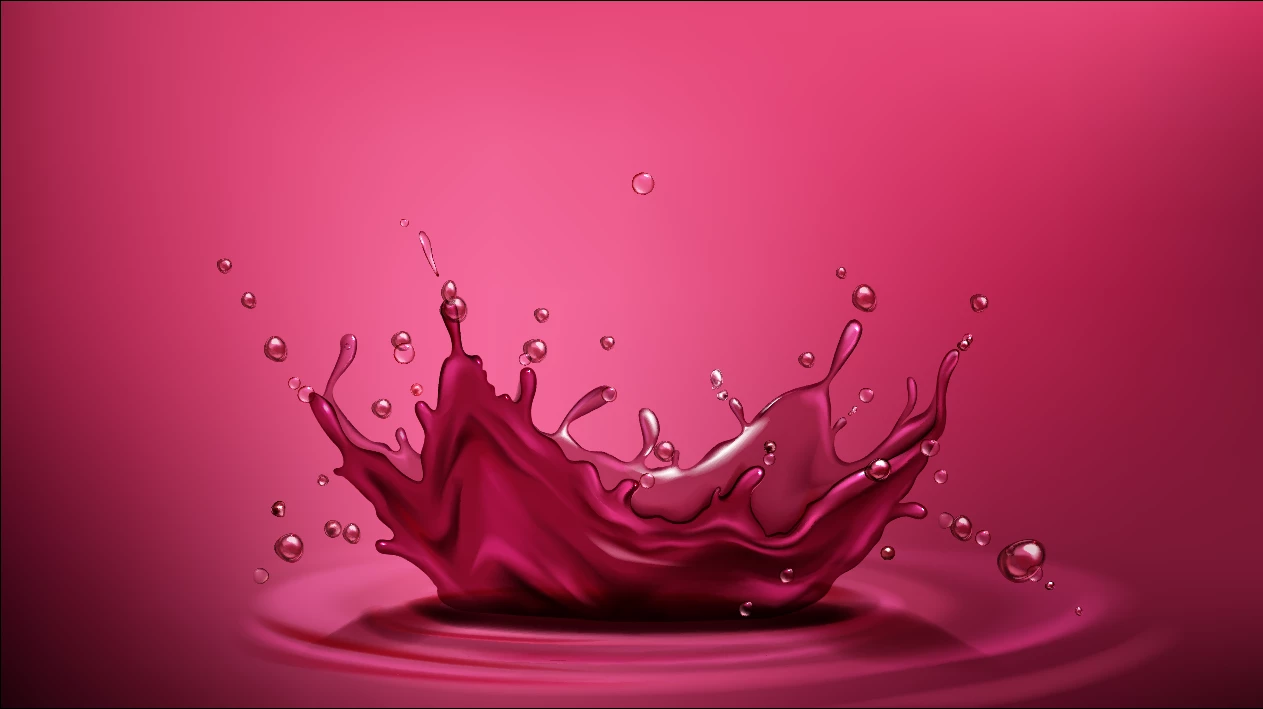
A work around at the moment is placing the object in between inside AI and then exporting into PS as an AI file. But that still doesn't allow me to mask/feather the bottom of the wave as I would like to.
Need a QUICK response as wanting to work on this Thursday 10th October & Friday 11th October GMT.
Thankful for any help I get on this.
- Josh
 AdChoices